Beginner Guide: How to Choose the Right Resin Printer?
Whether you run a dental lab, an auto prototyping shop, or a new design studio, picking the right Resin printer can change how much you can make. The Resin printer is a very accurate additive manufacturing machine that uses Vat Polymerization technologies, like Stereolithography (SLA), Digital Light Processing (DLP), or Masked Stereolithography (mSLA/LCD), to turn liquid photopolymer resin into solid objects one layer at a time. These machines differ from traditional FDM systems by producing significantly finer layer resolution and smoother surfaces with minimal visible layer lines. They can achieve tolerances approaching ±0.01 mm under optimized conditions. While interlayer bonding is chemical rather than thermal, parts may still exhibit some degree of anisotropy, particularly along the Z-axis. This guide shows you the important things you need to think about in order to find the best equipment for your business.
Understanding Resin Printers and Their Advantages
Learn about Resin printers and the benefits they offer. Photopolymer-based 3D printing is a huge improvement over filament extrusion methods. The main difference is how the material changes from a liquid to a solid: controlled UV light at a wavelength of 405nm or 355nm sets off chemical cross-linking in special resins, which makes it possible to build objects with perfect surfaces and precise measurements.
How Resin Printers Work
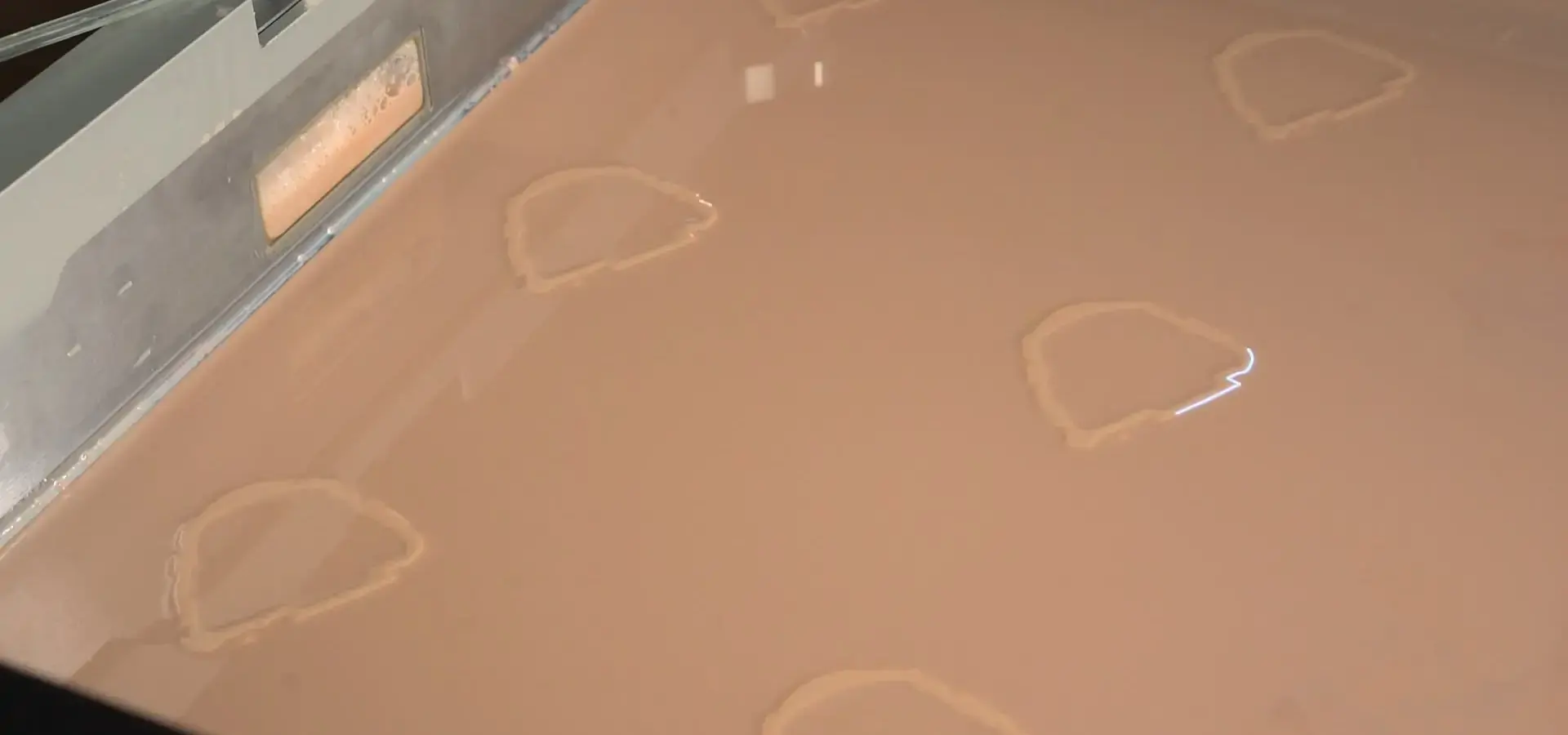
A build platform is lowered into a vat of liquid photopolymer as part of the printing process. Every layer is cured by a different light source, such as a laser (SLA), projector (DLP), or LCD screen with LED backlight (mSLA). When the exposure is over, the platform moves up a little, letting new resin flow under it. The cycle starts all over again. With this method, parts are built from bottom to top, layer by layer, with support structures keeping the overhangs in place while the build is going on.
Key Advantages Over FDM Technology
Photopolymer systems can make surfaces that look like they were injected, with surface roughness that can reach sub-10 micron Ra values under optimized conditions, significantly smoother than typical FDM outputs. This gets rid of the need for post-processing in many situations, which saves time and keeps fine details. Chemical bonds between layers make parts that are generally more uniform than FDM parts, though some Z-axis mechanical limitations may still exist depending on curing conditions. Now, material libraries include tough engineering resins, clear optical formulations, high-temperature versions, and flexible elastomers. Each is best for a certain function. When production is done in batches, speed becomes more important. Different technologies might take about the same amount of time to cure a single part, but photopolymer systems cure whole layers at the same time. In DLP and mSLA systems, multiple parts can often be produced in nearly the same time as a single part, since entire layers are cured simultaneously. This makes these machines very useful for small-batch customization and service bureaus that need to handle many orders at once.
Industry-Specific Value Propositions
Automotive teams cut the time between prototype iterations from weeks to days and test a number of different interior trim options before committing to making a tool. Aerospace engineers test complicated connector shapes that are too expensive to make with traditional tools. Medical device makers make surgical guides for each patient out of biocompatible materials that are approved for short-term contact with tissue. Consumer electronics designers test wearables quickly for ergonomics and make changes based on tests done in real life. The one thing they all have in common is accuracy that lets functional validation happen instead of just visual mockups.
Core Criteria for Choosing the Right Resin Printer
To choose the right equipment, you must first be honest about what you need to do your job. Too often, companies buy things based on specs that sound great but don't match their actual production needs. Let's set up a framework for systematic evaluation of the Resin printer.
Define Your Production Parameters
Start by putting a number on the expected monthly output. A dental lab that makes 200 models of aligners every month has very different needs than a design studio that prototypes three ideas every week. Figure out the largest typical part dimensions. Many buyers don't do this, which makes them angry when important projects go over their build volume. Think about whether you need to be able to use multiple materials in a single build or if you can set up machines to only use certain types of resin.
Evaluate Technical Specifications
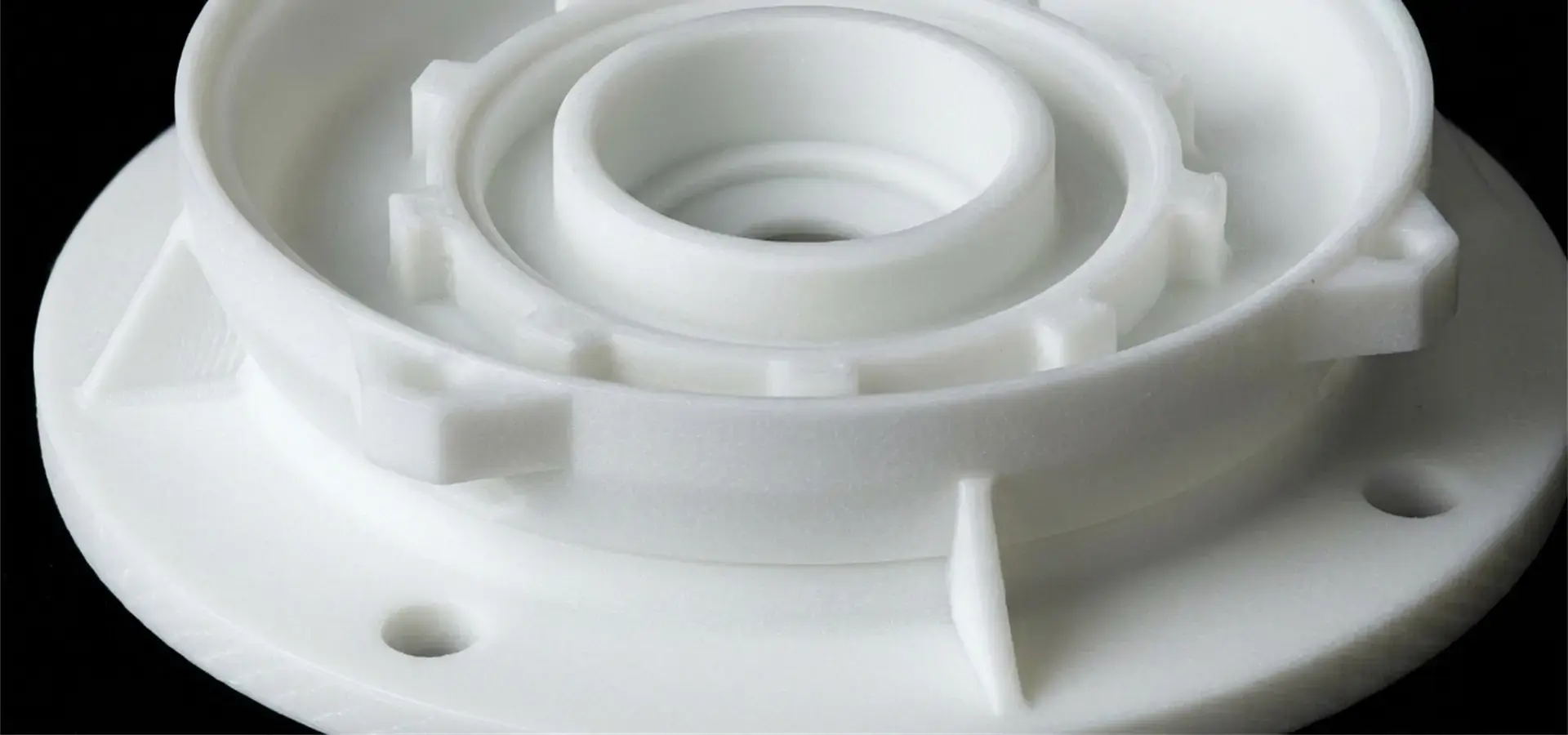
Fine detail reproduction is based on XY resolution, which is measured in microns. Professional uses usually need 35 microns or finer, while miniature work needs sub-25 micron capability. The Z-axis layer height affects how smooth the surface is and how long it takes to build. For most industrial uses, 50 microns layers are the right balance of quality and speed, while 25 micron layers are better for optical parts. Print speed specs can be deceptive; instead of focusing on what the manufacturer says would happen in an ideal world, you should look at how long it actually takes to build parts with normal shapes.
Think carefully about the build volume. Sometimes bigger isn't better if it means less detail or more money. Most prototyping can be done on machines that are about 200x150x200mm, while large-format systems that are bigger than 600mm in any dimension are used to make specialized parts for cars and planes. Keep in mind that the usable volume is different from the maximum specifications because of the needs of the support structure.
Assess Material Compatibility and Workflow Integration
When it comes to cost and flexibility, open material systems are better than proprietary ecosystems. Proprietary ecosystems guarantee compatibility, but they limit the suppliers you can choose from. Find out if the things you want to use them for need special resins, like castable wax for jewelry, biocompatible formulations for medical use, or ABS-like engineering resins for testing how things work. Costs for resin range a lot, from $40 per liter for basic mixtures to $300 or more for high-performance specialty materials.
Integration of software workflow has a bigger effect on daily productivity than users think. Support for native files, easy support generation, remote monitoring, and network connectivity all play a role in how smoothly or frustratingly printing goes. Cloud-based slicing with mobile notifications makes it easier for technicians to manage many machines at once, while simple USB-only interfaces slow things down in busy production areas.
Calculate Total Cost of Ownership
The purchase price is only the beginning of the financial commitment. Take into account the costs of consumables like the resin used for each part, the FEP film that needs to be replaced every 50 to 100 print hours, and the isopropyl alcohol used for finishing. Replacement LCDs (which wear out quickly on mSLA systems), spare resin tanks, and refinishing the build platform are all part of the maintenance costs. You should really think about getting an extended warranty or service contract—one day of unexpected downtime can cost more than the annual coverage.
Needs for safety and space also cost money. For safe resin handling, you must have the right ventilation systems, chemical storage cabinets, and personal protective equipment. In some places, photopolymer work areas must have certain environmental controls.
Comparing Popular Resin Printer Technologies and Models
Knowing the differences between photopolymer technologies makes it easier to match the right Resin printer to the job. Each approach has its own strengths that help with different business goals.
SLA: Laser-Based Precision
In stereolithography, a focused UV laser cuts through each layer, curing the resin one spot at a time. This technology was the first of its kind in resin printing, and it still rules in high-precision settings. Compared to older fixed-beam designs, some advanced SLA systems use variable spot-size or adaptive scanning strategies to improve build speed. Wider spots are used for solid areas, and tighter focus is used for fine details.
Long-term dependability is helped by the fact that scanning a single beam across a surface is easy on the mechanics. Industrial SLA machines usually work for thousands of hours without being serviced. Professional systems can reach one meter in more than one dimension, which makes it easier to scale build volumes than other technologies. The downside is that the equipment is more expensive. An entry-level industrial SLA costs around $3,500, and a professional model costs over $50,000.

DLP: Speed Based on Projectors
A digital projector is used in digital light processing to flash whole layers at the same time. This parallel exposure cuts print time for small batches by a huge amount—ten parts take about the same amount of time as one. DLP works great for dental and jewelry casting jobs where a lot of small parts need to be cast.
Resolution is based on the projector's specs and the size of the build area. The pixel pitch is finer in smaller build volumes, but less detailed in larger ones. Because every pixel gets the same exposure time, the technology is especially good at keeping the dimensions of the whole build plane accurate. However, in modern DLP systems, LED-based projectors have largely replaced traditional bulbs, offering longer lifespans and reduced maintenance, though the optical system still represents a consumable component over time that needs to be changed every 2,000 to 3,000 hours of use.
LCD/mSLA: Cost-Effective Production
Photopolymer printing has become much easier to use thanks to masked stereolithography. An LCD screen hides an array of LEDs that cure each layer instantly across the whole build area. This technology offers the same speed as DLP at a much lower cost—industrial mSLA systems that can do it start at less than $2,000.
In exchange, LCD panels are subject to gradual UV degradation and require periodic replacement, although monochrome LCDs significantly extend service life compared to earlier RGB displays. UV light breaks down the screen over time, and it usually needs to be replaced every 1,000 to 2,000 print hours. Most RGB screens have been replaced by monochrome LCDs, which last 4–5 times longer and cure faster. Businesses that want to make a lot of things need to make sure that LCD replacement costs are included in their operational budgets.
Brand and Model Considerations
Professional procurement means judging manufacturers on more than just what they say on their marketing materials. Well-known brands like Formlabs offer complete support networks, large material libraries, and a history of doing well in regulated industries. This is especially important for medical device makers who need to show FDA paperwork. With biocompatible resin certifications and workflow integration with top CAD/CAM systems, their Form 3+ series is the gold standard for dental applications.
Companies like Phrozen make industrial-grade machines for service bureaus and factories. Their Sonic Mega 8K has great resolution over a large build volume, making it useful for prototyping in aerospace and the automotive industry. When choosing parts and building something well, continuous operation is more important than hobbyist intermittent use.
Customers who care about price can get good machines from Anycubic and Elegoo, which are good for small businesses and startups. Their equipment works well with common engineering resins, but it might not have the range of materials or support resources needed for unique jobs. These brands work well for product design studios and smaller production runs where cost is the most important factor.
Essential Accessories, Consumables, and Maintenance Tips for Optimal Operation
There is more to successfully integrating photopolymer systems into your production workflow than just the Resin printer. Part quality, throughput, and safety are all affected by supporting equipment and following the right steps.
Critical Accessories for Complete Workflow
Post-curing stations finish the polymerization process, which makes the material stronger and more stable in its shape. Parts that were taken out of the printer are still partly hardened and somewhat bendable. UV curing chambers use controlled exposure, which usually lasts 5 to 15 minutes depending on the type of resin and the shape of the part, to fully meet the material's requirements. For industrial operations to run smoothly, they need chambers that can hold multiple builds at once.
Washing stations clean part surfaces of resin that hasn't fully set. Automated systems that use ultrasonic agitation clean complicated shapes better than manual methods. They don't leave behind sticky residue that attracts dust and makes it hard to handle. A rough rinse followed by a clean bath makes the solvent last longer and gets better results. Isopropyl alcohol is still the most common solvent, but other options limit the exposure of volatile organic compounds.
Personal protective equipment must be worn at all times. When skin is exposed to resin over and over again, it can become sensitive. Nitrile gloves protect the skin from this. During tank maintenance, safety glasses keep you from getting splashed. When there isn't enough air flow, respirators with organic vapor cartridges can protect you. When photopolymer resins are handled with the right amount of care, health problems that could put workers out of work for good are avoided.
Resin Selection Strategy
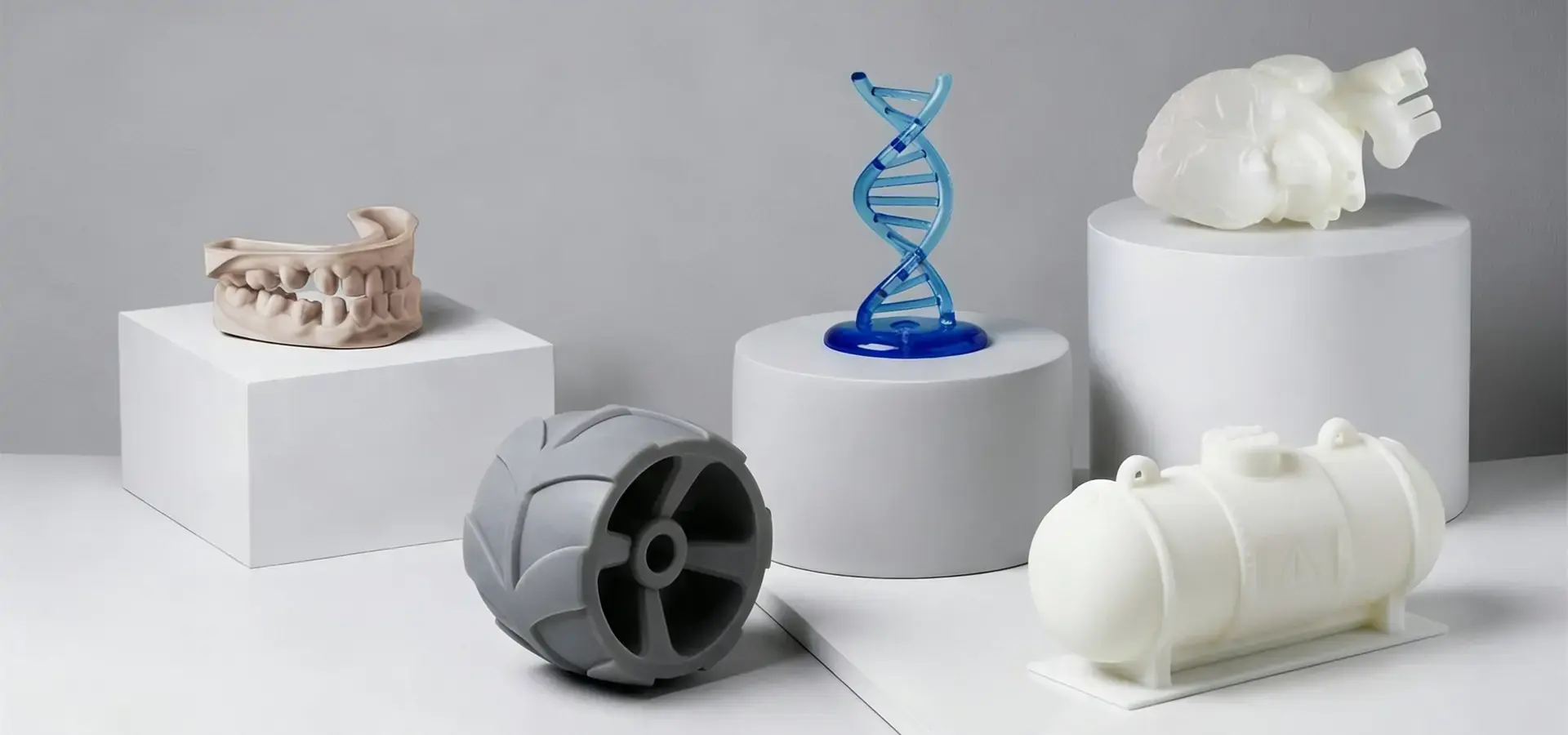
Material choice has a huge impact on how well an application works. Standard resins are the cheapest way to make prototypes and visual models that don't work. They give good surface finish and accuracy in size. Tough engineering resins are good for functional testing and tooling because they can withstand impacts like ABS and can withstand higher temperatures. Gaskets, grips, and wearable prototypes that need to be flexible can be made with flexible resins.
For example, castable resins burn out cleanly for jewelry and dental investment casting, biocompatible resins meet ISO 10993 standards for temporary tissue contact, and high-temperature formulations can handle molding processes or the under-hood of an automobile. For optical prototyping, transparent resins can be used, but careful post-processing is needed to get real clarity.
Getting to know material suppliers besides your printer's maker gives you more cost options and access to new formulations. The markets for third-party resins have grown a lot, and now they offer tested alternatives for many common uses. Thoroughly record your testing to set process parameters for new materials.
Maintenance Protocols and Troubleshooting
Unexpected breakdowns that throw off production schedules can be avoided with regular maintenance. During active use, clean resin tanks once a week and check FEP films for clouding or holes that make them less clear. Instead of waiting for prints to fail, replace films as soon as they start to break down. Between uses, strain the resin to get rid of particles that are only partly hardened and could cause print problems.
Make sure that the build platform is always perfectly parallel to the tank bottom by calibrating it on a regular basis. Adhesion problems and first-layer failures can happen with as little as a 0.1 mm difference. Most professional systems have leveling processes that are automated and take only minutes to finish. Every month, grease the Z-axis lead screws and check the alignment of the linear rails.
Common problems are easy to fix once you know what's causing them. If the adhesion is bad, it's usually because the first exposure time wasn't long enough or the build plate surfaces were dirty. Clean them well with isopropyl alcohol between builds. Failed supports could mean that the density is too low or the orientation is wrong. Look at the failure patterns to change where the supports are placed. When parts are oriented to minimize cross-sectional area and post-cure timing is controlled, uneven cure shrinkage can be fixed.
Environmental factors matter more than many realize. The temperature of the air around resin affects how thick it is and how it cures. When you work below 20°C, the layers don't fully cure and become weak, and when you work at too high of a temperature, the excessive temperatures can accelerate unintended curing or reduce resin stability within the vat. For best results, keep the temperature steady between 22°C and 28°C.
Procurement Strategies: Where and How to Buy Resin Printers for Business?
There's more to making strategic buying decisions than just comparing specification sheets. Total cost of ownership, operational flexibility, and long-term success with photopolymer technology are all affected by the way the materials are sourced for the Resin printer.
Direct Manufacturer Relationships vs. Distribution Channels
For businesses that are already up and running and have clear needs, buying directly from manufacturers can be helpful. Direct relationships give you access to technical resources, help with engineering, and maybe even better terms for service. Manufacturers often change the configurations for people who buy a lot of them, adding extra warranties or resin allocations that are specific to those buyers. This method works well when putting all of your locations on the same platform.
Distributors add value by keeping goods in stock locally, delivering them faster, and buying in bulk. They usually work for more than one brand, so you can compare them side by side and get recommendations from a neutral source. Service networks that work with big distributors can fix things on-site and lend you equipment when yours breaks down. For smaller businesses that need flexible support, the markup over direct pricing is often worth it.
Evaluating Warranty and Service Agreements
Standard warranties cover flaws in the way the product was made, but not wearable parts or damage caused by the user. Careful thought should be given to extended service contracts. Figure out how much you think it will cost to fix things every year based on how often you expect to use them. Businesses that use them a lot will benefit more from full coverage than occasional users. Check the promised response time and find out if the service is available on-site or if the equipment needs to be sent to a repair center.
Some manufacturers have programs that guarantee uptime in critical production environments. If repairs take longer than expected, the manufacturer will replace the equipment. This level of assurance is often needed by medical and aerospace facilities to keep up with production commitments and regulatory requirements.
Bundle Packages and Value Optimization
Buying printers, washing stations, curing chambers, and starter resin supplies as a package is often a better deal than buying each part separately. The vendors make these bundles with specifications that work together, so there are no problems with integrating them. Talk about buying materials and equipment at the same time. For example, committing to buying a lot of resin can lead to big discounts or better equipment.
Businesses that are careful with their capital expenses should think about leasing. With an operational lease, you can keep your credit lines open for other uses and know exactly how much each month it will cost. Technology refresh clauses let you get newer models, which keeps your old ones from becoming useless in a field that changes so quickly. Different places have different tax systems, so it's important to talk to a financial advisor before making big investments.
Sustainability Considerations in Modern Procurement
Environmental duty is becoming more and more important in buying choices. Water-washable resins reduce reliance on isopropyl alcohol, though wastewater still requires proper handling and curing before disposal, which cuts down on hazardous waste and makes the air quality in the workplace better. Companies that want to be carbon neutral like bio-based resin formulations that are made from renewable feedstocks. Modern systems use LED light sources that use less energy, which lowers costs and leaves less of an impact on the environment.
Circular economy ideas are supported by programs that let you return used equipment and containers for materials. Recording environmental certifications and material safety information makes it easier to report compliance with regulations. These things make suppliers stand out more and more when they are bidding against each other, especially for government contracts and big institutional buyers.
Conclusion
To choose the right photopolymer equipment, you have to think about your technical needs, your budget, and how the equipment will be used. The technology has come a long way and now offers easy entry points for small businesses while still providing industrial-grade performance for demanding uses. To be successful, you need to be honest about your production needs, know the trade-offs that come with different technologies, and build relationships with suppliers who will help you after the sale. Matching the right equipment to the job will guarantee success whether you're starting a 3D printing service bureau, adding additive manufacturing to existing production processes, or setting up rapid prototyping for product development. The machines we've talked about range in price from less than $2,000 to over $50,000, showing that they can meet a wide range of needs.
FAQ
What distinguishes resin printers from filament-based systems?
Photopolymer systems use light to harden liquid materials, making parts with a smoother surface and Resin printers with more fine details than thermoplastic extrusion. They are great at making smooth surfaces and complex geometries, but they need more post-processing and need to be handled more carefully. For bigger, less detailed parts, filament printers are easier to use and use less expensive materials.
How often do industrial resin printers require maintenance?
The quality of the prints is kept up by cleaning the build platforms every day and checking the tanks once a week. Every 50 to 100 hours of printing, FEP film needs to be replaced. Every 1,000 to 2,000 hours, LCD screens on mSLA systems need to be replaced. Professional SLA systems don't need to be serviced as often, but they do benefit from preventative maintenance every three months.
Which resin types work best for durable functional prototypes?
Engineering resins that are labeled "tough," "durable," or "ABS-like" can handle higher temperatures and being hit harder than standard formulations. These materials can withstand mechanical strengths (such as tensile strength) exceeding 40–70 MPa, depending on formulation and heat deflection temperatures around 80°C, making them good for functional testing with moderate mechanical loads.
Partner with Magforms for Your Industrial Resin Printing Solutions
Choosing equipment is only the beginning of your journey with additive manufacturing. Magforms has years of experience working with photopolymers and works with manufacturers and service providers all over the world to offer complete solutions that include their own materials and high-quality hardware. Our engineering team has created resin formulations that work best with our equipment. This gets rid of the compatibility problems that come up with approaches that use more than one vendor to support your Resin printer.
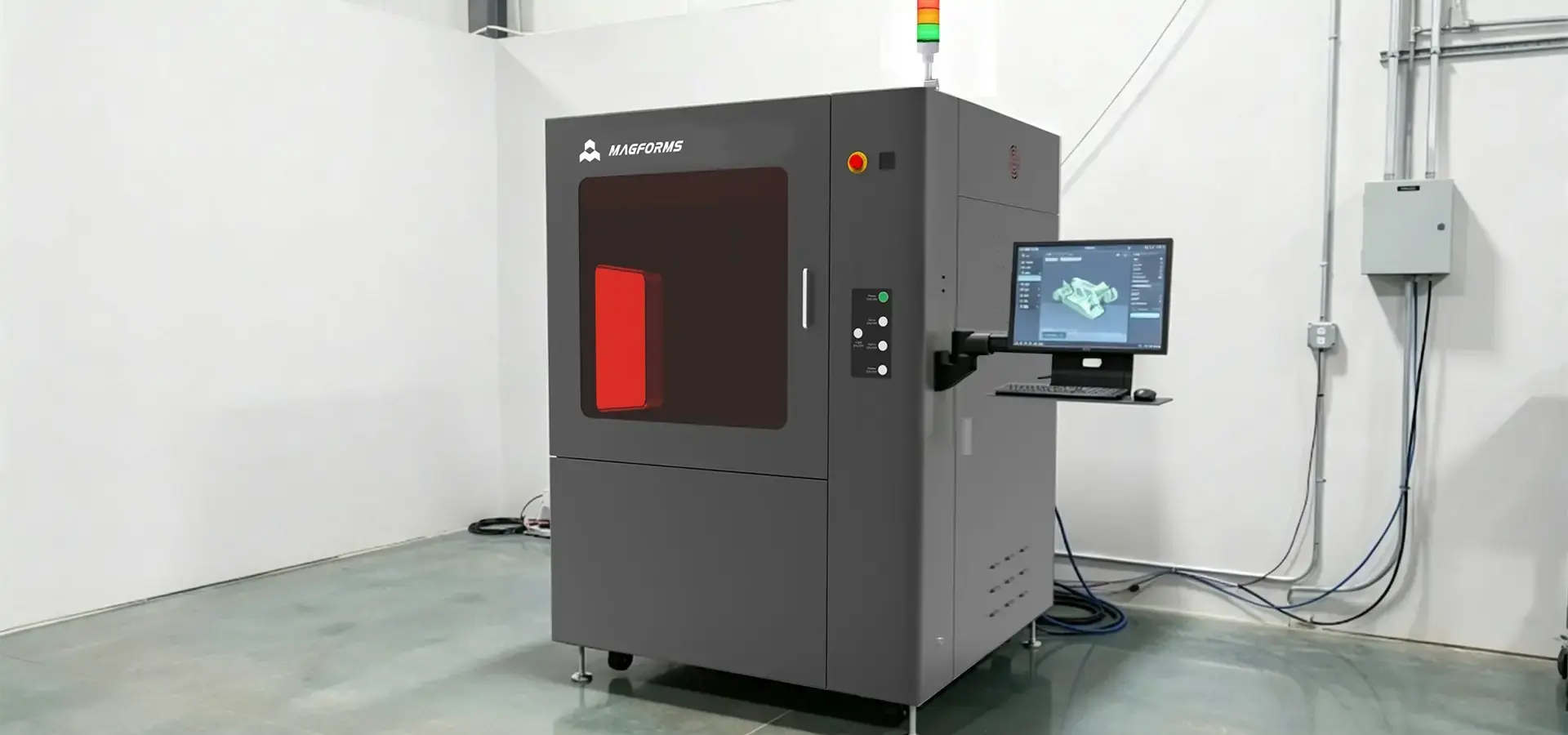
As a reliable resin printer manufacturer, we offer systems with variable spot-size laser technology and AI-optimized scanning paths that can achieve micron-level accuracy. These systems also have higher throughput by over 30% compared to traditional methods. For thousands of hours, our machines are tested in continuous operation, making sure they are reliable for high-stakes production environments. We know what you need because we have 22 patents protecting our innovations and have worked with over 300 companies in the automotive, medical, aerospace, and consumer electronics industries.
Whether you're adding new features or expanding your current business, our technical support team can help you with training, choosing the right materials, and making the best use of your processes. We offer competitively priced packages that include equipment, materials, and accessories. Our packages come with quick service and support for global logistics. Get in touch with our purchasing experts at info@magforms.com to talk about your specific application needs and look into custom solutions that will give you a clear return on your investment in additive manufacturing.
References
1. Gibson, I., Rosen, D., & Stucker, B. (2021). Additive Manufacturing Technologies: 3D Printing, Rapid Prototyping, and Direct Digital Manufacturing. Springer International Publishing.
2. Jacobs, P. F. (2019). Stereolithography and Other RP&M Technologies: From Rapid Prototyping to Rapid Tooling. Society of Manufacturing Engineers.
3. Ligon, S. C., et al. (2017). "Polymers for 3D Printing and Customized Additive Manufacturing." Chemical Reviews, 117(15), 10212-10290.
4. Stansbury, J. W., & Idacavage, M. J. (2016). "3D Printing with Polymers: Challenges among Expanding Options and Opportunities." Dental Materials, 32(1), 54-64.
5. Quan, H., et al. (2020). "Photo-curing 3D Printing Technique and Its Challenges." Bioactive Materials, 5(1), 110-115.
6. Ngo, T. D., et al. (2018). "Additive Manufacturing: Current State, Future Potential, Gaps and Needs, and Recommendations." Journal of Manufacturing Science and Engineering, 140(6), 060801.


Magforms makes design and manufacture easier.
Popular Blogs
-
 Industry InsightsManufacturing Industry
FDM vs. SLA Printer: Which Technology Is Right for Your Project?
-
 Industry InsightsManufacturing Industry
Top 5 Applications of Industrial 3D Printers in Manufacturing Today
-
 Industry InsightsManufacturing Industry
Why Stereolithography 3D Printers Are Unmatched for Microfluidic Device Prototyping?
