How Can Desktop 3D Printers Boost Your Prototyping Speed?
Today's industrial world is very competitive, and speed is what makes a difference. By removing the need to wait weeks for outside sources and allowing same-day development processes, a desktop 3D printer revolutionizes prototyping. With these small additive manufacturing systems, CAD files are used to make real parts right away, cutting wait times from weeks to hours. When working on dental models, car parts, or consumer goods, rapid prototyping technology lets teams test, improve, and confirm designs before investing in expensive equipment. This cuts down on the time it takes to develop a product and get it on the market by a huge amount.
Understanding Desktop 3D Printer Technology and Its Impact on Prototyping Speed
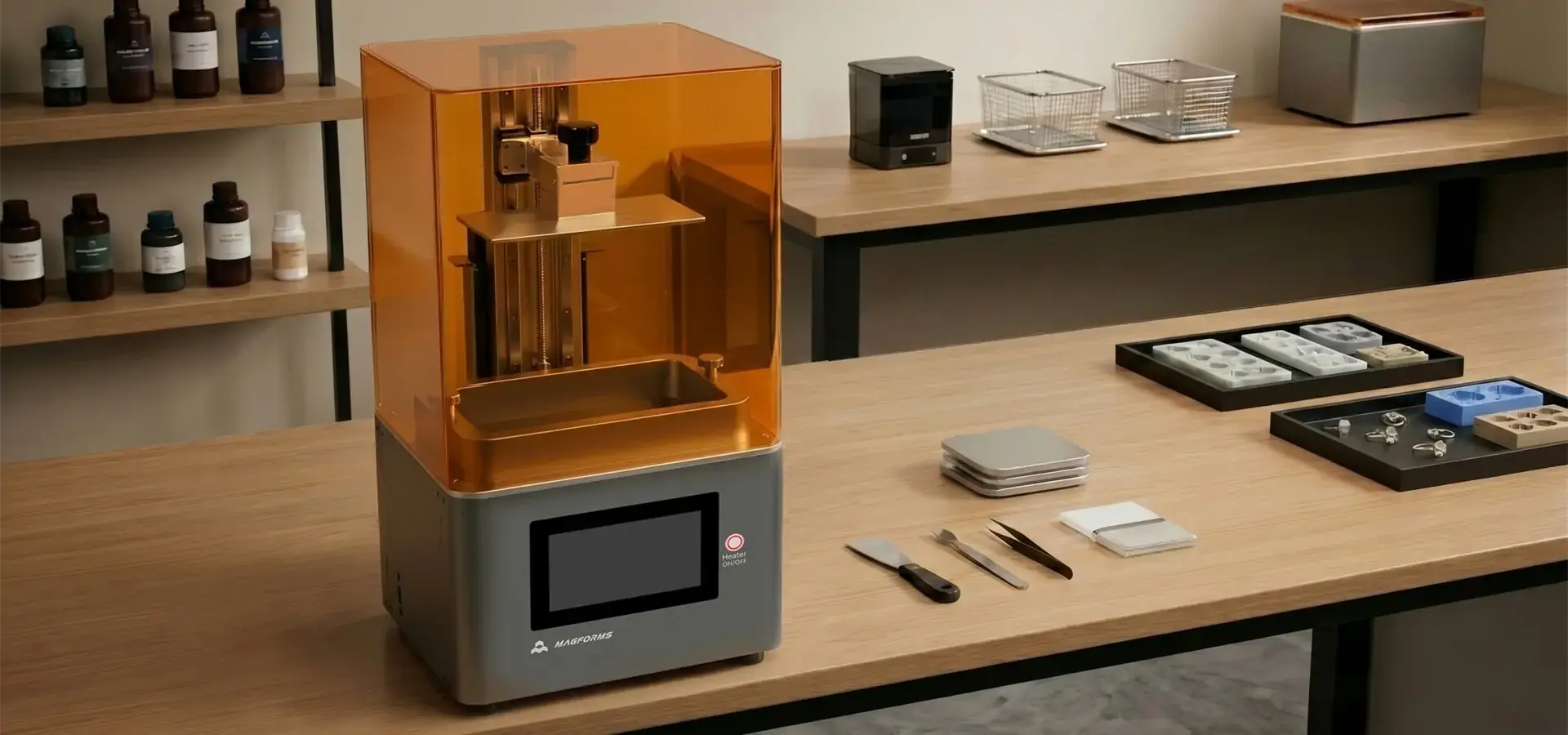
The way companies make prototypes has changed a lot because of additive printing. Modern desktop 3D printers like the P7 Pro use LCD-based stereolithography technology, which cures photopolymer resins layer by layer using a precise UV light source. This allows highly detailed, smooth parts suitable for dental models, jewelry, and other high-precision applications.
How Additive Manufacturing Eliminates Dependency on External Suppliers
In traditional development processes, plans are sent to outside machine shops, quotes are awaited, and production lines are established. Due to this dependence, there are delays that are not necessary. When manufacturing teams use an in-house resin-based LCD system, they can print at night and see the actual models the next morning. This freedom changes iterative design processes so that changes can be made more than once a week instead of over months.
Material Versatility Drives Design Flexibility
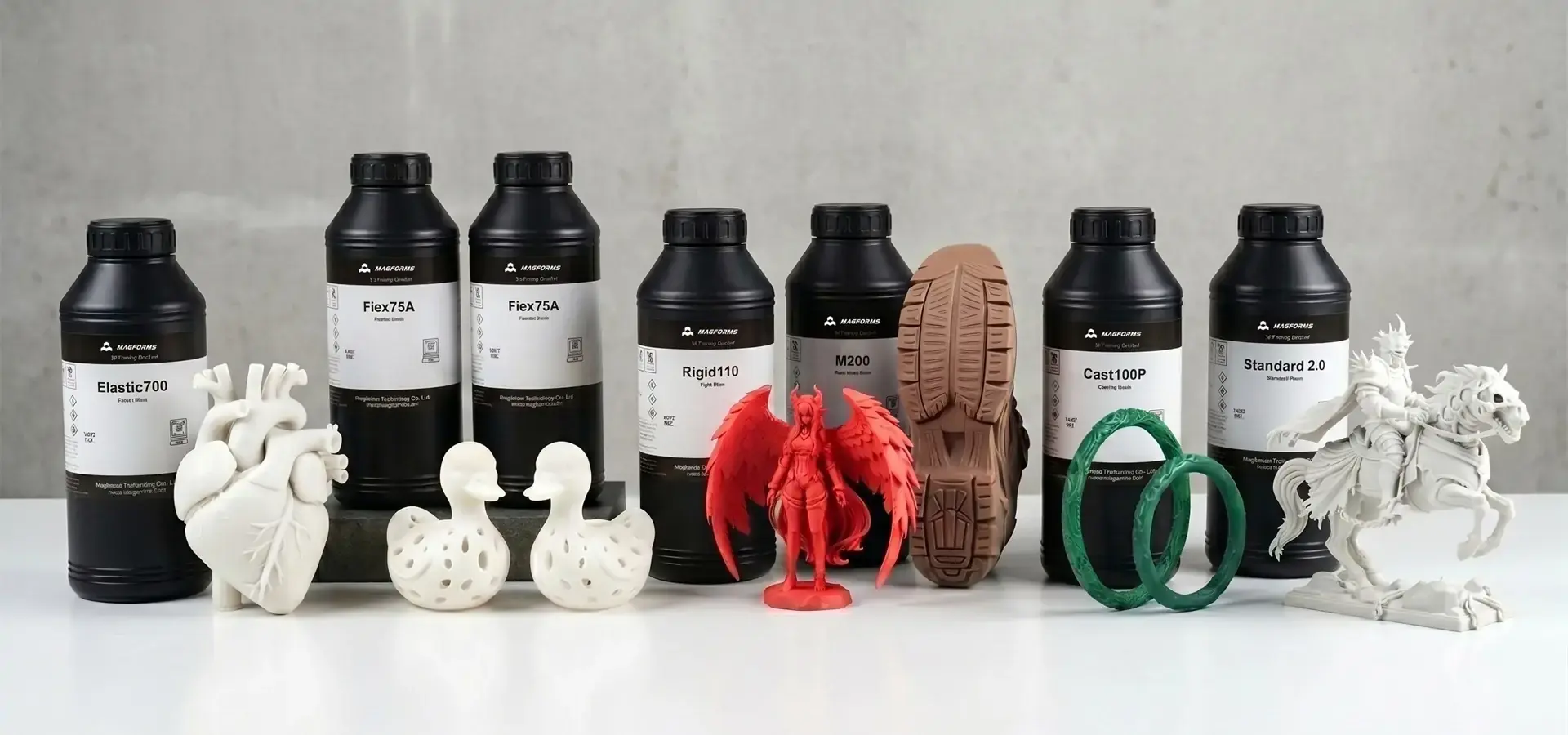
Modern desktop 3D printers can hold a growing library of materials that can be used for a variety of purposes. Basic form-and-fit testing can be done with standard resins, while functional testing can use engineering-grade resins with high heat resistance, flexibility, or biocompatibility. Biocompatible materials are used for medical device development, and transparent resin are used to test optical components. Because of this, a single machine can work on different kinds of projects without the need to buy extra tools. For example, the modern LCD 3D printing technology to get results that are fit for the workplace.
With a custom grayscale tuning program, the P7 Pro achieves an XY resolution of 9 micrometers, providing ultra-fine detail for intricate patterns in jewelry, dental models, and other precision applications. Its light source is constant, so it stays accurate to within 0.02mm, which makes surface features very clear. The 6.8-inch 9K monochrome LCD and P-grade industrial precision linear rails make it possible to recreate fine surfaces like skin pores and jewelry patterns that are very complicated, very accurately. The smart heating system keeps the printing room at 30°C, so the success rate stays the same even if the temperature outside changes. This is an important part of making sure the production is stable.
Speed Advantages That Compress Development Cycles
The speed of prototyping relies on more than just the print speed. The build amount tells you if parts need to be segmented and put together. Setting the layer width strikes a balance between the quality of the surface and the time it takes to make it. Total cycle time is affected by how fast materials cure. Intelligently, more advanced systems improve these factors. The P7 Pro lets users choose between 25 and 150 micrometers of layer thickness, so they can choose whether to focus on speed or sharpness depending on the stage of the project. When the idea is still just an idea, thicker layers speed up the testing process. Finer layers help final validation versions find design flaws before spending money on tools.
Common Challenges in Desktop 3D Printing and How to Overcome Them
Even though desktop additive manufacturing has a lot of benefits, it also has some problems that make it less productive. Understanding these problems and taking steps to stop them from happening guarantees maximum uptime and uniform output quality.
Layer Adhesion and Warping Issues
For resin-based LCD systems, layer separation can occur if environmental conditions fluctuate. The P7 Pro’s smart heating system maintains the build chamber at 30°C to ensure consistent layer adhesion and high success rates. Drafts that cause uneven cooling can't happen inside enclosures. Using the right bed adhesion methods, like rough build surfaces and adhesion boosters, will firmly attach the first layers.
Resin Systems Demand Environmental Control
For the best effects, mSLA technology needs stable temperatures in the environment. Resin thickness goes up in cold places, which stops layers from hardening fully and causes prints to fail. The P7 Pro solves this problem with a built-in heating device that keeps the room at 30°C no matter what the outside temperature is. This feature is very helpful for places that don't have climate control because it keeps materials from going to waste and makes sure that the same results happen every time the temperature changes with the seasons.
Proactive Maintenance Schedules Prevent Downtime
Precision tools need to be checked on a frequent basis. For LCD printers, regular cleaning of the resin vat and build plate ensures consistent curing and surface quality. Scheduled maintenance, including checking for residue or air bubbles, helps maintain high print success rates. Verifying the level of the build plate stops first-layer mistakes that waste hours of production time. For resin systems, LCD screen lifespans need to be tracked. The P7 Pro's 9K monochrome screen lasts longer than regular RGB panels. Firmware changes from makers usually fix bugs and improve speed, making the software more reliable. Putting in place a written repair process turns spontaneous problem-solving into a normal task that can be planned for. This methodical approach is very important for procurement managers who need to show that investments in capital equipment will pay off by showing service measures and fewer operating disruptions.
Selecting the Right Desktop 3D Printer to Maximize Prototyping Efficiency
When making choices about purchases, you have to weigh technical requirements against financial limits and long-term working needs. By choosing the right tools, you can make sure that its skills match the development processes of your business.
Critical Specification Evaluation
The highest part size is set by the build amount, so division is not needed. Automotive interior parts might be bigger than the 153.36 × 77.76 × 160 mm space that small jewelry-focused systems like the P7 Pro can handle, so bigger platforms are needed. The range of applications is limited by the materials that can be used together. Open-material platforms offer more cost-effective options than proprietary container systems. Specifications for resolution should be carefully looked over. The 18 × 18 micrometer pixel size of the P7 Pro enables the production of metal casting models that meet professional standards. For dental uses, both aligner models and surgery guides need to be very precise. For consumer electronics development, a lower resolution may be okay if functional testing is more important than aesthetic review.
Software Ecosystem Integration
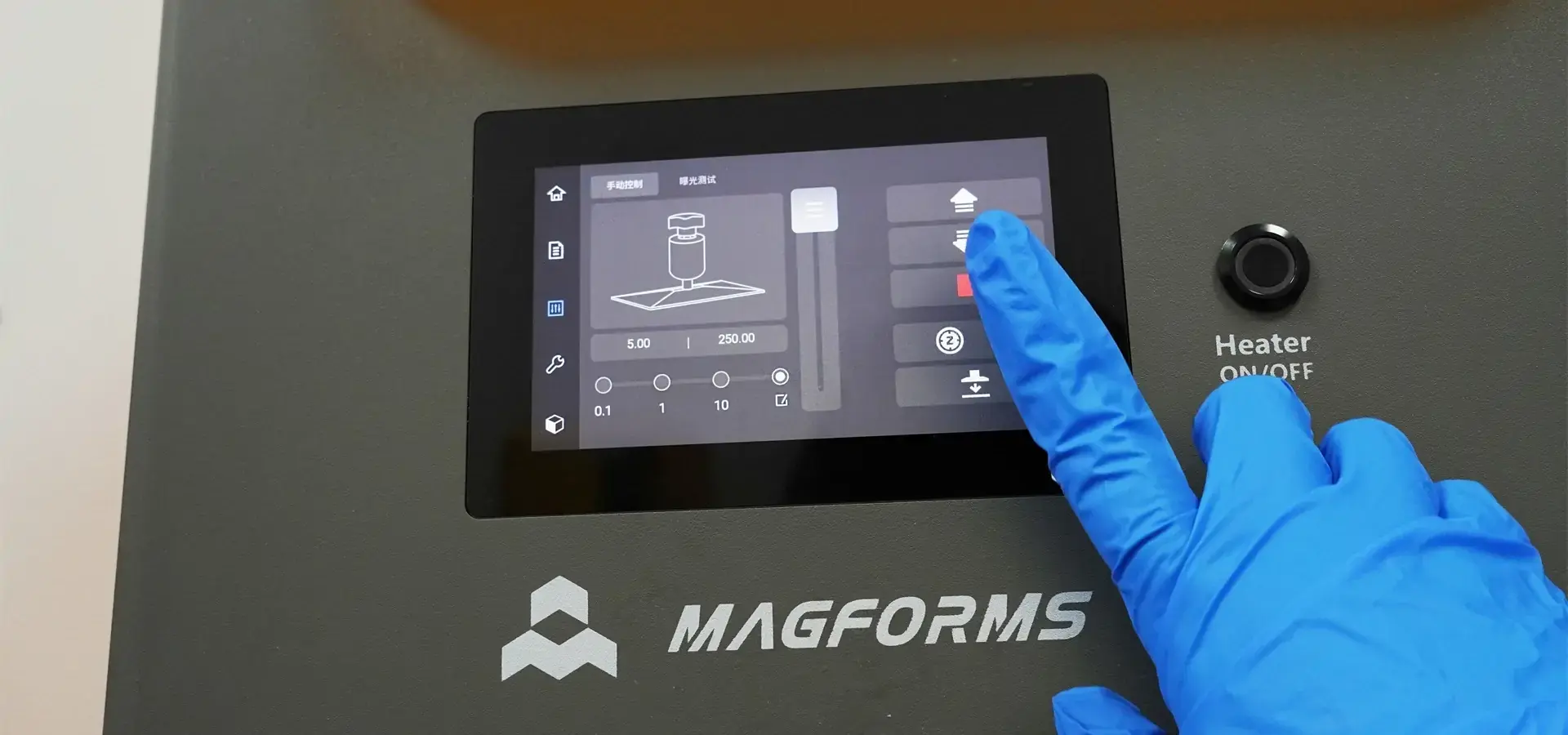
Seamless CAD-to-print methods get rid of mistakes during processing and speed up the process of getting ready. Standard file types like STL, OBJ, and 3MF are natively supported, so it works with all common design tools. Advanced slicing software has automatic support generation, layer width that changes based on the material, and optimization settings that are made just for that material. The 5-inch tablet and personalized interface on the P7 Pro let you change parameters in real time while printing, which is useful for fine-tuning settings for new materials or shapes.
Comparing Desktop Versus Industrial Systems
Desktop platforms give you excellent results for a lot less money than industrial tools. Large-format industrial machines have automatic material handling and multiple laser arrays, but their six-figure prices and space needs are too much for small to medium-sized businesses. Desktop systems can do 80% of what industrial systems can do for 20% of the cost. This means that startups, design companies, and specialized workshops can use high-precision development. The full-metal frame of devices like the P7 Pro gives them the stability that you'd expect from industrial equipment while still keeping their small sizes so they can be installed on a bench.
Procurement Strategies: Buying Desktop 3D Printers for Business Use
Effective buying includes more than just the specs of the tools. It also includes ties with suppliers, service agreements, and figuring out the total cost of ownership.
Evaluating Supplier Credibility and Support Infrastructure
Desktop 3D printer manufacturers with a good reputation set themselves apart by offering full technical help environments. Magforms is a good example of this method because it has been in business for decades and has 22 patents and 30 registered brands. Their goods are used by more than 300 businesses around the world, and they take part in foreign trade shows in Europe and Asia. This long-term presence guarantees the availability of extra parts and ongoing software support, both of which are important for equipment that is used in production. When looking at possible desktop 3D printer suppliers, check to see how long and what kinds of problems their warranties cover. Longer guarantees that cover wear parts like LCD screens or laser units lower the costs of running a business over time. Service-level agreements that set maximum response times keep technology problems from causing long periods of downtime. Suppliers who offer on-site training and application tech advice are more valuable than just delivering tools.
Understanding Pricing Structures and Financing Options
The cost of buying equipment is only one part of the total expense. Costs that keep coming up include buying materials, upkeep supplies, and program licenses. Some companies offer starter kits and longer guarantees together in one package, which raises the original value. For those on a budget, refurbished units from reputable sources are a good place to start, but the guarantee coverage needs to be carefully looked over. Financing plans help spread out the cost of cash over several fiscal years. Many manufacturers of desktop 3D printers collaborate with rental companies that offer open payment options. This method keeps working cash safe while giving people instant access to technology that makes them more productive. Managers in charge of buying things should figure out the total cost of ownership over the whole life of an item, which includes repairs, replacement parts, and possible upgrades.
Leveraging Integrated Material-Equipment Solutions
Magforms stands out because it sells matched material-equipment solutions instead of just tools. Their own-made materials are tested to make sure they work best with the right printer platforms. This gets rid of the compatibility problems that come up with mixed-vendor setups. This combination completely stops measurement errors, surface flaws, and unexpected downtime that happen when materials and tools don't match up well. This leads to predictable, repeatable production results that cut down on waste and raise the rate of success on the first try.
Real-World Applications: What Can You Make and How It Accelerates Product Development
Desktop additive manufacturing has many uses in many different businesses. These uses all gain from shorter development times and better design feedback tools.
Jewelry Manufacturing and Casting Models
Investment casting designs need to be very precise, down to the nano level, for the jewelry business. For intricate patterns, traditional wax cutting takes weeks of work by skilled artists. With its 9-micrometer precision and color adjustment, the P7 Pro can make casting models in just a few hours from digital drawings. Very accurate reproductions of intricate filigree work, stone sets, and rough surfaces. This feature lets jewelers show customers actual models to approve before committing to making them in valuable metal. This cuts down on expensive remakes and increases the number of design options.
Dental and Medical Device Prototyping
For surgery guides, aligner models, and temporary crowns, dental labs use high-resolution Desktop 3D printing. Biocompatible resins, certified for medical use, enable safe patient contact for dental and surgical applications. Systems like the P7 Pro can achieve an accuracy within 0.02 mm, verified using calibrated test prints, ensuring orthodontic devices fit precisely according to dental industry standards. This cuts down on the number of meetings for adjustments and improves patient results. For planning surgeries before they happen, medical device makers make prototypes of surgical tools, implant designs, and anatomy models. One example of personalized medicine made possible by easy access to additive manufacturing is the ability to make patient-specific shapes from CT scan data.
Automotive Component Validation
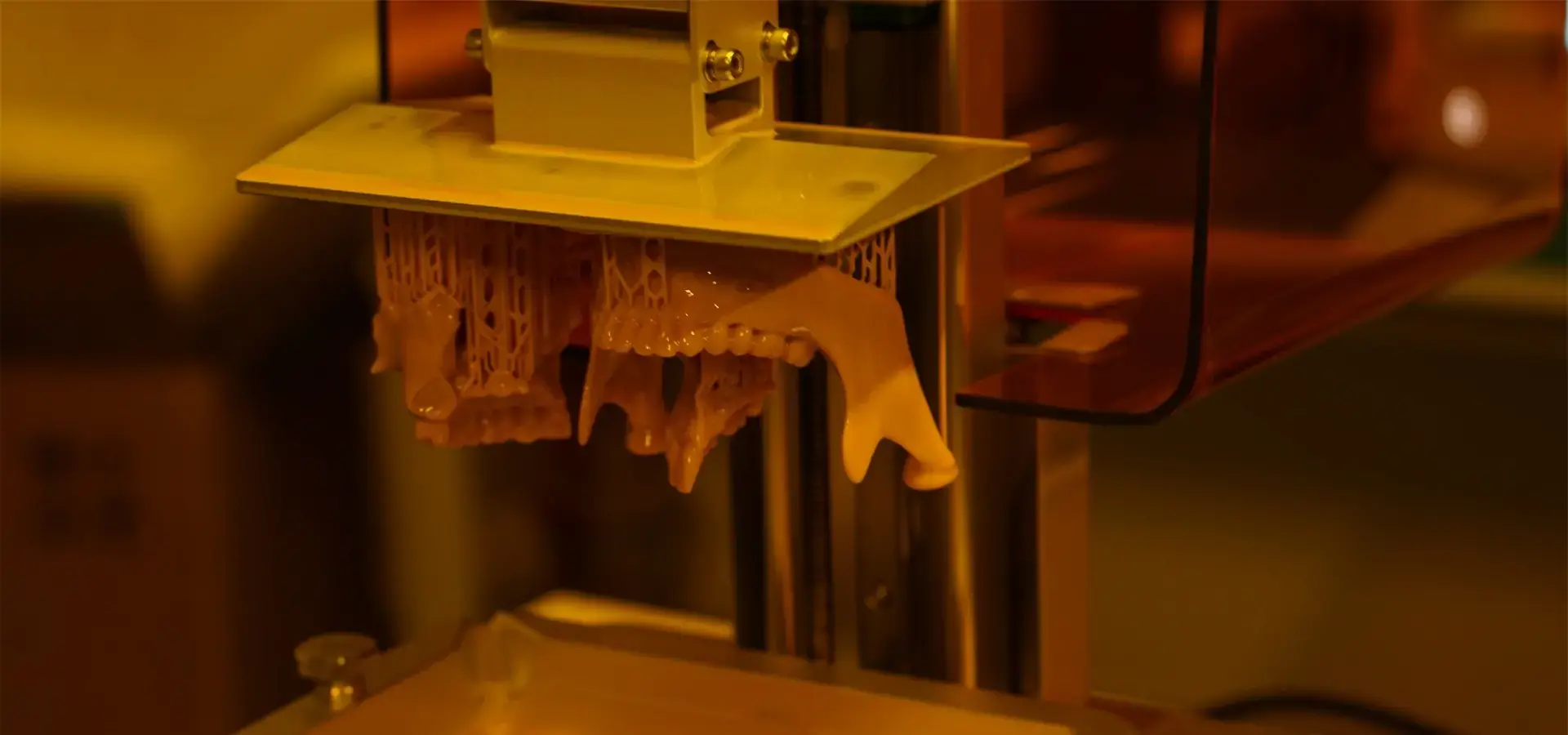
Rapid development with the P7 Pro allows automotive teams to test interior trim, panel parts, and custom components using high-temperature or engineering-grade resins that simulate real-world conditions. This iterative approach allows functional testing to identify interference and comfort issues before producing costly tooling. It becomes economically possible to make small batches of niche auto parts for niche markets that don't have enough volume for standard injection molding.
Consumer Electronics Enclosure Development
To meet short market gaps, the fast-paced consumer products industry needs to make design changes quickly. Desktop 3D printers and desktop systems make snap-fit casings that check how parts are put together and how far apart they are inside. To check the flow of air, thermal management testing puts real electronic parts inside printed housings. With many colors and finish choices, marketing teams can use real samples instead of models to judge how something looks. This real assurance lowers the chance of having to pay a lot for redesigns after the start.
Integrating Additive Manufacturing Into Existing Workflows
Getting the right tools isn't enough for a successful adoption. Technology is most valuable when engineering teams are taught design-for-additive-manufacturing principles. By learning about lattice structures, shape optimization, and support-minimization tactics, you can make parts that use additive manufacturing in ways that aren't possible with standard methods. Setting standards for print preparation and quality acceptance makes sure that everyone on the team gets the same results. Writing down rules for choosing materials for different types of applications speeds up the start of a project.
Conclusion
Desktop 3D printers' additive manufacturing changes development in a big way by making speed, freedom, and accuracy possible that were only possible with expensive outsourcing or industrial tools before. Technologies like Stereolithography can achieve accuracy levels of a few microns, which meet professional production standards. Meanwhile, clever systems can deal with problems in the surroundings that could affect their dependability. To do strategic buying, you need to compare specs to what the application needs, look at the provider's support system, and know the total cost of ownership. By shortening development processes, improving design feedback, and shortening the time it takes to get into new markets, companies that add these skills gain a competitive edge. Whether they're used in the jewelry, medical, car, or electronics industries, portable systems make high-precision manufacturing accessible to everyone. This speeds up creation at a rate that has never been seen before.
FAQ
What resolution should I expect from professional desktop resin printers?
XY precision for advanced desktop stereolithography systems ranges from 9 to 25 micrometers, based on how they are set up. Through grayscale tuning techniques, the Magforms P7 Pro can achieve 9-micrometer precision, comparable to commercial DLP systems in detail fidelity. This level of accuracy makes it possible to recreate fine surfaces and complex shapes that are needed for dentistry and jewelry casting.
How do heating systems improve print success rates?
Changes in the ambient temperature have an effect on the stickiness and hardening behavior of resin, which leads to layer separation and errors in measurements. No matter what the weather is like outside, intelligent heating devices keep the room at a steady temperature of around 30°C. This environmental control is necessary for places that don't have climate regulation because it stops waste and ensures that the same results happen every season.
What maintenance schedule should businesses implement?
Setting up processes for proactive maintenance increases performance and print quality. For resin systems, clean the resin vats and build plates every time you print. Check LCD screens once a month for damage or dead pixels. By updating the software every three months, you can get better performance. Keep track of all the repair tasks you do so you can set up metrics for uptime that will help management understand why they should buy new equipment.
Partner with Magforms for Your Precision Prototyping Needs
When it comes to additive manufacturing, Magforms offers complete systems that include precise tools and the best material systems. Our P7 Pro desktop 3D printer has a 9-micrometer precision that works well for making jewelry and teeth. It also has smart heating that makes sure success rates are always the same. We offer full technical support, proven dependability, and ongoing innovation as a seasoned desktop 3D printer manufacturer serving over 300 businesses worldwide. Our matched material-equipment method gets rid of fit problems and makes printing 30% faster than usual in the business. Email our team at info@magforms.com to talk about your modeling needs and find out how our services can help you speed up the development of your products.
References
1. Gibson, I., Rosen, D., and Stucker, B. (2021). Additive Manufacturing Technologies: 3D Printing, Rapid Prototyping, and Direct Digital Manufacturing, Third Edition. Springer Publishing.
2. Chua, C. K., and Leong, K. F. (2017). 3D Printing and Additive Manufacturing: Principles and Applications, Fifth Edition. World Scientific Publishing.
3. Lipson, H., and Kurman, M. (2013). Fabricated: The New World of 3D Printing. John Wiley & Sons, Indianapolis.
4. Redwood, B., Schöffer, F., and Garret, B. (2018). The 3D Printing Handbook: Technologies, Design and Applications. 3D Hubs B.V., Amsterdam.
5. Stansbury, J. W., and Idacavage, M. J. (2016). 3D Printing with Polymers: Challenges among Expanding Options and Opportunities. Dental Materials Journal, Volume 32, Issue 1.
6. Wohlers, T. (2022). Wohlers Report 2022: 3D Printing and Additive Manufacturing Global State of the Industry. Wohlers Associates, Fort Collins.

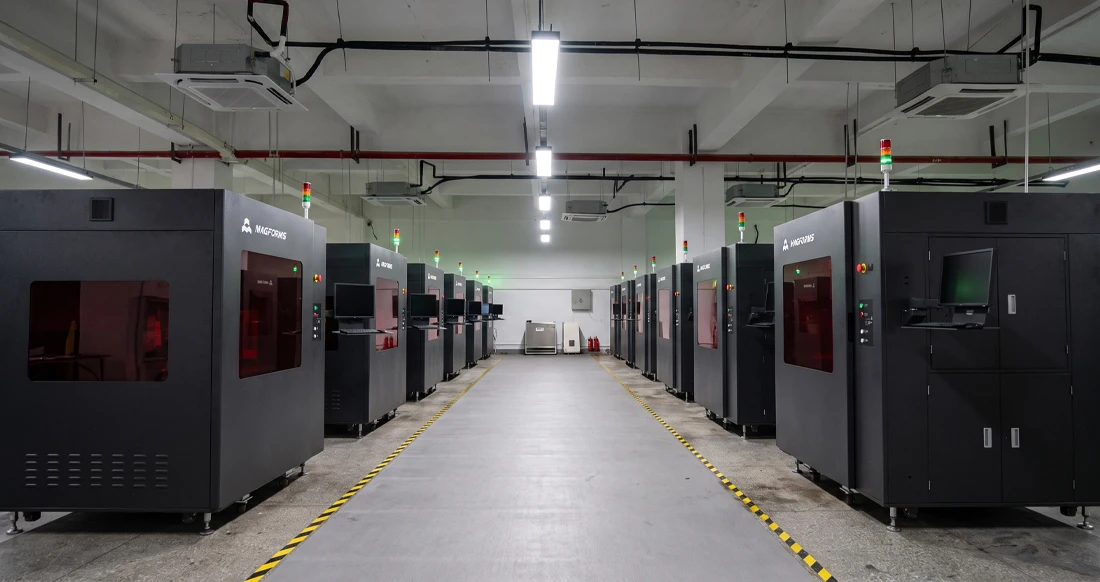
Magforms makes design and manufacture easier.
Popular Blogs
-
 Industry InsightsManufacturing Industry
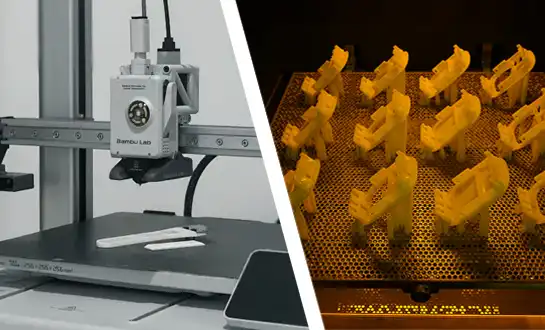
FDM vs. SLA Printer: Which Technology Is Right for Your Project?
-
 Industry InsightsManufacturing Industry
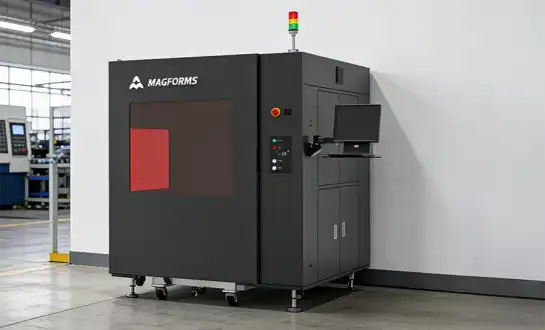
Top 5 Applications of Industrial 3D Printers in Manufacturing Today
-
 Industry InsightsManufacturing Industry
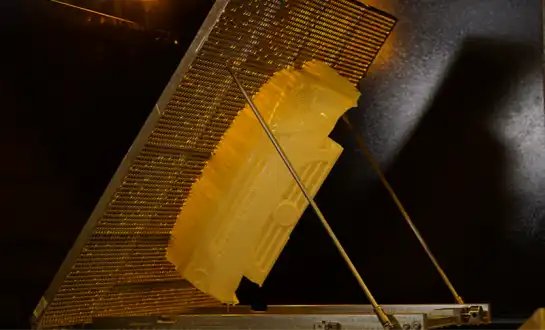
Why Stereolithography 3D Printers Are Unmatched for Microfluidic Device Prototyping?