How Easy Is It to Maintain a Desktop 3D Printer at Home?
When you know the basics and stick to a routine, taking care of a desktop 3D printer at home is surprisingly easy. Whether you have an FDM or SLA resin system, most upkeep tasks are simple and don't require a lot of technical knowledge. These tasks include cleaning, basic calibration, and material handling. With the right instructions and modern tools made for easy maintenance, you can keep your desktop 3D printer going smoothly without having to make frequent repairs or pay for expensive service calls. This makes it a good choice for both small-scale production and experimental settings.
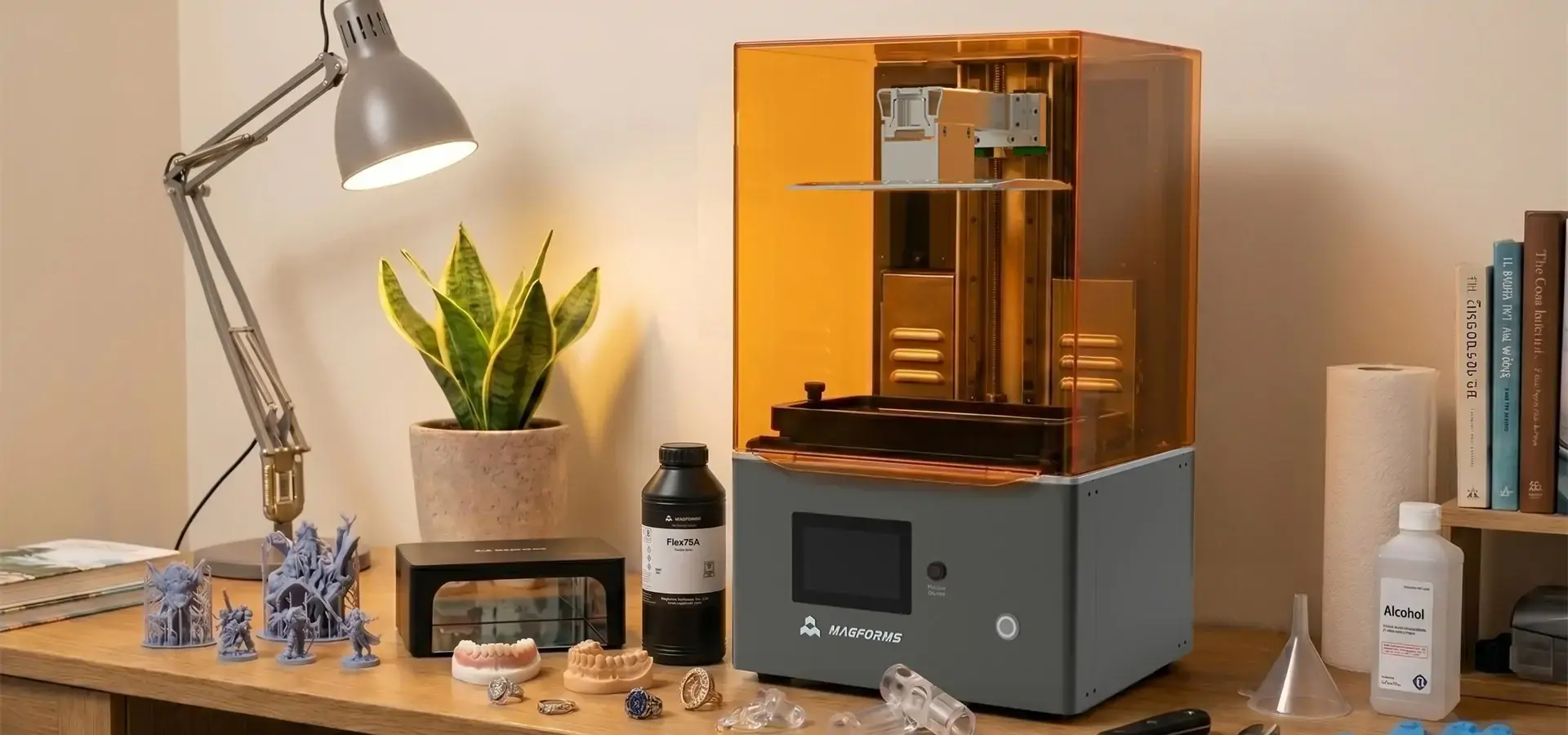
Understanding Desktop 3D Printer Maintenance: An Overview
What Comprehensive Maintenance Really Means
Desktop 3D printer upkeep includes more than just dusting off every so often. It includes meticulously cleaning the build plates and resin vats, checking the mechanical parts on a regular basis, updating the software, and keeping track of the materials. These steps make sure that layers stick together consistently, that output dimensions are correct, and that the system will work reliably for a long time. When compared to industrial sites, home or small office spaces often don't have as many repair tools. This is why it's important to choose equipment that needs little to no care.
Common Desktop Printer Technologies and Their Maintenance Profiles
Different tools need different ways of being maintained. Filament extrusion FDM printers need to have their nozzles cleaned, their beds leveled, and their belt tension adjusted every so often. For SLA resin printers, you have to handle resin, change the vat film, and take care of the LCD screen. Hybrid systems have parts of both. Knowing these differences helps engineers and procurement managers match the tools they choose with the professional resources they have access to and the way things need to be done. Choosing the right technology has a direct effect on how much time and knowledge your team needs to keep the system running.
Challenges Faced Outside Industrial Facilities
People who work from home or in a small office don't always have access to support staff or the right tools. Changes in the environment, such as temperature and humidity, can affect how well prints work and how the material behaves. Users can't get instant technical help, so they have to rely on features that are easy to use and provide lots of information. These problems show how important it is to pick equipment that is built to last and be easy to maintain so that development cycles and small-batch production plans aren't thrown off.
Common Desktop 3D Printer Maintenance Tasks Made Simple
Routine Cleaning and Material Management
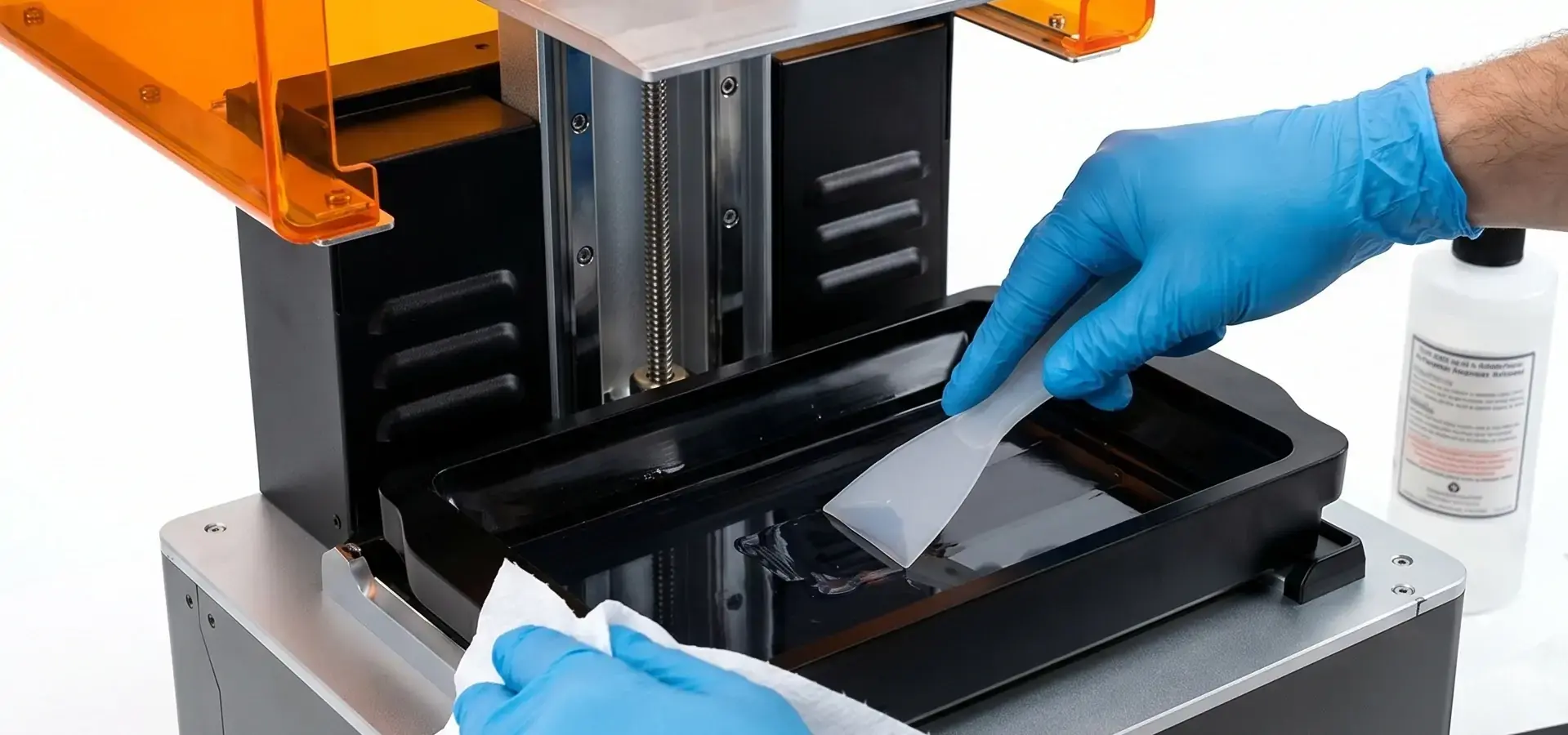
As part of daily upkeep, isopropyl alcohol is used to wipe down build plates, hardened resin is taken out of vats, and material levels are checked. As part of weekly practices, linear rails are checked for dirt, loose bolts are tightened, and fans and vents are made sure they stay clear. These easy steps keep things clean, cut down on print fails, and make parts last longer. Even people who aren't experts can do these jobs quickly and correctly, keeping the system up and making sure that the quality of the output stays the same across multiple production runs.
Calibration and Leveling Procedures
For accurate first stages and precise measurements, the bed must be leveled correctly. Modern resin printers, like the Magforms P10 Pro, make this process easier by using smart heating systems and P-grade industrial, precise linear tracks that keep the printer's position fixed even in changing conditions. The P10 Pro has a 5-inch touchscreen with a customized user interface that lets workers change parameters in real time while printing, so they can fine-tune settings without stopping work. This makes it easier to learn and cuts down on the downtime that comes with recalibration by hand.
Troubleshooting Common Issues
The most common problems are clogged nozzles, prints that aren't lined up right, and programming mistakes. In plastic systems, problems usually happen when the hardening process isn't finished or when layers separate. The P10 Pro's smart heating system automatically maintains the printing chamber at 38℃, ensuring stable layer adhesion regardless of external temperature fluctuations. This keeps layers from separating and makes prints more stable. When problems don't go away after standard fixes, like broken LCD screens or failing parts, taking them to approved service channels protects the guarantee and makes sure the repair is done correctly, so you don't make any mistakes that cost a lot of money.
Best Practices to Extend the Life of Your Desktop 3D Printer
Environment Optimization for Consistent Performance
Stable environmental conditions have a big effect on how well prints work and how long equipment lasts. Keeping the temperature and humidity under control keeps FDM prints from twisting and ensures that the resin cures consistently. The P10 Pro's built-in smart heating system doesn't depend on outside weather, making it ideal for workshops and small offices with limited climate control. This feature means that the machine will work reliably all year, which will cut down on trash and unnecessary breaks.
Firmware and Software Updates
Keeping up with changes from the maker improves usefulness, fixes bugs, and makes it easier to use with new materials. By keeping up with regular software repair, you can be sure that your system can use the newest scanning path improvements and setting changes. The P10 Pro's highly customized interface lets you change many parameters at once. This makes it easy to install new software, so users can enjoy constant speed gains without complicated setup.
Essential Tools and High-Quality Consumables
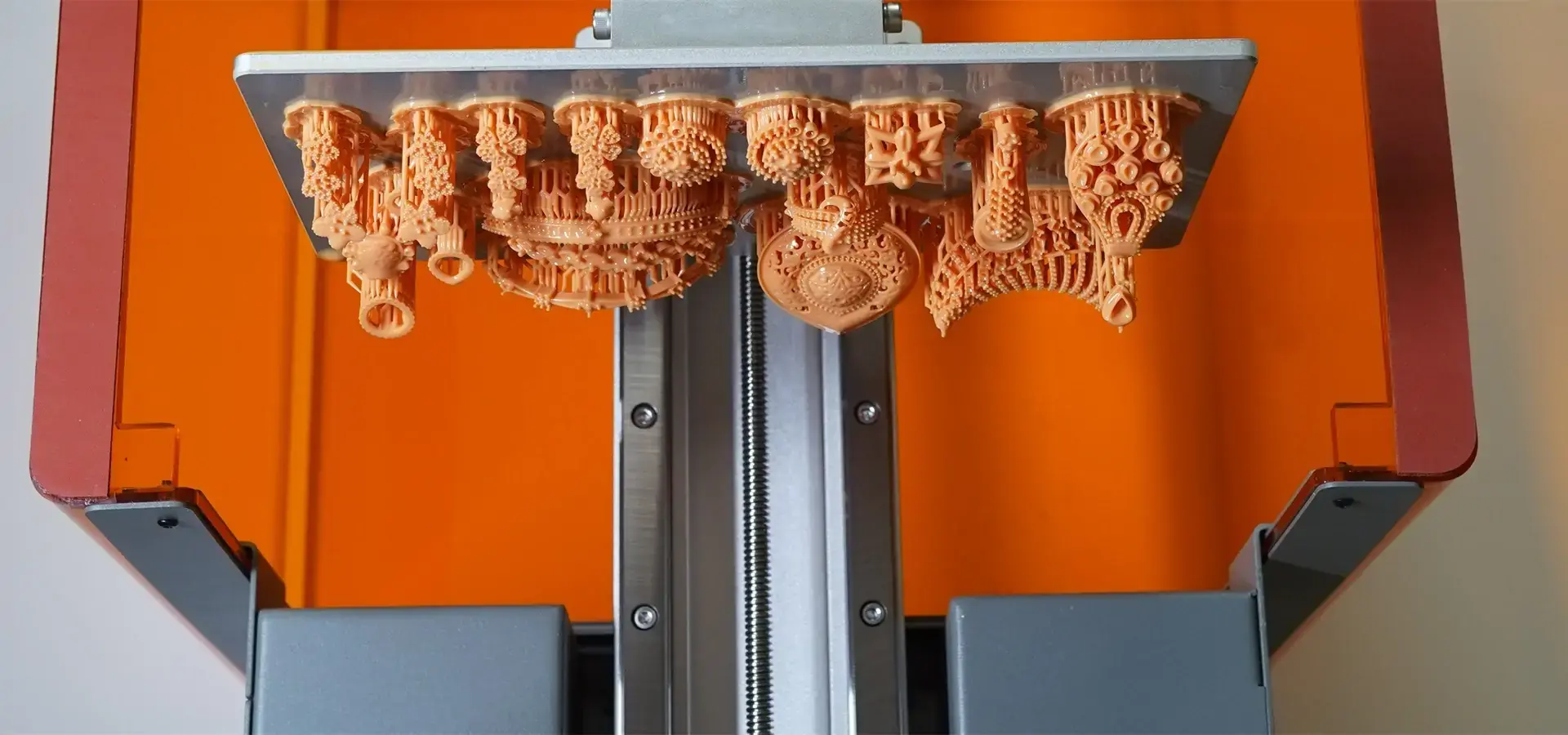
Buying good spatulas, cleaning products, a desktop 3D printer, and new parts will cut down on wear and tear and the number of times you need to do upkeep. Using products that the maker recommends guarantees fit and the best results. The P10 Pro's 10.3-inch 8K monochrome LCD screen, with 29.7μm pixel size and 7680×4320 resolution, delivers ultra-fine XY precision, enabling professional-level detail for jewelry and dental models. This gives it fine performance similar to DLP printing and meets production standards for jewelry casting models. When you pair such high-tech tools with products that work with them, you get the best return on your investment and can handle your assets more cost-effectively.
When it comes to small-scale activities, these are the main benefits of precision resin printing systems:
- Ultra-Fine Imaging Precision: The P10 Pro has a 10.3-inch 8K monochrome LCD screen with 29.7 × 29.7 μm pixels and 7680 × 4320 resolution, delivering exceptionally detailed prints suitable for jewelry prototypes and dental applications. This feature makes very accurate copies of fine surface details like skin pores and textures, which is very important for jewelry prototypes and medical models that need to fit very closely.
- Stable Mechanical Foundation: The P10 Pro’s full-metal frame and dual P-grade linear rails create a highly stable platform, maintaining precision within 0.02mm for layer heights from 25 to 150μm, ensuring consistent high-detail prints, which is very important for making sure that batch production keeps the same dimensions.
- UV-Resistant Monitoring: The flip-up glass cover stops UV light and lets you see everything clearly while prints are being made. This safety feature stops resin from setting by mistake when it's exposed to natural light. This keeps both the workers and the structure of the material safe during long print sessions.
These benefits directly address common problems with desktop additive manufacturing, such as uneven accuracy, sensitivity to environmental factors, and safety risks for the user. With these features built in, the P10 Pro lets small shops, schools, and jewelry makers achieve professional-level results without high maintenance costs or complicated upkeep.
Comparing Maintenance: Desktop 3D Printers vs. Industrial 3D Printers
Scale and Complexity Differences
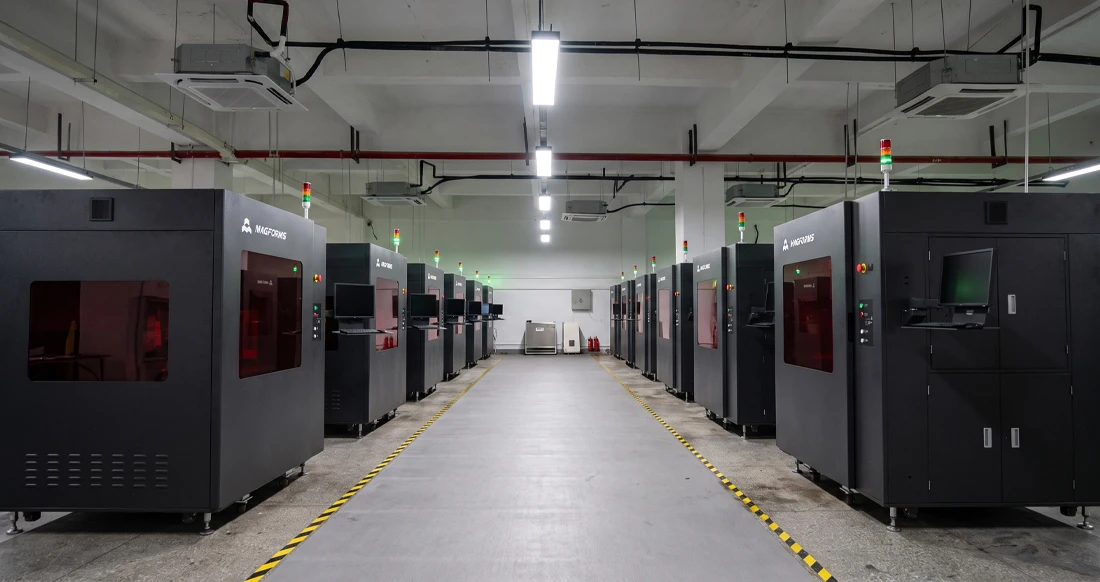
Industrial systems need a lot of technical know-how, a committed support staff, and a lot of money to run regularly. Desktop units are great for testing and small-batch production because they are flexible and don't cost as much. Some industrial printers need to be calibrated every day, which can involve a lot of different parts. However, compact resin printers like the P10 Pro can maintain high printing success rates with minimal assistance, thanks to automated temperature control and precision-engineered mechanical components.
Cost Implications and Production Continuity
For industrial machine upkeep, you need to buy expensive new parts, use special oils, and plan for planned breaks for full checks. These problems are lessened by desktop 3D printer systems' flexible designs and easy-to-reach parts. The P10 Pro's build volume, 228 × 128 × 250 mm, accommodates a variety of complex parts while keeping material usage efficient and consumable costs low. This balance lets people who work in buying make the best use of their budgets without lowering the quality or dependability of the work.
Case Study: Choosing Desktop Solutions for Agility
A jewelry shop in the area switched from hiring outside companies to make molds to using PC SLA technology to build the molds themselves. The small system only needed to be cleaned once a week and examined every month. It was handled by the design staff that was already there, so no new expert staff had to be hired. Thanks to built-in heating systems, print success rates stayed above 95% even in the winter. This change cut wait times from two weeks to the same day for testing, showing how easier upkeep and operating flexibility help production strategies that are quick and cost-effective.
Ensuring Safe and Efficient Maintenance: Guidelines and Best Practices
Safety Protocols for Resin Handling
Handling resin materials carefully is needed because they can irritate the skin and give off fumes. Operators should work in places with good air flow and wear rubber gloves and safety glasses. The UV-resistant glass cover of the P10 Pro prevents excessive exposure during printing, and the touchscreen interface allows safe parameter adjustments without direct contact with liquid resin. Setting clear safety rules saves workers and makes sure that health and safety rules are followed at work. This is especially important in school and small industry settings.
Protective Equipment and Workspace Setup
In places set aside for upkeep, there should be spill control mats, proper trash cans for used materials, a desktop 3D printer, and easy access to cleaning tools. Keeping things like rubbing alcohol, paper towels, and spatulas in order makes everyday chores go more quickly. Setting up your area correctly lowers the risk of contamination and speeds up maintenance cycles. This lets workers clean and check things more quickly without stopping production.
Warranty Terms and Authorized Service Channels
Knowing what the guarantee covers saves the value of an investment. Without permission, fixes or the use of materials that don't work together can cancel guarantees, leaving you with expensive out-of-pocket costs. Using approved repair routes makes sure that the right diagnosis is done and that only new parts are used. Magforms offers full technical support backed by decades of experience in the field and a strong global service network. This gives B2B clients peace of mind and reduces downtime when problems arise that can't be fixed by normal maintenance.
Conclusion
With the right tools and regular maintenance, you can easily take care of a desktop 3D printer at home or in a small business. Modern systems like the Magforms P10 Pro are smartly designed with features like automatic heating, precise mechanical parts, and easy-to-use controls that make maintenance easier and increase operating reliability. By learning about the care needs of each type of technology, following best practices for keeping the surroundings safe, and putting safety first, users can make their tools last longer while still getting professional-grade results. By choosing equipment that requires little to no maintenance and comes with a lot of technical support, procurement professionals and engineers can safely add desktop additive manufacturing to their production processes, which increases both speed and cost-effectiveness.
FAQ
How often should I perform maintenance on my desktop 3D printer?
Cleaning the build plates and checking the material amounts are daily jobs that take about 10 minutes. Every week, maintenance takes about 30 minutes and includes checking the settings and looking over the motor parts. Deeper cleaning, software changes, and checks for component wear are all part of the monthly tasks, which usually take less than two hours to complete.
What preventive actions stop nozzle clogs and print failures?
Moisture can't get into things if you store them properly in sealed cases. Optical sharpness is maintained by cleaning the resin vats regularly and replacing worn films when they get too old. Using the settings and materials that the maker suggests will work together prevents problems caused by parameter mismatches or low-quality parts.
What cost benefits come from regular upkeep?
Regular upkeep cuts down on the amount of material wasted on failed prints, increases the life of parts, and lowers the cost of emergency repairs. When systems are properly kept, they get more use, which increases the return on investment. The P10 Pro's stable accuracy and high success rates cut down on waste and downtime, which saves even more money.
Ready to Simplify Your Desktop 3D Printer Maintenance?
Magforms makes desktop 3D printers that are precisely built to be reliable and easy to maintain in locations like the home, workshop, and small office. Our P10 Pro mSLA printer, with a 10.3-inch 8K monochrome LCD, 29.7μm pixel resolution, smart heating system, and UV-resistant safety features that work together to give you professional-grade results without a lot of maintenance. As a desktop 3D printer maker with a lot of experience, we offer complete material and equipment options that are backed by 22 patents and full expert support. Our specialized B2B team helps procurement managers and engineers fit additive manufacturing into their production setting by giving them personalized advice, choices for buying in bulk, and flexible funding. Email us at info@magforms.com to learn more about our desktop 3D printer for sale, to set up a product demo, or to join one of our maintenance classes that are meant to give your teams the tools they need to operate your machines with confidence and get long-term value.
References
1. Gibson, I., Rosen, D., & Stucker, B. (2021). Additive Manufacturing Technologies: 3D Printing, Rapid Prototyping, and Direct Digital Manufacturing. Springer International Publishing.
2. Redwood, B., Schöffer, F., & Garret, B. (2020). The 3D Printing Handbook: Technologies, Design and Applications. 3D Hubs B.V.
3. Wohlers, T., & Gornet, T. (2022). Wohlers Report 2022: 3D Printing and Additive Manufacturing Global State of the Industry. Wohlers Associates, Inc.
4. Lipson, H., & Kurman, M. (2019). Fabricated: The New World of 3D Printing. John Wiley & Sons.
5. Campbell, T., Williams, C., Ivanova, O., & Garrett, B. (2018). Could 3D Printing Change the World? Technologies, Potential, and Implications of Additive Manufacturing. Atlantic Council Strategic Foresight Initiative.
6. Formlabs, Inc. (2023). Desktop Stereolithography: Maintenance Best Practices and Operational Guidelines for Professional Applications. Technical White Paper Series.

Magforms makes design and manufacture easier.
Popular Blogs
-
 Industry InsightsManufacturing Industry
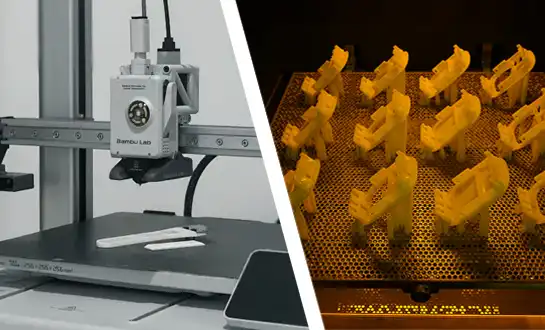
FDM vs. SLA Printer: Which Technology Is Right for Your Project?
-
 Industry InsightsManufacturing Industry
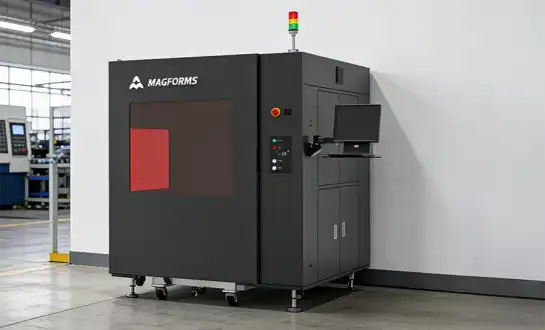
Top 5 Applications of Industrial 3D Printers in Manufacturing Today
-
 Industry InsightsManufacturing Industry
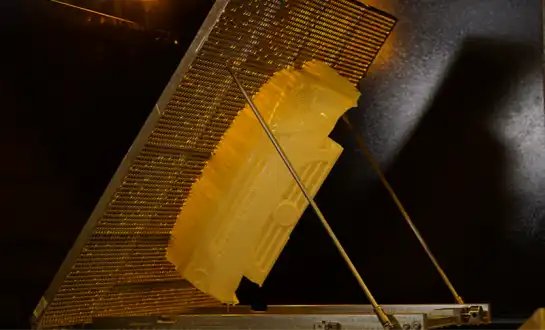
Why Stereolithography 3D Printers Are Unmatched for Microfluidic Device Prototyping?