Which Desktop 3D Printer Offers the Best Value for Money?
When evaluating equipment investments, businesses often ask which desktop 3D printer delivers the best value for money; the answer rests on how well accuracy, dependability, and total ownership costs are balanced. High-value systems provide consistent dimensional accuracy, can work with a wide range of materials, and have minimal downtime thanks to their strong construction and quick expert support. Resin-based systems, like the Magforms P7 Pro, offer 9 μm XY resolution and sub-0.02 mm accuracy at reasonable prices, making them ideal for industries that need micron-level detail, like jewelry casting, dental modeling, or precision manufacturing. When an initial investment leads to less waste, faster production processes, and reliable performance in tough environments, that's when the real value of the investment becomes clear.
Understanding Desktop 3D Printers and Their Value
Additive manufacturing has grown from a field of experiments to an important part of running a business. Small plastic and filament systems can now produce industrial-grade results in an office setting, which has changed how teams do development and small-batch production. When buying, teams know about the core technologies, and they can find desktop 3D printers that fit with business goals.
How Additive Manufacturing Works in Compact Systems
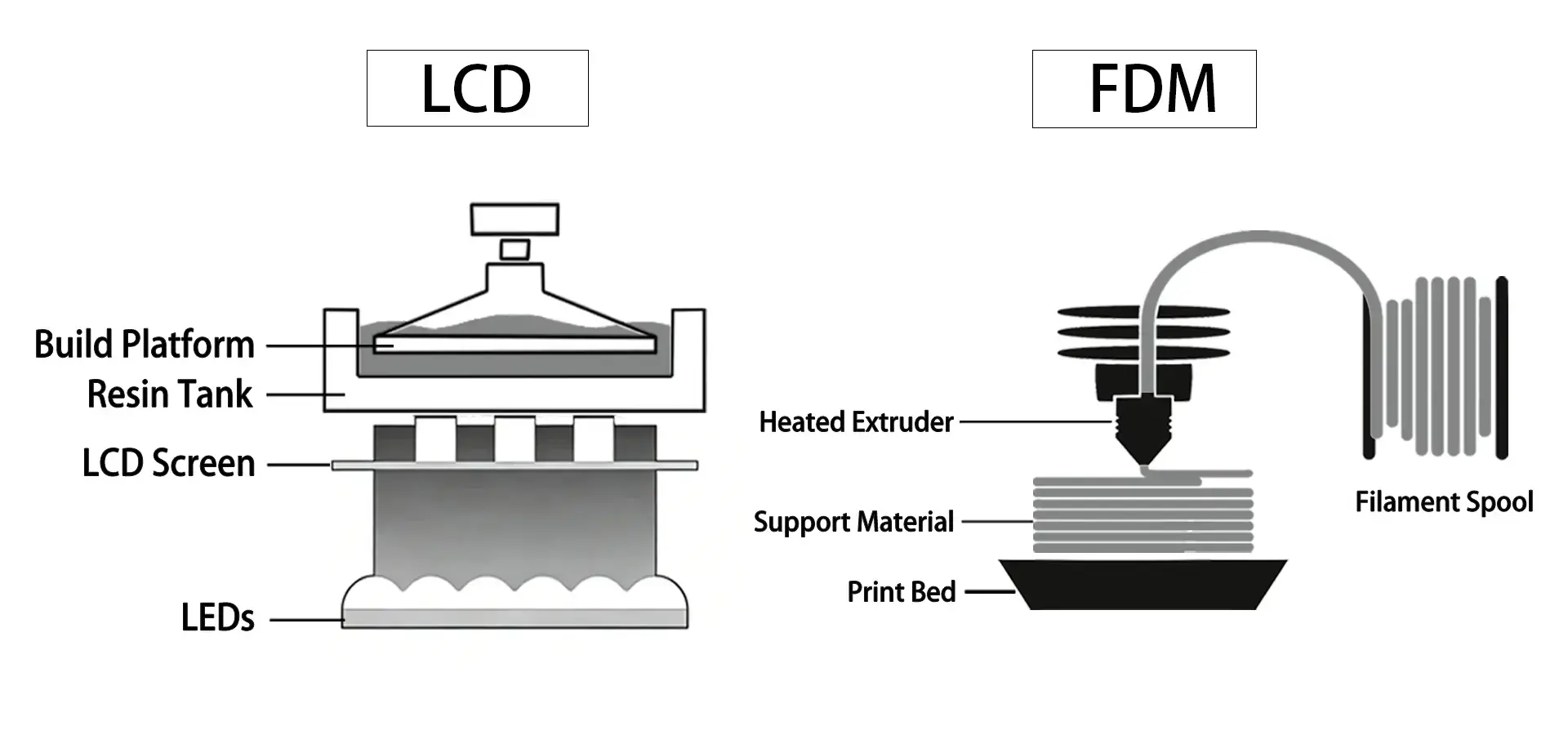
Fused Deposition Modeling (FDM) and Masked Stereolithography (MSLA) are the two main techniques used in modern small systems. FDM extrudes thermoplastic filaments layer by layer, and MSLA fixes liquid photopolymer material using UV light displayed through an LCD screen. Models like the P7 Pro use MSLA technology to get finer details by showing whole layers at once instead of using extruders to trace lines. Parallel processing shortens print times while keeping accuracy at the micron level, which is important for medical devices and jewelry patterns with complex shapes.
Core Value Drivers for Business Environments
In professional settings, value is based on four things: accuracy in measurements, material flexibility, stability, and ease of integration. The level of accuracy decides whether printed parts work as planned and don't need expensive repairs. The range of materials that can be used, from common plastics to engineering-grade photopolymers, makes the products more useful. Uptime depends on how stable the machine is and how well it manages heat. Machines that maintain stable chamber temperatures help reduce warping, layer delamination, and adhesion inconsistencies. Integration ease, such as user-friendly interfaces and real-time parameter changes, cuts down on training costs and speeds up adoption across teams. Design-to-production times are shortened by equipment that is good at these things. This gives a real return on investment (ROI) through faster market entry and lower outsourcing costs.
Why Businesses Choose Compact Systems Over Industrial Alternatives
Benchtop options are used by both big businesses and new businesses to avoid the high costs of buying factory-scale equipment. Traditional manufacturing systems need skilled workers, specific buildings, and capital in the six figures. These problems are taken care of by smaller options that still produce professional-quality work. Instead of waiting weeks for outside manufacturing, a dentistry lab can make unique aligner models on-site. Instead of buying finished samples, a car seller can check snap-fit standards overnight. This separation lets tech teams make changes quickly, try ideas in the real world, and react to customer comments without being limited by delays in logistics or minimum order amounts.
Key Criteria to Evaluate When Buying a Desktop 3D Printer
To choose the right tools, you need to carefully look at their scientific, financial, and help aspects. If you don't look at any measure, the machine's skills and the business's wants might not match up.
Print Quality: Resolution and Dimensional Precision
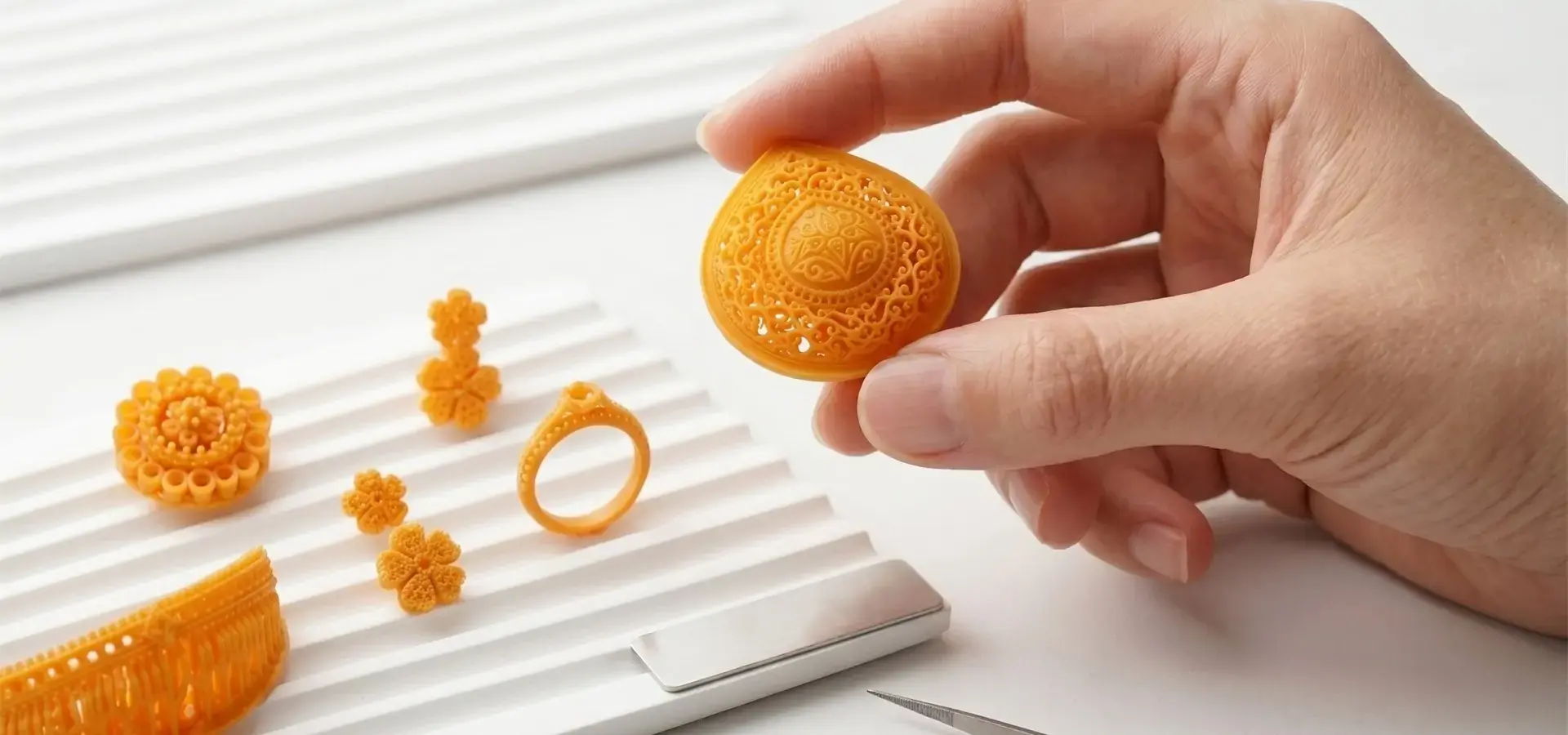
Resolution, or the smallest detail that a machine can duplicate, has a direct effect on how a part works. The surface finish in FDM systems is determined by the tip width and layer height. Layers as thin as 0.1 mm are fine for basic models, but dental uses need layers as thin as 50 μm. Pixel size determines resolution in MSLA printers. The P7 Pro features 18 × 18 μm pixels, which, combined with grayscale masking techniques, achieve an effective XY resolution of 9 μm. Skin textures and ornate designs can be copied at this level of detail without any post-processing. For parts that need to be put together or that have to follow rules, the variation from the CAD standards must stay within the limits for dimensional accuracy. The accuracy of ±0.02 mm machines ensures that multiple-part systems can be swapped out, which lowers the number of rejections in quality-sensitive fields like aircraft component validation.
Speed Versus Quality Trade-Offs
Print speed and surface finish are at odds with each other. Shorter wait times are possible with faster layer drying or extrusion, but detail may be lost. The procurement team has to fit the speed profile to the use case. For example, fast idea models can have layer lines that can be seen, but injection-mold quality prototypes need slower, smaller passes. This trade-off is lessened by advanced systems that use improved exposure techniques. The P7 Pro's even light source and smart heating keep the drying conditions fixed, which lets it do rounds faster without losing quality. When you look at speed, you also have to look at build volume. A bigger platform that can print more parts at once may be able to keep up with a faster machine that can only print one item at a time.
Maintenance, Warranty, and Technical Support Ecosystem
Reliability depends on how easy it is to maintain and how quickly the maker responds. Screens need to be replaced, and vats need to be cleaned regularly in resin systems. Nozzles and belts need to be tightened on FDM machines. Downtime is cut down by vendors who provide thorough repair plans and easy access to new parts. Warranty terms show how confident the maker is; full coverage that includes work and parts shows that the engineering is strong. The level of technical help is also important—costs go up when answer times are slow during important production runs. Magforms has a history of thousands of operating hours of constant testing and specialized support teams that take care of this pain point, making sure clients stay productive while problems are being fixed.
Total Cost of Ownership Beyond Sticker Price
The initial buying price is only a small part of the total costs over the product's lifetime. Over time, consumables like plastic, filaments, screens, and build platforms add up in price. Buyers are locked into single-source prices in proprietary material ecosystems, which drives up business costs. Open-material systems, like the ones made by Magforms, let you find cheap resins without voiding your warranty. Using a lot of energy, especially in warming room devices, adds to ongoing costs. Estimating the yearly print number, material usage rates, and part replacement patterns is needed to figure out the TCO. It is common for equipment with higher initial costs but lower ongoing costs and longer component lifespans to provide better five-year value, especially in high-use settings like service offices that handle external orders.
Top Desktop 3D Printers for Best Value
The market has a wide range of choices, from tools that are easy on the wallet to ones that focus on accuracy. To make a smart choice, you need to know how feature sets relate to business goals. Procurement professionals often look for the best desktop 3D printers to ensure production stability.
Comparative Overview of Leading Platforms
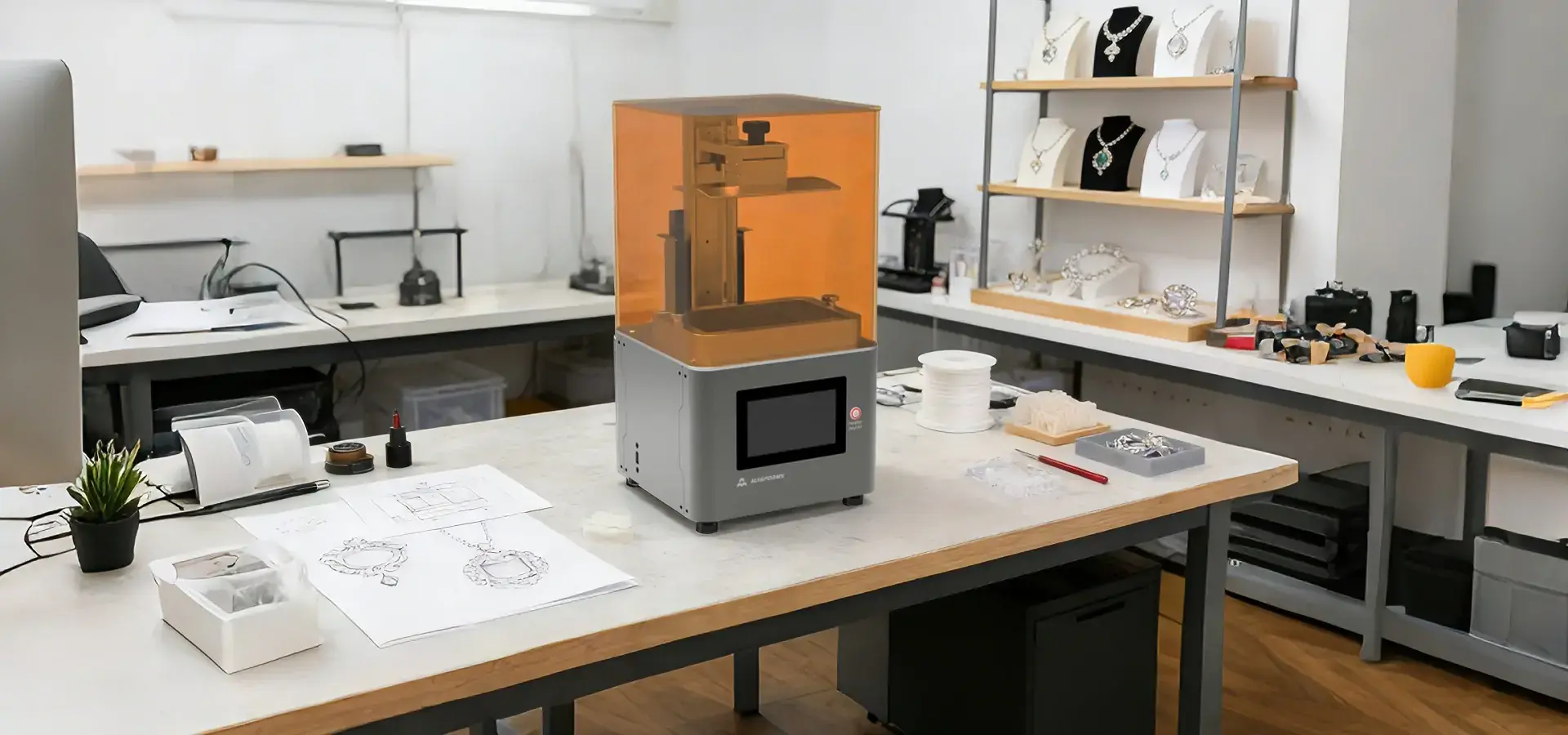
A few companies make the most of professional small printing. Creality's Ender series makes FDM easy for beginners and is good for development that isn't very important, and where surface finish isn't very important. Prusa Research makes reliable filament systems that are open source and flexible, which makes them appealing to engineering teams that need to make changes. Anycubic's Photon line is widely adopted by hobbyists and entry-level professional users seeking affordable resin printing. It offers plastic printing at affordable prices, but it only works with a few types of materials. MakerBot stresses how easy it is for schools to use its "turnkey" systems, but unique environments raise costs in the long run. Ultimaker focuses on high-reliability FDM, which is liked by design teams that need accurate measurements across polymer materials. Magforms stands out by offering material-equipment options that work together. Magforms co-develops printers and resins, creating an optimized material-printer ecosystem that ensures maximum performance and reliability. Other companies only sell tools or supplies. Through this synergy, matching guessing is taken away, and errors caused by parameters that don't match are cut down. This method is shown by the P7 Pro, which has a 9K black-and-white LCD and special photopolymers that have been tuned for its exposure profile. This enables extremely fine feature reproduction within an mSLA printing architecture.
Budget-Friendly Options for Small Enterprises
Startups and small groups look for ways to make things easy for people to use without lowering the bar. Most machines that cost less than $2,000 use FDM technology or simple MSLA screens. These systems do a good job of validating concepts and checking form-fit, but they have trouble with small details. When making prototypes of consumer electronics cases, a product design company can check for comfort and snap-fit orientation while still allowing visible layer lines. However, dental labs or jewelers that need casting models don't find budget systems to be good enough. Dimensional drift and rough surfaces mean that a lot of post-curing and grinding is needed, which takes time away from other tasks. For buyers in the precision industries who want to save money, mid-tier resin systems like the P7 Pro offer high-quality jewelry-grade output at prices that small and medium-sized businesses can afford.
Premium Models for Advanced Precision Applications
Premium platforms are used in fields where the quality of the parts is very important to success. Medical device development, aircraft link validation, and custom braces all need materials that are safe and have repeated accuracy of less than 50 μm. Industrial-grade parts are used in high-end systems. For example, P-grade linear rails keep the Z-axis from wobbling, heated chambers help maintain stable resin viscosity during printing, and advanced slicing software accounts for shrinking. The P7 Pro's all-metal frame and smart temperature control keep the chamber at 30°C no matter what the outside temperature is, so layers don't separate in cold buildings. Its 9K screen resolution and color adjustment technique make fine details like pores, patterns, and tiny shapes look clear when other machines blur them. Businesses that have to deal with missed deadlines, lost materials, and unhappy customers because of printer problems should spend more on these features.
Case Studies: Value Realization Through Strategic Selection
A jewelry maker in Los Angeles had a familiar problem: outsourcing casting designs cost $150 per model and took two weeks, which made it hard to fill special orders. After switching to the P7 Pro, they were able to make patterns in-house for $8 per model, and they could turn them around the next day. The 9 µm resolution reproduced fine filigree structures with detail suitable for investment casting workflows. The annual savings were more than $75,000, and the tools paid for themselves in just four months. In the same way, an automotive prototype supplier in Michigan used entry-level FDM systems to make samples of internal trim. Assembly mismatches were caused by persistent layer delamination and physical shift, which had to be fixed by hand. By switching to a precision plastic system, the number of prototypes that were rejected dropped from 40% to less than 5%, and approval processes were cut down from three weeks to five days. The change sped up decisions from clients, winning contracts that had been lost to competitors who could turn them around faster.
Procurement Tips: How to Choose the Right Desktop 3D Printer for Your Business
Strategic purchase lines up the powers of tools with the goals of the business, preventing mistakes that cost a lot of money. Choosing the right desktop 3D Printer requires a deep understanding of your production requirements.
Aligning Technical Specifications with Business Objectives
First, list the main use cases. Making end-use parts or manufacturing tools is very different from making prototypes of idea models for design reviews. Concept models can handle flaws in the way they look, but final parts need to have certain technical qualities and fit their dimensions exactly. Connect uses with material needs: clear resins for seeing fluids, high-temperature plastics for testing cars under the hood, and bendable materials for making seal samples. The build space needs to be big enough to hold the most parts or batches that are expected. The P7 Pro's 153.36 × 77.76 × 160 mm package is good for jewelry batches and dental model arrays. For bigger samples, though, you'll need industrial-scale systems. Match the accuracy requirements to the tolerances. For example, if the parts need ±0.05 mm of space between them, choose tools that have been shown to keep tighter tolerances over time.
Evaluating Financing and After-Sales Support Structures
Capital equipment lending makes it easier to handle cash flow problems. Leasing plans spread costs out over several fiscal years, which ensures that costs are in line with income. Some sellers let you pay over time or group materials together, which lowers your starting costs. Carefully look over the help provided after the sale. Does the seller offer on-site training to make sure that workers know how to use the slicing software and follow the maintenance steps? Are new parts kept in stock in the United States so that foreign shipping doesn't take too long? Magforms' technical training programs and global service network address these issues by providing regional help that causes as little trouble as possible. The warranty should cover not only flaws but also performance loss, like screens losing brightness or rails becoming loose, so that machines stay in good shape for as long as they're being used.
Supplier Credibility and Brand Reputation in Regulated Markets
A brand's image shows how reliable it is. With long-term track records and lots of patents, vendors show that they are constantly coming up with new ideas and making sure quality standards are met. Magforms has 22 patents and works with more than 300 companies around the world, which proves its engineering reliability. Certifications are important in regulated markets like the US. For example, UL labels make sure that electrical products are safe, material data sheets make sure that medical products are biocompatible, and compliance paperwork is needed for technologies that can't be exported. Well-known names easily meet these standards, but unknown providers might not have the right certifications, which could put governmental approvals at risk. Case studies and customer reviews show how things really work in the real world; constant praise for uptime and support speed is more convincing than marketing promises.
Online Versus Offline Purchasing Channels
Most of the time, dealing directly with manufacturers gets you better prices and help than dealing with third-party wholesalers. If you buy directly from Magforms at info@magforms.com, you'll be able to talk to technical experts who know how to choose the right material and optimize the parameters for your application. Online markets are convenient, but they make it harder to be accountable because if problems arise, they have to be dealt with through middlemen, which takes time. Offline outlets, like industry shows and regional distributorships, let you test prints in real life, which isn't possible with just specs. Testing sample prints shows surface quality and mechanical features that specs alone can't show. Combining online study with face-to-face interaction is a hybrid method that strikes a balance between ease of use and thoroughness, allowing people to make smart choices.
Maximizing the ROI of Your Desktop 3D Printer Investment
Getting returns requires organizational efficiency that goes beyond buying new tools. To maximize the value of your desktop 3D printer, follow industrial best practices for operation and material management.
Best Practices for Setup and Ongoing Maintenance
Performance baselines are set by proper installation. Follow the manufacturer's instructions for leveling build platforms. Surfaces that aren't level can't stick together properly and can warp. Set the exposure times using test samples that are made for the resin. Parts that are under-cured will be rigid, and parts that are over-cured will lose detail. Controlling the environment is important. Keep tools out of strong sunlight and away from changes in temperature. The P7 Pro's intelligent warmth and UV-resistant flip-up cover make it less sensitive to its surroundings, but safe conditions still make it more consistent. Stick to your preventive maintenance schedule: clean the resin vats once a week, check the screens for dead pixels once a month, and grease the linear rails every three months. By keeping track of repair tasks, you can find trends of wear that let you know when parts need to be replaced before they stop production.
Strategic Material Selection to Control Costs Without Compromising Quality
The choice of material has a big effect on both how well a part works and how much it costs to run. For visual samples, standard plastics are enough, but for functional tests, engineering-grade formulas are needed for their strength. Specialty materials, like safe plastics for medical tools and castable resins for jewelry, cost more but can be used in high-value ways. Magforms' open-material compatibility lets buyers find options at prices that are competitive when proprietary recipes are too expensive, though verified materials cut down on wasteful trial-and-error. When you buy resins in bulk, the price per liter goes down. You can spread out the costs over a bigger amount of use by getting volume deals with sellers or joining buying groups. Testing is needed to find the best balance between material performance and cost. Spending too much on high-performance plastics for parts that aren't important loses money, while failing to spend enough on critical uses could cause problems.
Training Teams to Maximize Utilization Across Departments
Equipment that isn't being used decreases ROI. Cross-training the engineering, design, and production teams makes access more open and allows for multiple processes to run at the same time. Using the same tool, engineers can make changes to hardware plans, and artists can make changes to how things look. Magforms offers formal training classes that cover slicing software, support generation strategies, and troubleshooting common issues such as incomplete curing or warping. Setting up internal knowledge bases with records of successful print parameters and material settings speeds up the process of training new operators. Encourage people to try new things: setting aside "innovation time" to look into unusual uses can lead to new income possibilities, like making custom tools that used to need to be machined by someone else.
Integrating Additive Manufacturing into Existing Workflows
Adding workflows without any problems makes productivity gains even bigger. Direct slicing tools let you connect 3D printers to CAD systems without having to export files first. Set up version control for print files to make sure that teams only use the most recent designs. Plan printing times around project deadlines—for example, print parts overnight so they can be delivered in time for meetings in the morning. When service bureaus take on external orders, they group similar jobs together to cut down on material swaps and boost output. The P7 Pro's tablet interface lets workers change parameters in real time, so they can make small changes to settings while a job is printing to meet urgent client needs without having to start over. By adding additive capabilities to production planning systems and keeping track of machine usage rates and material consumption, it is possible to find ways to improve efficiency and justify expanding capacity.
Conclusion
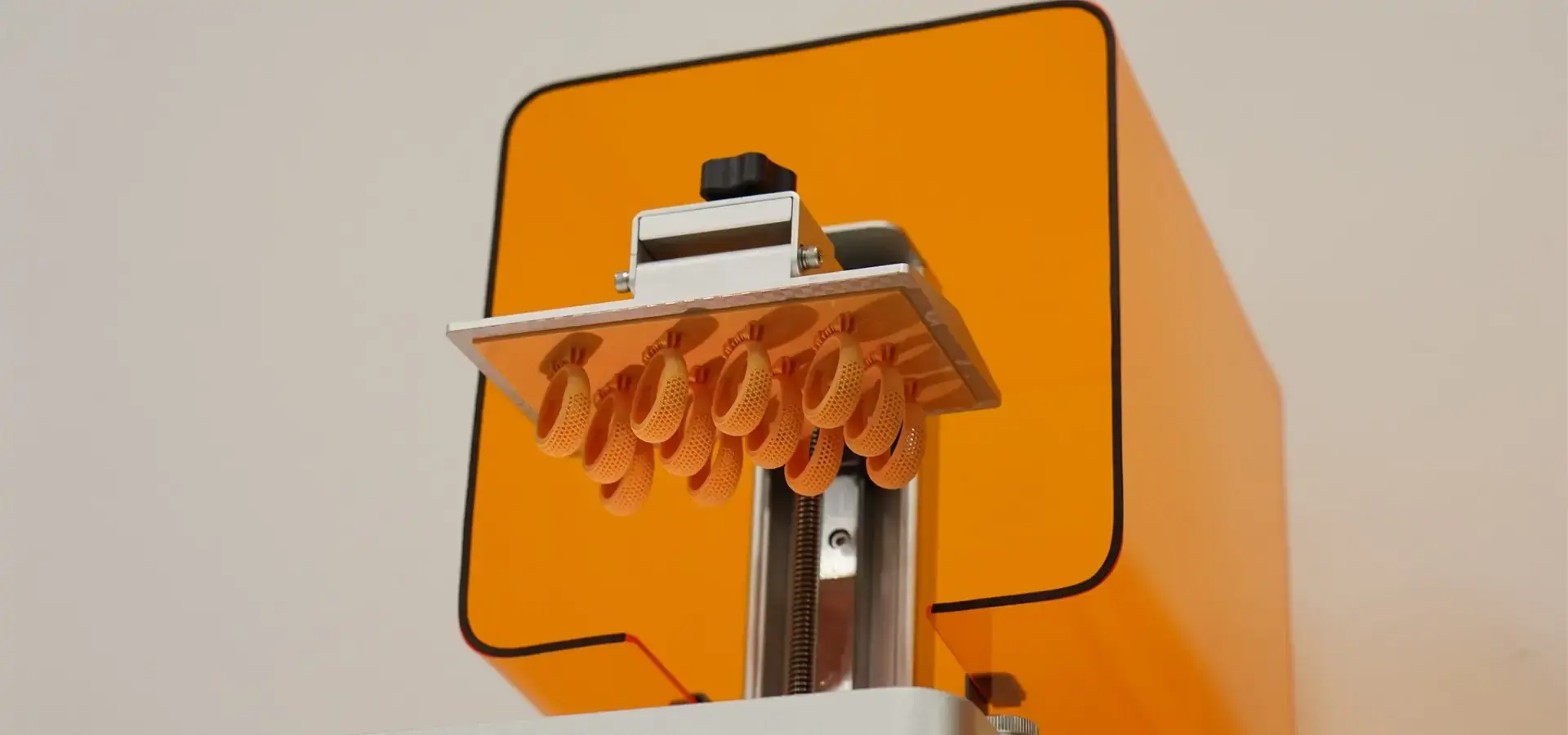
To find the best value desktop 3D printer, you need to match its technical skills with your business's needs. High-value systems are accurate, work with a wide range of materials, and fit easily into processes while keeping total ownership costs low. This balance is shown by the Magforms P7 Pro, which has a precision of 9 μm, smart heat management, and open-material freedom at a reasonable price. Prioritizing physical accuracy, uptime, and prompt support is important for procurement teams working with medical modeling, precision manufacturing, or jewelry casting. This makes sure that equipment investments lead to measurable productivity gains and market response.
FAQ
What is the typical lifespan of a desktop 3D printer in industrial environments?
Lifespan depends on how well it was built, how often it is used, and how well it is maintained. Commercial-grade machines that get regular preventative repair usually last longer than five years of useful work. LCD screens and build platforms need to be replaced periodically, but strong frames and linear rails last longer. The industrial-grade parts and full-metal structure of the P7 Pro make it last longer than consumer-grade options.
How do resin and filament technologies compare for business applications?
Resin systems are great for jewelry, dentistry, and making precise prototypes because they can handle fine details and smooth surfaces. Fused Filament Fabrication (FFF) printers support a wide range of materials, including high-temperature thermoplastics and carbon-fiber composites, making them more suitable for functional testing and tool production.
What financing models support bulk equipment purchases?
Leasing plans, savings for buying in bulk, and packaged material deals all lower the initial costs. Some companies that sell desktop 3D printers let businesses test the market and see if they are worth the money before they commit fully. Magforms offers customized payment choices for multi-unit setups when you contact them directly at info@magforms.com.
Partner with Magforms for Your Desktop 3D Printer Needs
To improve your additive manufacturing skills, you need a desktop 3D printer provider you can trust and that is dedicated to your success. Magforms has 22 patents, decades of experience in the field, and a track record of success with more than 300 businesses around the world. They offer combined material-equipment solutions that take the guessing out of compatibility. Our P7 Pro desktop 3D printer has a resolution of 9 μm and an accuracy of less than 0.02 mm, which is fine enough for jewelry. Its intelligent heating system and industrial-grade construction help maintain consistent print quality regardless of ambient conditions. Look into finance options that are open, training that covers a lot of ground, and technical help that is quick and fits your output goals. Talk to info@magforms.com right away about how Magforms can speed up your design cycles and make product development more efficient.
References
1. Gibson, Ian, David Rosen, and Brent Stucker. Additive Manufacturing Technologies: 3D Printing, Rapid Prototyping, and Direct Digital Manufacturing. Springer, 2021.
2. Lipson, Hod, and Melba Kurman. Fabricated: The New World of 3D Printing. Wiley, 2023.
3. Wohlers, Terry. Wohlers Report 2024: 3D Printing and Additive Manufacturing Global State of the Industry. Wohlers Associates, 2024.
4. Gebhardt, Andreas. Understanding Additive Manufacturing: Rapid Prototyping, Rapid Tooling, Rapid Manufacturing. Hanser Publications, 2022.
5. Redwood, Ben, Filemon Schöffer, and Brian Garret. The 3D Printing Handbook: Technologies, Design and Applications. 3D Hubs, 2023.
6. Fastermann, Petra. 3D Printing Technology: Methods, Applications, Limitations, and Opportunities. Progress in Additive Manufacturing Journal, 2024.

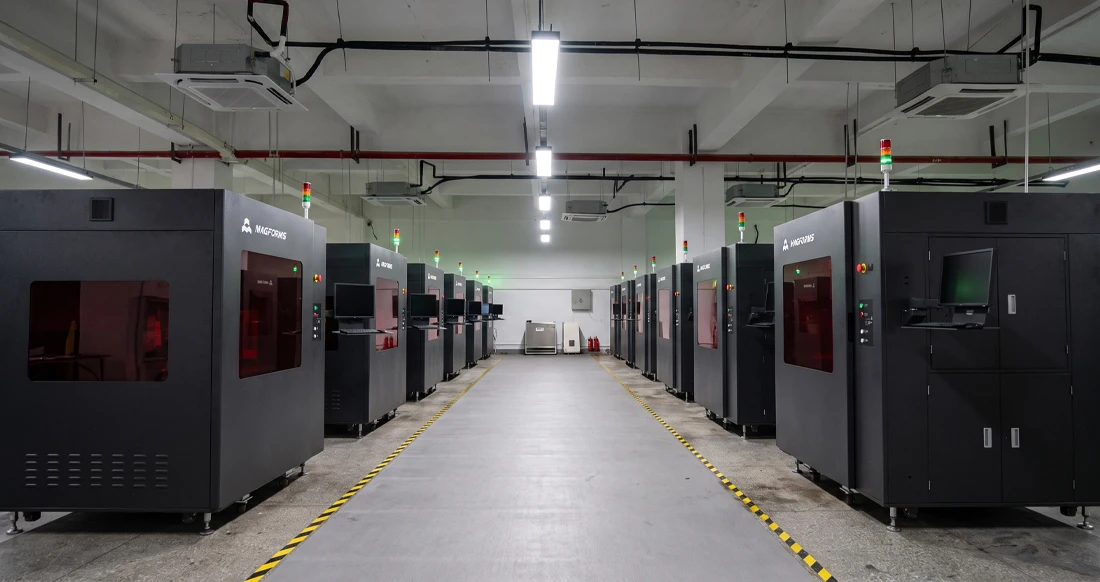
Magforms makes design and manufacture easier.
Popular Blogs
-
 Industry InsightsManufacturing Industry
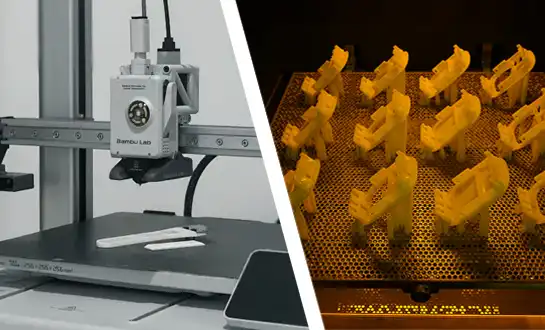
FDM vs. SLA Printer: Which Technology Is Right for Your Project?
-
 Industry InsightsManufacturing Industry
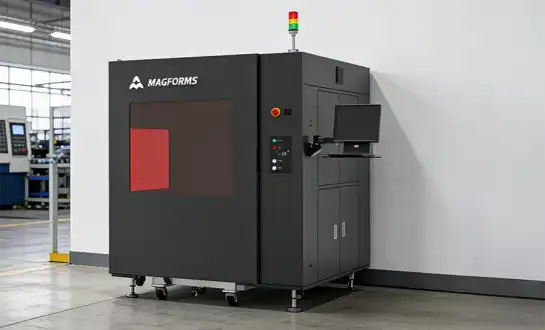
Top 5 Applications of Industrial 3D Printers in Manufacturing Today
-
 Industry InsightsManufacturing Industry
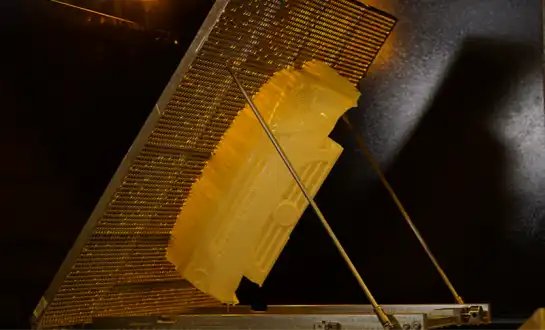
Why Stereolithography 3D Printers Are Unmatched for Microfluidic Device Prototyping?