Industrial SLA 3D Printer Maintenance Guide for Long-Term Stability
To keep an Industrial SLA 3D Printer stable over time, you need to take a thorough approach that includes managing the resin, calibrating the laser, doing mechanical checks, and controlling the environment. Structured maintenance practices, choosing compatible materials, and working with fast technical support teams are some of the things that makers can do to make sure they get consistent, high-precision output while reducing unplanned downtime. This guide discusses practical maintenance strategies to extend the service life and improve performance of Industrial SLA 3D Printers in manufacturing environments such as automotive, aerospace, medical, and service industries.
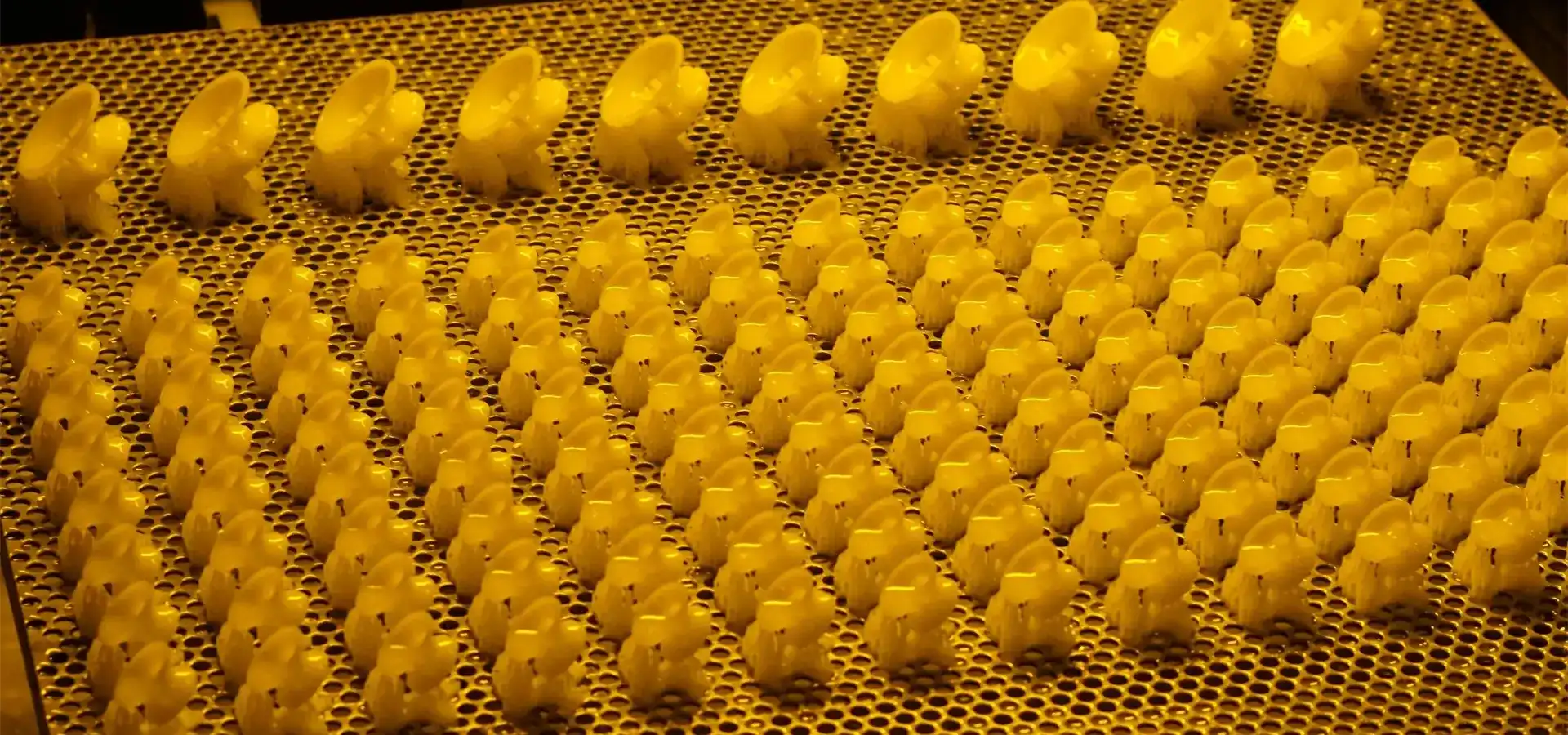
Understanding the Maintenance Challenges of Industrial SLA 3D Printers
When it comes to maintenance, Industrial SLA 3D Printers have special needs that affect how well they work and how reliable they are over time. Procurement managers and technical leaders can protect their investments by planning when they are aware of these problems.
Common Issues Affecting Long-Term Performance
In production settings, resin pollution is one of the most common problems that come up. When uncured resin contaminated with particles, dust, or partially cured fragments, it makes flaws that make the dimensions and surface quality less accurate. Another big problem is laser calibration drift. Even small changes in the focus of the beam or the position of the galvanometer can make the forming less accurate and the adhesion of the layers less uniform.
Important parts like the build platform, recoater blade, and linear guides are worn down by mechanical wear. The constant stress of production processes causes these parts to wear out over time from moving back and forth. Bugs in software or firmware that is too old can cause mistakes that aren't expected and throw off production plans.
Root Causes Behind Maintenance Demands
Environmental factors have a big impact on how stable equipment is. High humidity speeds up the breakdown of resin and can cause finished parts to absorb water, and too much dust clogs up both the resin vats and the optical paths. Resin viscosity changes with temperature fluctuations, which affects layer uniformity and overall print stability.
Maintenance needs are largely caused by mistakes made by operators. Problems can be avoided if resin is handled incorrectly, cleaning methods are not followed properly, and calibration processes are not followed. Material mishandling, like using resins that have passed their expiration date or mixing formulas that don't work together, damages equipment and causes prints to fail.
Impact on Production and Cost Efficiency
These problems with upkeep directly affect the costs of doing business. Unexpected downtime throws off production plans and causes customers to wait longer for their orders. Poor print quality wastes resin material and requires reprinting, which increases time consumption and production costs. Higher running costs come from having to fix things more often, replacing parts too soon, and losing time working on equipment while it's being fixed.
👉 Industrial SLA 3D printing technology explained
Key Maintenance Practices for Industrial SLA 3D Printers
Setting up organized repair schedules for Industrial SLA 3D Printers will keep it working at its best for as long as it's being used. These habits focus on the three main areas that need regular care.
Routine Cleaning and Resin Management
Maintenance that works is based on daily cleaning schedules. The build platform should be wiped down to get rid of any leftover resin after each print job, and the resin tank should be checked for dirt or partly cured particles. By filtering the resin through fine mesh screens before returning it to the resin tank, you keep dirt from building up.
Keeping resin in the right way for the Industrial SLA 3D Printer increases its useful life and ensures stable print quality. When you're not using resin containers, keep them closed and put them somewhere cool and out of the sun. Regularly monitor the age and viscosity of the resin, as expired or degraded material changes curing behavior and reduces dimensional accuracy.
Laser and Optical Component Calibration
The laser system is the most important part of any stereolithography printer, so it's important to keep it in good shape. Check the laser's power once a month with a regulated power meter to make sure it always puts out the same amount of energy. When combined with AOC laser systems and German Scanlab galvanometer scanning technology in Magforms equipment, the optical system delivers highly stable and precise beam control under proper calibration conditions. However, power levels are checked on a regular basis to make sure they stay within the acceptable range.
To calibrate the optical path, you need special tools and to pay close attention. Check the cleanliness of the mirror once a week, and only use approved cleaning products and optical-grade cloths to protect the surface. Magforms' equipment has an optical protective cover that keeps these parts from getting dirty with dust. This lowers the number of times they need to be cleaned while keeping the quality of the beam.
Mechanical Inspections and Component Care
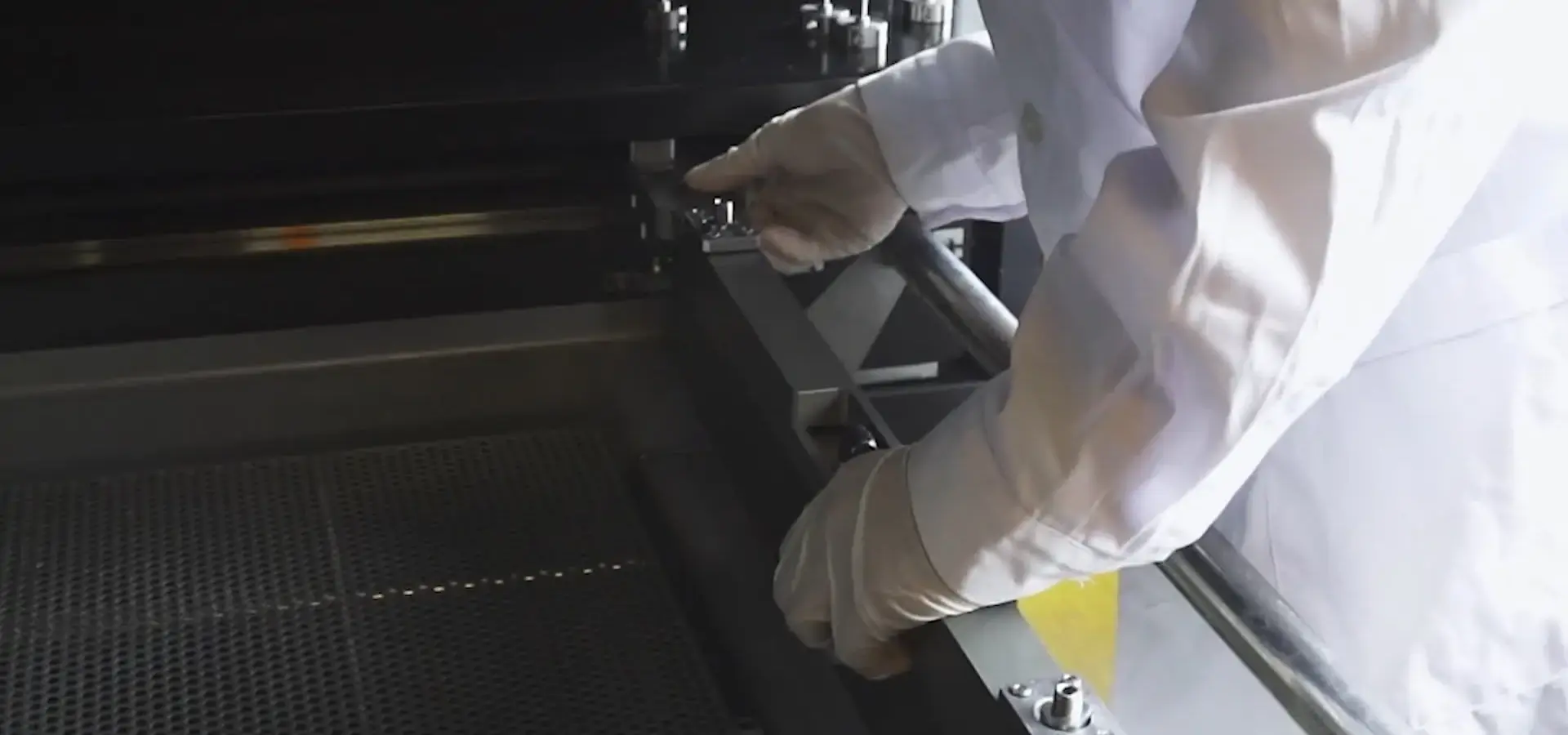
The build platform and its support systems need to be checked regularly to make sure they work properly. Every month, use precise measuring tools to check the smoothness of the platform. Any damage or shifting to the base can ruin any print. The build platform design in Magforms equipment is engineered for high flatness and stability, helping maintain consistent part accuracy during long production cycles.
To keep them from wearing out too quickly, linear guides and lead screws need to be oiled from time to time. The HIWIN parts used in Magforms systems have a long useful life, but they last even longer with regular upkeep. Follow the maintenance plan and use lubricants recommended by the producer every 500 hours of use or every three months, whichever comes first.
Materials and Consumables: Their Role in Printer Longevity
You can't say enough about the link between the quality of the materials and how long the equipment lasts. Choosing the right materials and keeping track of refills properly can extend the life of an Industrial SLA 3D Printer and make the output more consistent.
Selecting Compatible Industrial Resins
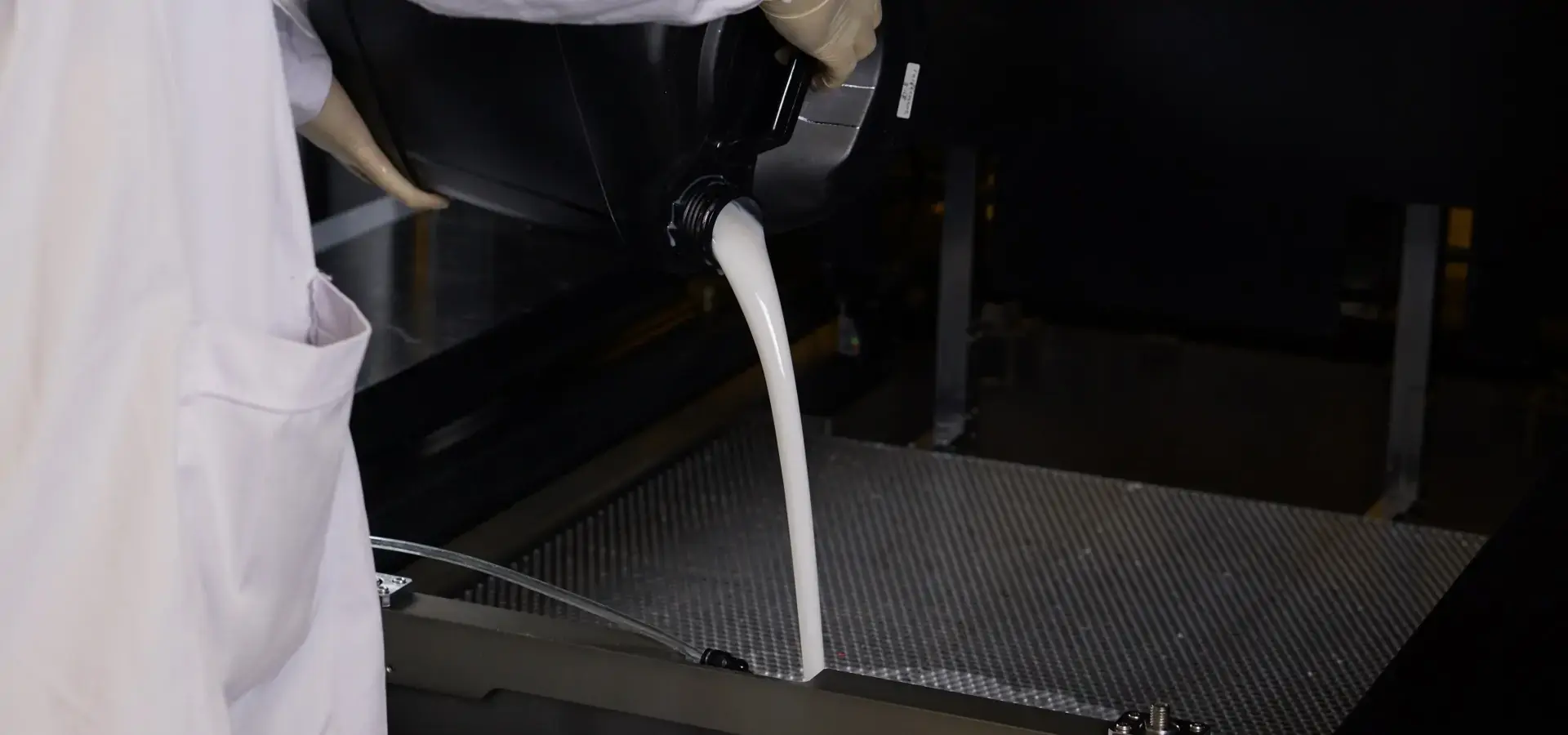
Material choice has a direct effect on how often upkeep needs to be done and how reliable the print is. High-quality photopolymer resins made for industrial use fix more evenly and make fewer bits that are only partly cured and get into the system. Through their open material system, Magforms printers can work with most 355 nm resins. This gives users options without sacrificing quality.
When looking at different resins, you should think about how stable the thickness is across a range of temperatures, how long the resin will last in normal storage conditions, and how well it will work with your printer's optical requirements. Magforms' equipment has a temperature control built in that maintains optimal resin flow and viscosity stability, which stops problems with viscosity that lower the quality of the layers. This feature is especially useful in places that don't have temperature control or when using clear resins for jobs that need exact drying conditions.
Monitoring Resin Condition and Storage
Setting up rules for checking resin stops problems before they affect production. Once a week, inspect the resin for color changes, cloudiness, or particle contamination in the resin that could mean it is breaking down. Using a viscosity cup or digital viscometer, check the viscosity every so often and compare the results to the manufacturer's instructions to find changes that mean the product is getting old.
If you store resin properly, it will last a lot longer. Keep packages that haven't been opened in their original packaging and store them straight in a place that stays between 18°C and 25°C. Using a first-in, first-out method to keep track of material age will keep old stock from sitting around useless after its shelf life is up. Once containers are opened, keep them closed between uses and keep air exposure to a minimum to prevent premature curing and degradation.
Sourcing Authentic Spare Parts
Quality of the parts affects both how well they work right away and how reliable they are in the long run. Getting original replacement parts from approved sources keeps your guarantee valid and makes sure that the parts work with your printer. While fake or generic parts might fit physically, they don't have the precise production tolerances needed for stereolithography uses that need high accuracy.
Important parts that need to be replaced with real ones are plastic tanks, build platforms, optical parts, and any parts that affect the laser path. Magforms keeps a stock of original spare parts and gives facilities clear information on how often to change them. This helps them plan repair tasks without affecting production schedules.
Firmware and Software Updates
Regular software changes make printers more stable and add speed improvements that make the equipment more useful. When problems are found, manufacturers release software patches that fix them, make scanning methods better, and add support for new material profiles. The Magforms iBuild 2.0 interface makes it easy to install updates, so there is less downtime during installation.
Instead of putting updates into action as soon as they come out, schedule them to happen during planned repair times. This method gives time for any early problems to be found and fixed. Before you install, make sure you read the release notes carefully to understand the changes that have been made and how they might affect your production process.
Comparison of Maintenance Approaches: Industrial SLA vs Other 3D Printing Technologies
When buying things, knowing how Industrial SLA 3D Printer upkeep is different from other additive technologies helps them get a good idea of the total cost of ownership and set reasonable goals for operating needs.
Maintenance Frequency and Complexity
Because they use liquid resins and precise optical systems, industrial photopolymerization systems need to be checked on more often than powder-based technologies. Every day cleaning takes between 15 and 30 minutes, based on how many print jobs need to be cleaned. Once a week adjustment checks take an extra 30 to 60 minutes. Desktop SLA units need similar tasks but on a smaller scale. SLS systems, on the other hand, need cleaning less often but more thorough handling and refilling of powder.
When it comes to technical detail, maintaining stereolithography systems is very different from maintaining FDM systems. FDM extrusion printers typically require nozzle replacement, bed leveling, and filament extrusion system maintenance. Industrial SLA equipment, on the other hand, needs people who know how to match optics and photopolymer chemistry. This level of complexity requires better-trained workers, but when properly kept, it leads to a better surface finish and more accurate measurements.
Performance Benefits Justifying Maintenance Investment
Stereolithography equipment that is well taken care of delivers better accuracy and surface quality, which is why it needs to be kept. Tolerances for industrial SLA systems typically reach ±0.1 mm for small features under controlled conditions, and ±0.1% × L for larger dimensions depending on material properties and process calibration. This is a lot tighter than what most FDM or binder jetting technologies can regularly deliver.
The quality of the surface finish is another place where spending money on care pays off. Magforms printers use variable spot technology to make micro-spots of 0.15–0.2 mm for small details and bigger spots of 0.5–0.6 mm for filling in gaps. This results in parts with significantly reduced layer visibility and smoother surface finish. This feature gets rid of a lot of the post-processing work that would have been needed otherwise. This cuts down on finishing costs and speeds up time-to-market.
Total Cost of Ownership Considerations
When you look at maintenance prices in the bigger picture of total purchase, you can make better decisions. The initial cost of industrial stereolithography printers is usually higher than that of FDM systems, but the cost of materials per part is lower than that of some rivals' unique material systems. Magforms' equipment doesn't lock you into one seller, so you can control costs in any way you want over the life of the equipment.
The prices of downtime are very different for each technology. Industrial SLA systems with structured maintenance programs demonstrate significantly lower failure rates compared to unmaintained or irregularly serviced equipment. Magforms' professional after-sales support makes sure that problems are fixed within 24 hours, so production is not interrupted as much. This responsiveness is very different from what users of some foreign names have said about how slow after-sales service causes long periods of downtime.
👉 Industrial SLA 3D Printer categories
Practical Tips for Extending the Life of Your Industrial SLA 3D Printer
Using tried-and-true methods changes maintenance from fixing problems after they happen to protecting tools before they happen, which increases working uptime and return on investment.
Establishing a Scheduled Maintenance Program
Making a written repair plan makes sure that important tasks are done before problems happen. Filtering the resin, cleaning the build platform, and visually checking the resin tank for debris should all be done every day. Optical path cleaning, galvanometer performance checks, and recoater blade checking are some of the things that need to be done every week. As part of monthly processes, laser power is checked, platform flatness is measured, and mechanical parts are oiled.
Writing down maintenance tasks creates useful history records that show trends and help guess when parts will need to be replaced. Write down the cleaning steps that were done, the results of the measurements, and any problems that were seen during checks. This paperwork is very helpful for troubleshooting problems that come up out of the blue or for showing quality testers how well equipment works.
Staff Training and Skill Development
The life of equipment rests a lot on how well the operator knows how to use it and follows the right steps. Spend money on training programs that teach both normal function and basic problem-solving. Magforms offers technical training materials and professional classes that give workers the skills they need to keep equipment in good shape.
Train more than one person on repair methods so that you have backup during holidays or staff turnover. Make standard operating procedures that are easy to understand and include pictures for each step of the repair process. Visual tips cut down on mistakes and help workers with less experience do their jobs right.
Leveraging Manufacturer Support Resources
Strong relationships between manufacturers make servicing easier and extend the life of equipment. Magforms has a big, skilled team of people who work after the sale who can help customers and answer their questions within 24 hours. This quick answer keeps output from being held up when problems come up out of the blue, setting it apart from competitors whose slow customer service makes customers angry.
Set up regular contact with your equipment provider that goes beyond fixing problems. Join user groups or expert forums where people can share their problems and find answers. A lot of companies make preventative maintenance tools or remote tests that find problems before they break down.
Environmental Control and Operating Conditions
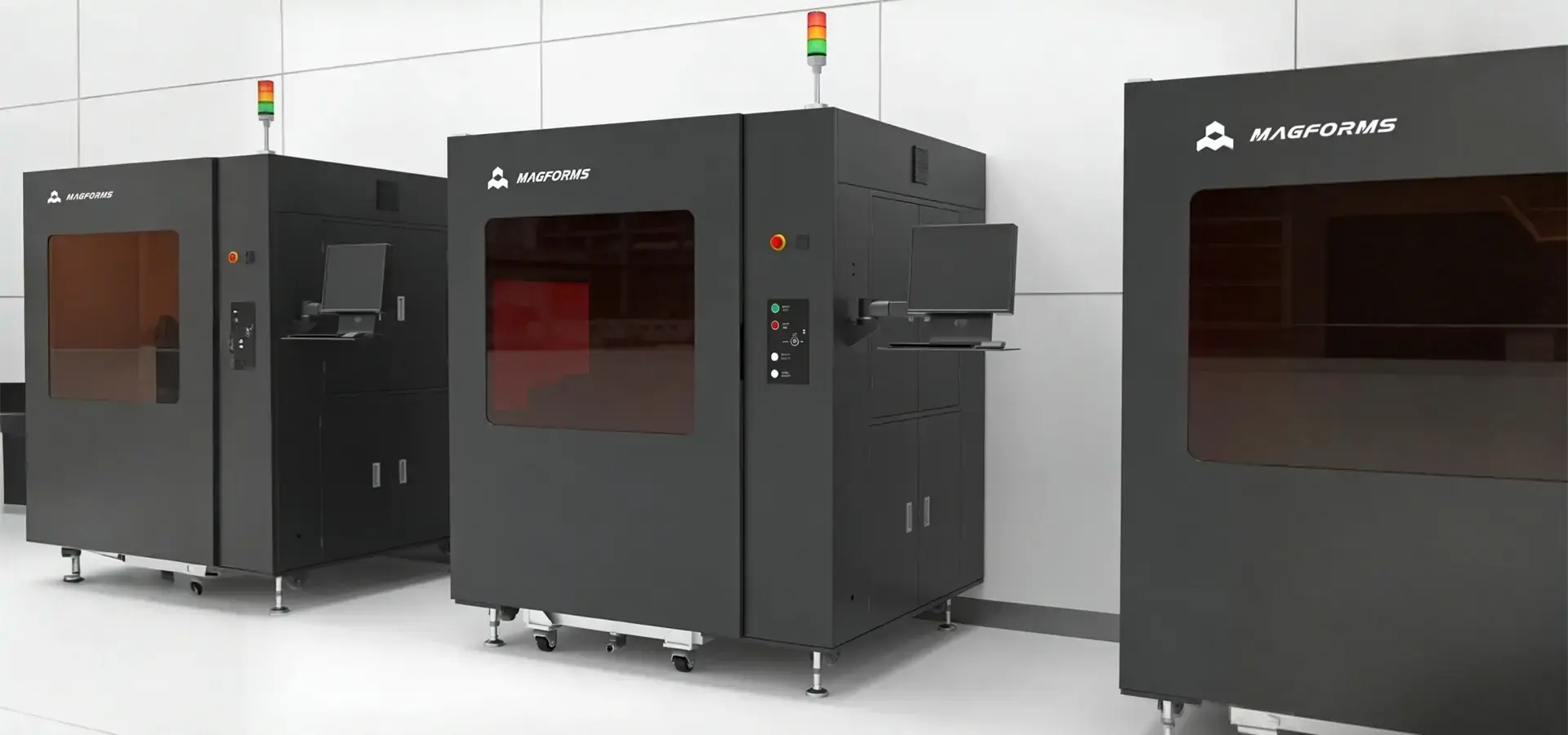
Setting up the best conditions for operation greatly lowers the need for upkeep and increases the life of parts. Keep the Industrial SLA 3D Printer's working area at a steady temperature, ideally between 20°C and 25°C, to keep the viscosity of the plastic stable and to keep the effects of heat expansion on mechanical parts to a minimum. Magforms equipment has a built-in temperature control that can handle changes in the surroundings, but stable conditions are still the best way to ensure steady performance.
Keep humidity levels below 60% relative humidity to keep resins and finished parts from absorbing water. Set up dust filters in the printing area to keep optical parts and resin vats from getting dirty. Keep printers away from sources of direct sunlight and shaking that could damage the print quality or speed up the wear and tear on the parts.
Conclusion
For long-term stability, maintaining Industrial SLA 3D Printers requires structured cleaning procedures, checking for optical errors, doing regular mechanical checks, and keeping track of materials. The listed repair strategies give you a way to make sure that your equipment lasts as long as possible and always produces high-quality results. Magforms equipment makes upkeep easier by including thoughtful design features like optical safety covers, built-in temperature control, and open material compatibility. When problems arise, the professional after-sales team is there to help right away. Facilities can get a great return on their additive manufacturing investments by putting in place structured maintenance programs, training operators, and working with manufacturers who put customer success first. This way, facilities can avoid the downtime and quality problems that come with systems that aren't well taken care of.
FAQ
How often should I calibrate the laser system on my industrial stereolithography printer?
Under normal production conditions, laser power should be checked once a month, and the entire optical path should be calibrated every three months. Facilities that make a lot of things all the time may benefit from checks being done more often. The mix of the German Scanlab galvanometer and AOC laser in Magforms systems keeps things very stable. However, performance needs to be checked on a regular basis to make sure it stays within specs and to catch drift before it affects part quality.
What are some signs that the resin has degraded and needs to be replaced?
Watch out for discoloration that changes to yellow or brown tones, increased viscosity that makes the resin move more slowly, cloudiness or particles floating in the resin, and print flaws like not drying completely or surface marks showing up even though the settings were correct. If any of these signs show up, screen the resin well and do test prints. If quality problems continue, change the material completely rather than risk production problems that won't go away.
Can I use third-party resins in my industrial photopolymerization printer?
Magforms' equipment has an open material system that works with most 355 nm resins. This lets you try different formulas without being locked into one provider. Check that the wavelengths work well together, do thorough test prints to find the best settings, and keep a close eye on performance during the first production runs. Quality third-party materials can help you save money and get great results, but only buy from reputable companies that can give you detailed specs and information on how safe the materials are.
Partner with Magforms for Reliable Industrial SLA 3D Printer Solutions
Magforms offers complete stereolithography solutions that include high-performance tools and quick technical help that deal with the problems that manufacturers actually face. We use tested parts from well-known brands around the world in our printers, like AOC lasers, German Scanlab galvanometers, and Panasonic servo motors. This gives them stability that lets factories work 24 hours a day, seven days a week, with very few breakdowns. The variable spot technology makes printing 30–50% faster than standard methods while keeping placement accuracy at ±8 μm and providing excellent surface quality that lowers the need for post-processing.
Magforms not only make great tools, but they also offer the after-sales help that procurement managers say is important but often missing from competitors. Our professional expert team answers questions within 24 hours, so there are no delays in production caused by slow service. We have 22 patents and 30 filed trademarks, and we've worked with over 300 businesses in dozens of countries over the years, so we know a lot about the needs of the automobile, aircraft, medical, and manufacturing industries. Contact our team at info@magforms.com right away to talk about how Magforms can be your reliable Industrial SLA 3D Printer source, giving you more than just tools. We can also help you reach your production goals by using reliable technology and quick response time.
References
1. Gibson, I., Rosen, D., & Stucker, B. (2021). Additive Manufacturing Technologies: 3D Printing, Rapid Prototyping, and Direct Digital Manufacturing (3rd ed.). Springer Nature.
2. Jacobs, P. F. (2019). Stereolithography and Other RP&M Technologies: From Rapid Prototyping to Rapid Tooling. Society of Manufacturing Engineers.
3. Redwood, B., Schöffer, F., & Garret, B. (2020). The 3D Printing Handbook: Technologies, Design and Applications. 3D Hubs B.V.
4. American Society for Testing and Materials. (2022). ASTM F2924-14: Standard Specification for Additive Manufacturing Titanium-6 Aluminum-4 Vanadium with Powder Bed Fusion. ASTM International.
5. Wohlers, T. (2023). Wohlers Report 2023: 3D Printing and Additive Manufacturing Global State of the Industry. Wohlers Associates.
6. ISO/ASTM International. (2021). ISO/ASTM 52915:2020 – Specification for Additive Manufacturing File Format (AMF) Version 1.2. International Organization for Standardization.

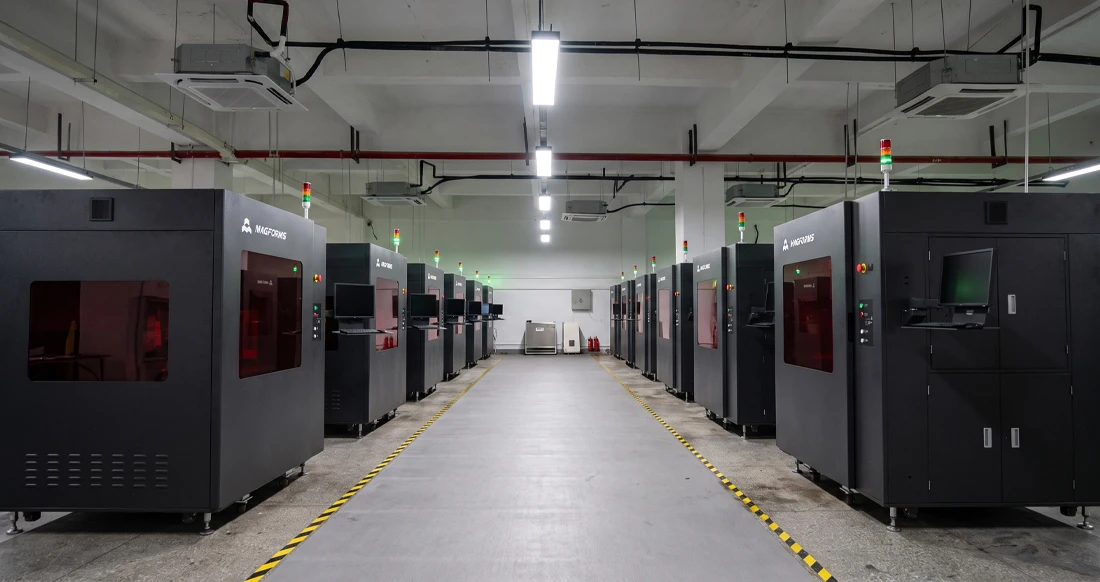
Magforms makes design and manufacture easier.
Popular Blogs
-
 Industry InsightsManufacturing Industry
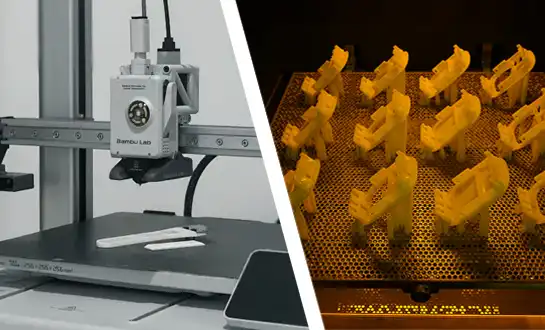
FDM vs. SLA Printer: Which Technology Is Right for Your Project?
-
 Industry InsightsManufacturing Industry
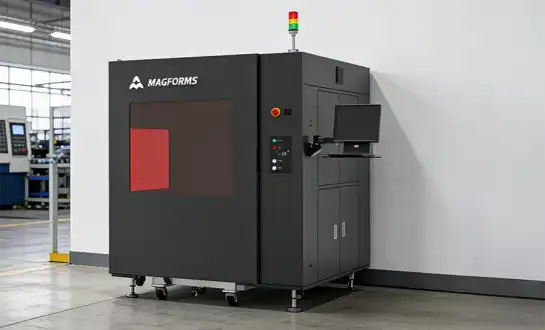
Top 5 Applications of Industrial 3D Printers in Manufacturing Today
-
 Industry InsightsManufacturing Industry
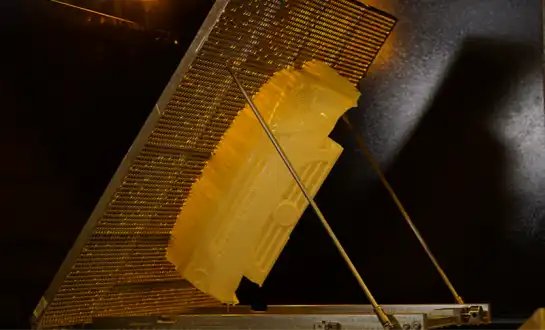
Why Stereolithography 3D Printers Are Unmatched for Microfluidic Device Prototyping?