What Makes a Good Budget SLA Printer in 2026?
When procurement professionals look at what makes a good budget SLA printer in today's competitive manufacturing world, they have to find the right balance between price and performance. The best budget SLA printers are accurate down to the micron level, have consistent layer adhesion, and work with various resin chemistries. They are also affordable, with entry-level industrial units starting at less than $3,000. With mSLA (Masked Stereolithography) technology, these systems make high-resolution resin 3D printing more accessible to everyone. They do this by using UV LED arrays and monochrome LCD screens to cure photopolymer layers with amazing accuracy. The best Budget SLA printers solve important problems for businesses by getting rid of the high costs of capitalizing on laser-based industrial systems, making calibration easier, and allowing for reliable prototyping that speeds up product development cycles in a wide range of industries, from medical device manufacturing to auto manufacturing.
Understanding Budget SLA Printers – Key Fundamentals
The Technology Behind Affordable Precision
Most budget SLA printers today are based on mSLA (LCD) technology rather than traditional laser-based SLA. These systems don't use galvanometer-controlled lasers to trace each layer. Instead, they use high-resolution LCD screens as dynamic masks to let UV light cure whole layers at once. The main benefit of resin printing stays the same: it reproduces details very well and makes surfaces smooth, so they don't need as much post-processing as filament-based methods. This change in architecture lowers the complexity of the machines and the cost of making them.

Core Performance Characteristics
Quality budget SLA printers are defined by their optical systems and how stable their mechanics are. These days' units have black-and-white LCD screens with resolutions between 4K and 12K and XY resolutions between 22 and 50 microns. Fine textures, complex geometries, and tight tolerances are all possible at this level of accuracy, which is necessary for functional prototyping. The Z-axis mechanics use either two linear rails or a single rail that is reinforced. This reduces the "Z-wobble" effect that makes layer lines and dimensional errors visible. Build volumes usually range from small platforms (about 120x68x150mm) that are good for casting jewelry to medium-sized platforms that can hold bigger auto parts or several dental models in a single print run.
Material Compatibility and Chemical Considerations
These systems work with a wide range of photopolymer resins because they work in the 405nm UV wavelength range. Material flexibility is a key feature that sets Budget SLA printers apart. Better models can handle standard resins, engineering-grade resins with mechanical properties comparable to ABS-like thermoplastics under specific conditions, water-washable resins that reduce reliance on solvents (though proper waste handling is still required), as well as high-temperature-resistant materials, flexible elastomers, and special resins that can be cast for investment casting uses. Chemical compatibility is more than just the ability to cure. It also includes things like keeping the same shape after curing, making sure that prototypes have the same color, and getting biocompatibility certifications for medical and dental uses.
Core Criteria to Evaluate a Good Budget SLA Printer
Print Resolution and Layer Precision
Print resolution is the most important thing to look at when judging the abilities of a budget SLA printer. The LCD screen pixel density determines the XY resolution, which in turn determines the best features your system can show. Setting the layer height, which can be changed from 10 to 100 microns, affects how smooth the surface is and how fast the production goes. For general prototyping, we suggest systems with at least 35 microns of XY resolution. 22 microns of precision is better for dental and jewelry applications. It doesn't matter where on the build plate the light is distributed; look for specs that say more than 90% light uniformity to avoid edge failures and differences in size between parts printed in different platform locations.
Mechanical Stability and Build Quality
Long-term dependability and consistent output quality depend on how well Budget SLA printers are built mechanically. Z-axis construction needs extra attention. Single-rail designs are less stable than dual linear rail systems, but well-engineered single-rail configurations with strong cross-sections can get similar results. Different types of build plate leveling mechanisms are available, ranging from fully automated or semi-automated systems to those that need dial indicators to be adjusted by hand. Automated leveling lowers the leveling operator's skill level and reduces the main reason why first-layer adhesion fails. The vat assembly, especially the tension of the FEP or ACF release film, changes the peel forces and the success rates of parts. Budget SLA printers have film systems that are easy to replace and tensioning mechanisms that work consistently.
Material Ecosystem and Open-System Architecture
Materials that are used up quickly are the biggest long-term cost factor. Budget SLA printers that use proprietary resin ecosystems make it harder to change how you do business and leave your company open to price increases that you can't stop. We strongly support open-system architectures that let resin from other companies be used. This feature cuts the price of resin by 40–60% per liter and lets you choose materials that are best for your needs instead of those that are available from vendors. Make sure that the exposure settings on your target system can be changed by the user so that it can be calibrated for different resin chemistries. The ability to make custom material profiles is very important for businesses that are making specialized applications or trying to find cheap materials.
Software Capabilities and Workflow Integration
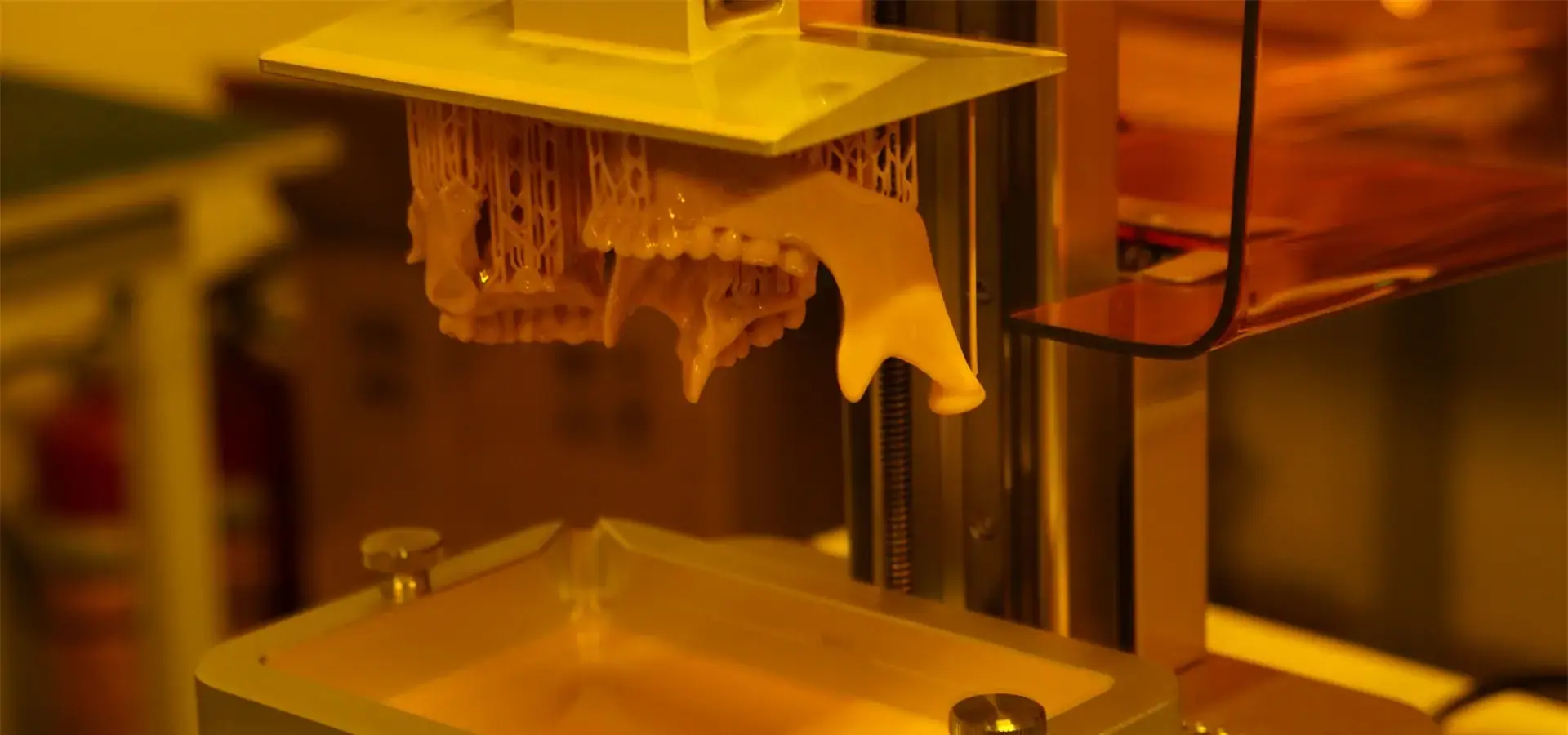
The slicing software that comes with Budget SLA printers has a big effect on how efficiently they work. Check out software interfaces that make it easy to control things like support generation, exposure parameters, and hollowing features that use less resin. Modern systems can change the height of each layer, so they can boost resolution only when it's needed to balance print speed and detail. Different types of connectivity, such as wired networking, wireless transfer, and direct USB printing, can make work easier. We've seen that businesses that print a lot of jobs every day benefit a lot from network-enabled systems that let them manage the queue without having to physically access the printer. Your digital production pipeline won't have any problems because it works with industry-standard file formats (STL, OBJ, and more and more 3MF) and can be integrated with existing CAD/CAM workflows.
Supplier Reliability and After-Sales Support
Often, the technical support system for Budget SLA printers determines whether your investment makes you more productive or makes you frustrated. Test how responsive a supplier is to your questions before you buy—delays during the sales process tend to get worse after the sale. The warranty should cover more than just basic mechanical failure. It should also cover replacing the LCD screen, which is a consumable part that has a limited life. Full after-sales packages include help with calibration, help with fixing problems, firmware updates that improve performance, and access to application-specific help. Regional service presence is important, especially for businesses that don't have their own 3D printing experts. Suppliers who offer installation training, operator certification programs, and ongoing technical support are much more valuable than those who only sell equipment.
Comparing Top Budget SLA Printers and Brands
Market Landscape and Brand Positioning
The Budget SLA printer market has significantly matured, with established brands differentiating through dependability, ecosystem development, and specialized application focus. Leading manufacturers have improved their products to meet the needs of different parts of the industry. Budget SLA printers with a dental focus put an emphasis on biocompatible material certification and accuracy that meets intraoral needs. Jewelry-oriented systems put a high value on compatibility with castable resins and the low ash content needed for investment casting. The goal of industrial prototyping units is to find a good balance between build volume and resolution. This helps product development teams make quick iteration cycles. By understanding this segmentation, procurement teams can choose systems that work well with their main applications instead of going with general "best overall" suggestions that might not meet their specific needs.
Performance Versus Price Analysis
In the Budget SLA printer category, prices range from around $500 for hobbyist-level printers to $3,000 for entry-level industrial systems. This range is based on different levels of capability. Units that cost less than $800 usually have 4K black-and-white screens, manual leveling, and not a lot of technical support. In the $1,200–$2,000 range, 8K resolution, better mechanical stability, and material profiles backed by the manufacturer are added. Budget SLA printers under $3,000 feature 12K screens, automatic leveling, heated build chambers for stable dimensions, and full warranty programs. Based on our study of total cost of ownership, mid-tier systems are usually the best choice for business-to-business (B2B) needs. Smaller improvements in capabilities make the extra money worth it because failure rates go down and part costs go down. This way, you can avoid the feature premium that comes with flagship models, which may be too much for many prototyping situations.
Hidden Costs and Total Ownership Considerations
The purchase price is only the first part of the Budget SLA printer investment. In production settings, costs for consumables add up quickly. The amount of resin needed depends on the job, but functional prototyping usually needs between 0.5 and 2 liters per month. Resin costs between $300 and $3,600 a year, depending on the material, and ranges from $50 to $150 per liter. Every 20 to 50 print cycles, FEP or ACF release films need to be replaced, which costs $15 to $40 each time. Even though monochrome LCD screens are more durable than earlier RGB versions, they typically degrade after approximately 2,000 to 5,000 hours depending on usage intensity and cooling efficiency during UV exposure and cost between $80 and $200 to replace. Post-processing needs extra money because you need isopropyl alcohol or special cleaning solutions to get rid of uncured resin, UV curing chambers to get the final mechanical properties, and ventilation systems to control the exposure of photopolymer vapor. When planning a budget SLA printer deployment, companies should set aside about 30 to 40 percent of the initial cost of the equipment each year for supplies and repairs.
Maintenance, Troubleshooting and Optimizing Your Budget SLA Printer
Preventive Maintenance Protocols
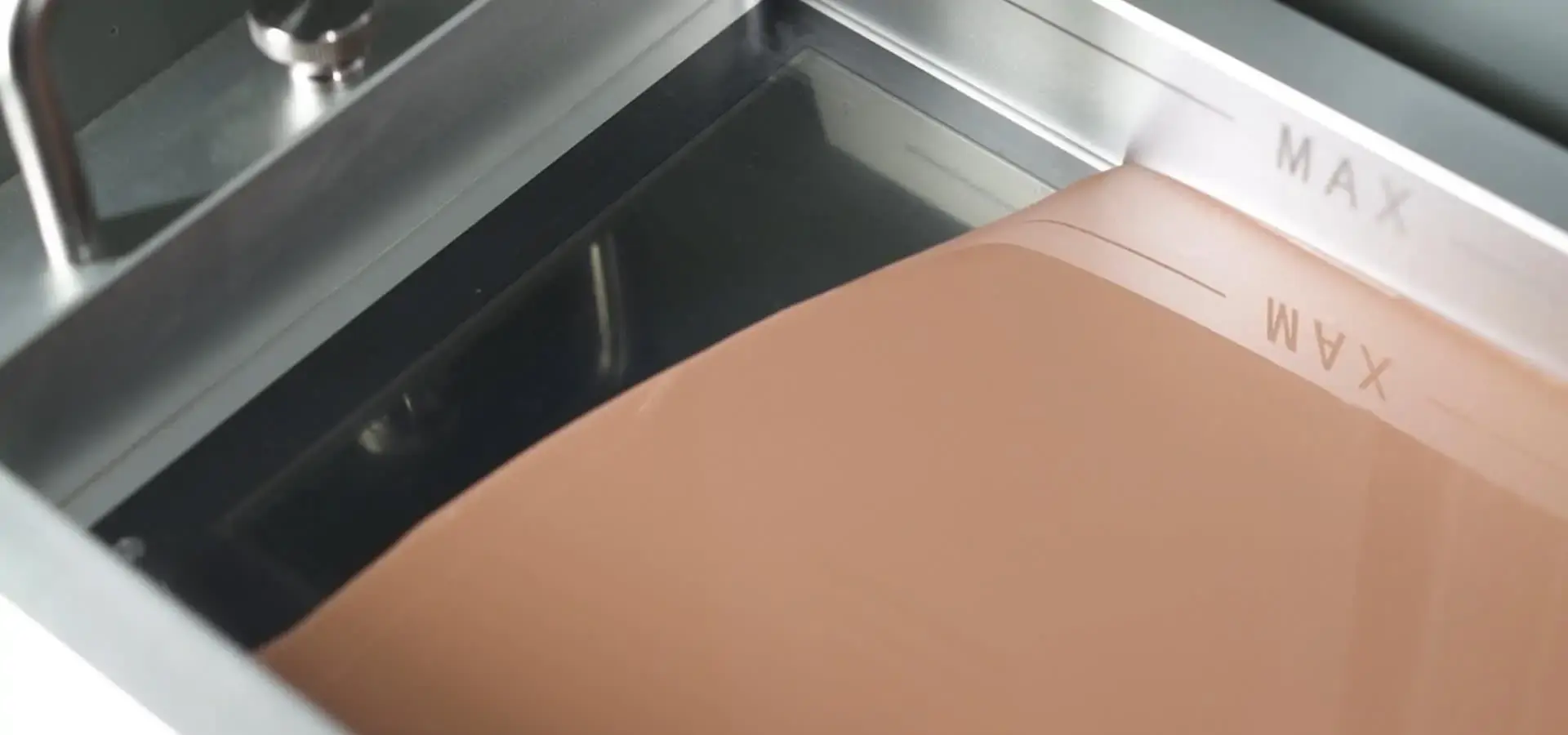
Systematic maintenance practices are directly linked to the Budget SLA printer's durability and the consistency of its output. Setting up maintenance schedules for every day, every week, and every month is what we suggest. Every day, the build plate is cleaned with isopropyl alcohol, the vat is checked for debris made of partially cured resin, and loose resin is filtered before the material is put back into storage bottles. As part of weekly maintenance, the FEP film is carefully checked for cloudiness or deformation that means it needs to be replaced. The LCD screen is cleaned with microfiber materials to get rid of resin residue that blocks light, and the Z-axis linear rails are oiled to keep them from binding and wearing out too quickly. Monthly routines should include checking mechanical calibration, testing exposure for optimal curing conditions as LCD intensity decreases, and thoroughly cleaning the UV LED array for consistent light delivery. A central maintenance log keeps track of the lifecycles of all the parts in an organization's budget SLA printers, so they can be replaced before they fail and mess up production schedules.
Common Failure Modes and Resolution Strategies
Knowing how Budget SLA printers usually break down helps with quick troubleshooting and reducing downtime. The most common problem is first-layer adhesion failures, which can be caused by not leveling the build plate properly, not exposing the bottom for long enough, or having dirty platform surfaces. To fix the problem, procedures like re-leveling, increasing the exposure time of the bottom layer by 20 to 30 percent, and cleaning the platform well with abrasive pads to improve mechanical adhesion must be done. Layer delamination during printing usually means that the chosen resin wasn't exposed for long enough, excessive peel speed, which leads to high separation forces between the cured layer and release film, creating forces that were too strong for the layers to stick together, or the FEP film was damaged, causing inconsistent release. Most delamination problems can be fixed by slowly increasing the exposure time and slowing down the peeling process. It's common for prints to warp or be off in terms of their dimensions because the post-cure steps weren't followed properly, temperature fluctuations during printing, which affect resin viscosity and curing consistency and curing consistency, or the support structure was placed in a way that caused internal stresses. Dimensional stability issues can be fixed by using heated build chambers, setting up temperature-controlled printing environments, and making the most of support density and attachment points.
Performance Optimization Strategies
To get the best quality and speed from your budget SLA printer, you need to carefully tweak its settings. The main factor that affects print success and speed is exposure time. Under-exposure makes the layers weak and easy to delaminate, while over-exposure makes the dimensions wrong and makes it difficult to remove the support. When introducing new resin formulations, we suggest running exposure test matrices that print standard calibration objects at different exposure times to find the best settings. Choosing the right layer height strikes a mix between print time and surface quality. Printing faster without losing detail where it matters is possible by using 50-micron layers for most of the print and 25-micron layers only for important surface areas. Support structure optimization has a huge effect on work that needs to be done after processing. Modern slicing software can automatically make supports, but finetuning them by hand keeps them from leaving marks on visible surfaces and makes them easier to remove. Hollow-printing techniques use less resin and take less time to print large objects, but making sure the drainage holes are placed correctly keeps the resin from getting stuck and stops internal pressure from building up during printing.
Procurement Guide – How and Where to Buy Budget SLA Printers
Authorized Distribution Channels and Supplier Verification
Buying a budget SLA printer through trusted channels protects your investment and makes sure you get real equipment with support from the manufacturer. Authorized dealers and direct relationships with manufacturers offer warranty coverage, firmware updates, and a network for technical support. There is more price competition because there are more marketplace platforms, but there are also more risks of fake units, used equipment being sold as new, and sellers who can't help customers after the sale. Before you buy, you should check the manufacturer's websites to make sure the dealer is authorized. This is especially important for international transactions. Regional distributors have benefits like being able to help you in your own language, getting you spare parts faster, and knowing the rules that apply to resin chemistry compliance in your area. Companies that want to deploy more than one unit should talk to manufacturers directly about volume purchasing agreements. This is a good way to get 15–25% off of prices and custom support packages that include on-site training and longer warranty terms.
Financing Options and Budget Structures
Beyond outright purchase, Budget SLA printer acquisition strategies exist. Leasing programs for equipment lower the initial cost of buying the equipment. This turns the cost of the equipment into an operating expense, which may be tax-deductible in some places. Typical lease terms are 24 to 48 months, and there are buyout options at the end of the term. This method works for businesses that want to test the integration of 3D printing without spending a lot of money or for companies that want to upgrade their equipment as technology improves. New subscription models coming out in 2026 include equipment, materials, and support for a monthly fee. This makes budgeting easier and gets rid of the need to manage buying consumables. Usually, these programs include sending materials automatically and upgrading equipment on a regular basis. The total cost over several years is higher than the outright purchase price, but organizations that care more about managing their cash flow than minimizing long-term costs like the operational simplicity and predictable budgeting.
Evaluating Warranty Coverage and Support Agreements
Budget SLA printer manufacturers offer very different warranty terms, which has a direct effect on the long-term costs of ownership and the printer's dependability. Basic warranties usually cover failure of mechanical parts for one year, but they don't cover things that are used up quickly, like LCD screens and release films. Premium support packages cover you for an extra 24 to 36 months and come with replacement allowances for consumables, preventative maintenance visits, and faster technical support responses. Organizations should carefully read through warranty exclusions—many agreements don't cover the use of third-party resin, which goes against the benefits of an open system that we talked about earlier. Protecting operational flexibility means negotiating warranty terms that let certified third-party materials be used while still covering them. Support response time guarantees are very important in production settings where printer downtime can mess up work. Service level agreements that list maximum response times and delivery schedules for replacement parts give you options when support isn't good enough. However, these protections usually come with buying more expensive equipment or buying in bulk.
Conclusion
To choose the right budget SLA printer, you need to weigh the technical specs, supplier dependability, and total ownership costs against the needs of your organization's specific applications. The best system consistently delivers high precision typically in the tens-of-micron range, works with a wide range of resin chemicals without any proprietary restrictions, and comes with quick technical support that keeps operations running smoothly. As MSLA technology keeps getting better in 2026, the gap between cheap solutions and high-end industrial systems gets much smaller. This means that organizations that couldn't afford the investment before can now use precision resin printing. A thorough evaluation of suppliers, systematic maintenance practices, and strategic material sourcing that maximizes long-term value are all important for a successful implementation. Manufacturing companies that can do prototyping in-house are getting more and more rewarded. This speeds up the innovation process and makes companies less reliant on outside service providers.
FAQ
What distinguishes a budget SLA printer from industrial resin printing systems?
Instead of basic print quality, budget SLA printers differ from industrial SLA systems primarily in build volume, scanning method (LCD vs laser), and production throughput and advanced features. Industrial systems have bigger work platforms that can handle batch production, automated material handling that requires less work from the operator, and environmental controls that keep the temperature and humidity stable. Usually, they come with full process monitoring and integration of quality assurance. Budget SLA printers that use modern MSLA technology, on the other hand, can produce smaller parts with the same level of detail and finish. This makes them perfect for prototyping and low-volume production where the higher cost of industrial equipment is not worth it.
How do I ensure consistent quality across multiple print jobs?
Stable results come from controlling processes in a planned way. Keep the environment stable, especially the temperature, which can change how thick the resin is and how it cures. Instead of just going by what the manufacturer says, use calibration testing to set standard exposure levels for each resin formulation. Set up regular maintenance schedules that include replacing the FEP film and cleaning the LCD before wear and tear starts to affect output. Between uses, filter the resin well to get rid of any partially cured particles that could cause print problems. Write down the parameter sets that worked and the batch numbers of the materials used. This will allow you to connect changes in quality to specific variables.
Are budget SLA printers suitable for producing end-use parts?
Many budget SLA printers support functional part production depending on application requirements. Engineering resin mixtures have mechanical properties that are similar to injection-molded thermoplastics. They can be used to make enclosures, brackets, and functional prototypes that are being tested. Biocompatible resins make it possible to make medical devices like dental appliances and surgical guides. Investment casting is a way to make jewelry and metal parts, and castable formulations help with both. But be sure to carefully look over material certifications—applications that need to follow regulations may need validation testing that materials that are meant to save money haven't had. Production volume is also important; investing in industrial equipment for throughput benefits is usually a good idea for high-volume manufacturing.
Partner with Magforms for Your Budget SLA Printer Needs
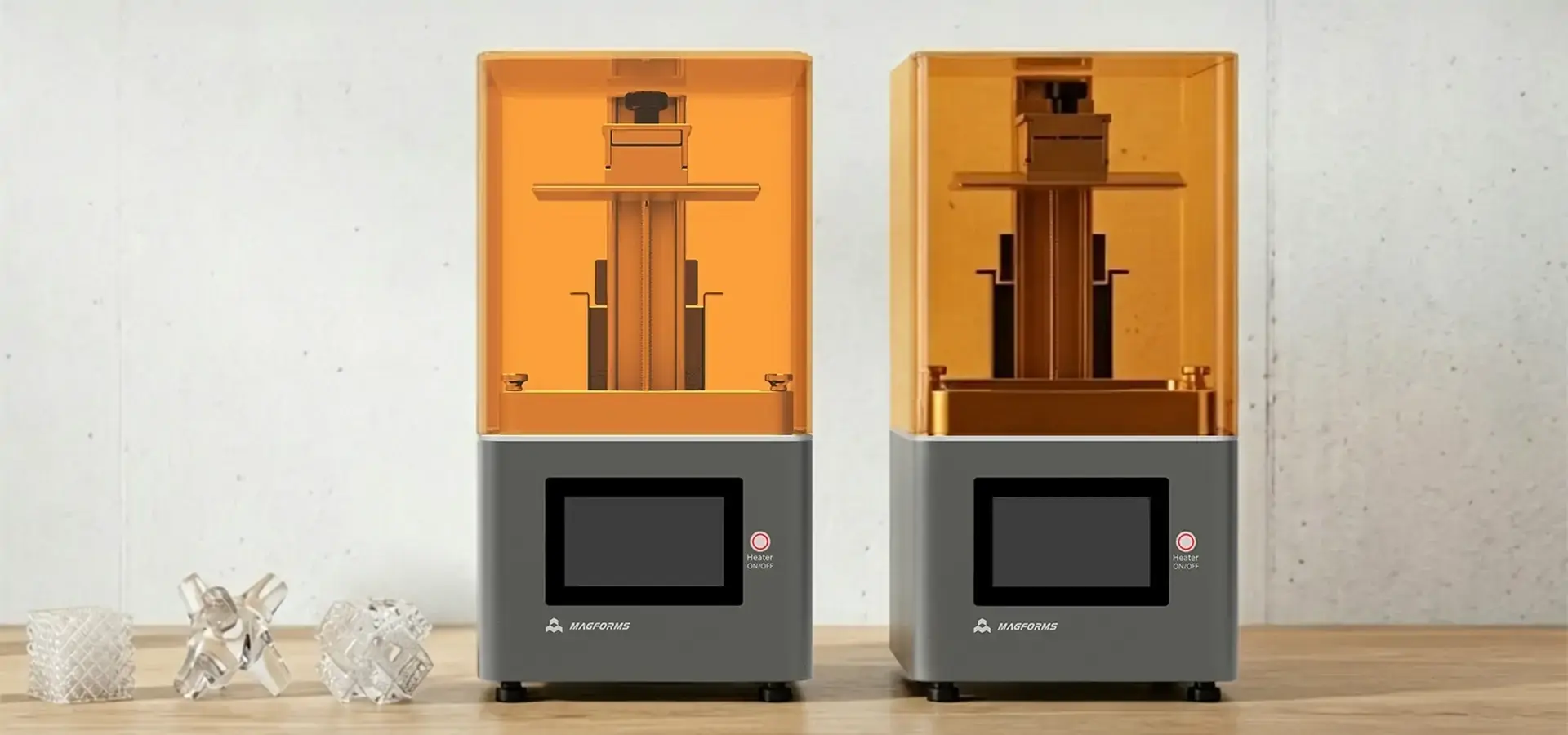
Because Magforms has been specializing in industrial resin printing systems for so long, it has become a reliable budget SLA printer supplier. Our approach integrates mSLA-based hardware optimization with validated photopolymer material profiles to ensure process stability and repeatability. This solves the compatibility problems that often make production less reliable when equipment and resins come from different places. This working together gives highly accurate dimensional control within tens of microns under optimized conditions and very stable dimensions in a wide range of situations, from dental modeling to making prototypes for cars.
Our Budget SLA printer solutions are based on advanced technologies that make UV light distribution more even. This makes the build platforms more than 95% uniform and gets rid of the edge failures that happen with inconsistent curing systems. Our equipment goes through a lot of validation testing, which includes protocols for continuous operation that last more than 1,000 hours. This makes sure that it is reliable enough for use in production environments. Through optimized exposure algorithms, print speeds are over 30% faster than the industry average. This lowers your direct per-part costs and makes you more competitive.
Magforms does more than just make great hardware; they also offer full technical support throughout the lifecycle of the equipment. Our team helps with the initial setup and calibration, operator training that is customized to your needs, and ongoing troubleshooting to keep you from having to deal with extended downtime. We keep a large stock of spare parts so that replacement parts can be sent out quickly. Our technical consulting services can also help you find the best print parameters for your needs. Contact our experts at info@magforms.com to talk about how our experience as a Budget SLA printer manufacturer can help you improve your production with long-term solutions that will work.
References
1. Gibson, I., Rosen, D., & Stucker, B. (2021). Additive Manufacturing Technologies: 3D Printing, Rapid Prototyping, and Direct Digital Manufacturing (3rd ed.). Springer International Publishing.
2. Gross, B. C., Erkal, J. L., Lockwood, S. Y., Chen, C., & Spence, D. M. (2020). Evaluation of 3D printing and its potential impact on biotechnology and the chemical sciences. Analytical Chemistry, 86(7), 3240-3253.
3. Stansbury, J. W., & Idacavage, M. J. (2019). 3D printing with polymers: Challenges among expanding options and opportunities. Dental Materials, 32(1), 54-64.
4. Ligon, S. C., Liska, R., Stampfl, J., Gurr, M., & Mülhaupt, R. (2022). Polymers for 3D Printing and Customized Additive Manufacturing. Chemical Reviews, 117(15), 10212-10290.
5. Ventola, C. L. (2021). Medical Applications for 3D Printing: Current and Projected Uses. Pharmacy and Therapeutics, 39(10), 704-711.
6. Pagac, M., Hajnys, J., Ma, Q. P., Jancar, L., Jansa, J., Stefek, P., & Mesicek, J. (2023). A Review of Vat Photopolymerization Technology: Materials, Applications, Challenges, and Future Trends of 3D Printing. Polymers, 13(4), 598-625.


Magforms makes design and manufacture easier.
Popular Blogs
-
 Industry InsightsManufacturing Industry
FDM vs. SLA Printer: Which Technology Is Right for Your Project?
-
 Industry InsightsManufacturing Industry
Top 5 Applications of Industrial 3D Printers in Manufacturing Today
-
 Industry InsightsManufacturing Industry
Why Stereolithography 3D Printers Are Unmatched for Microfluidic Device Prototyping?
