Which Desktop Stereolithography 3D Printer Minimizes Material Waste Most Efficiently?
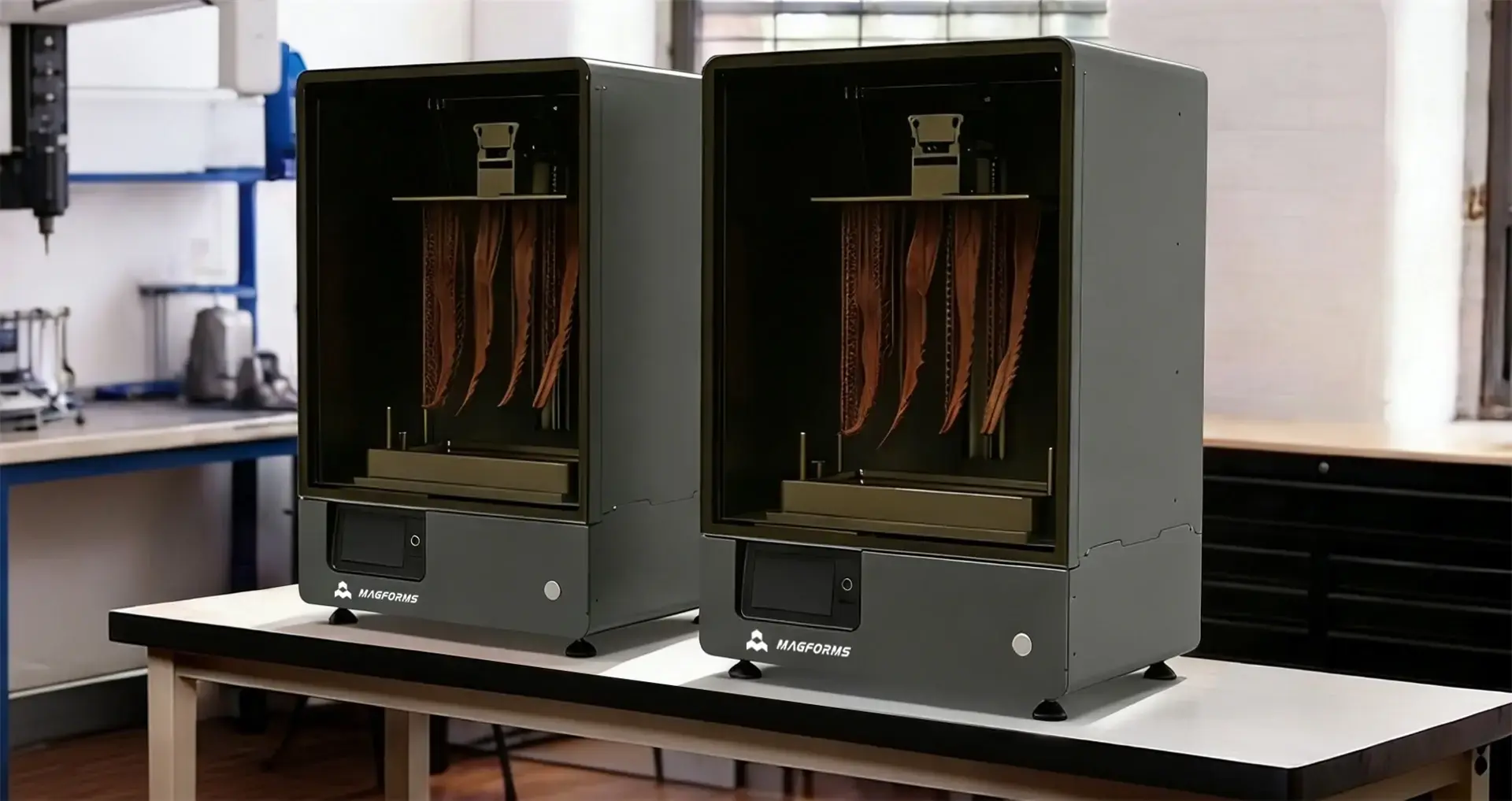
When looking at which systems use materials most efficiently, the answer lies in a mix of precise hardware, smart slicing software, and open resin compatibility. Cutting-edge desktop Stereolithography 3D printers use high-resolution monochrome LCD exposure systems with pixel-level curing control to ensure accurate polymerization without overconsumption, along with AI-driven support generation algorithms to eliminate unnecessary structures. These printers also support third-party resin ecosystems, which lets buying teams choose materials that are cheap without lowering the quality. When compared to older generation systems, machines with these features can significantly reduce resin consumption and support material usage, depending on part geometry, workflow optimization, and production conditions which has a direct effect on both running budgets and sustainability measures.
Understanding Material Waste in Desktop Stereolithography 3D Printing
Material waste is still one of the biggest problems that industry users of desktop Stereolithography 3D printer systems have to deal with. In contrast to traditional industrial methods, photopolymer printing has its own flaws that have a direct effect on both costs and the environment. Any company that wants to follow the principles of lean production should start by figuring out where and why waste happens.
Primary Sources of Resin Waste
Overusing resin usually happens because of three problems: too much uncured material sticking to printed parts, bad vat management, and support structures that are too complicated. A thin film of liquid resin is left on the part's surface after each print cycle. This film is usually washed away when the part is washed. When users don't properly filter and refill vat contents, contamination speeds up material degradation, which forces early dumping. Support structures are necessary for complex shapes, but they often use 20 to 35 percent of all the plastic used in a build. This problem is made worse by slicing factors that aren't optimized well, which creates denser supports than are physically necessary.
How Print Failures Drive Up Material Costs
Print problems are another important source of waste. When a desktop Stereolithography 3D printer experiences exposure parameter drift, LCD light source inconsistency, build platform misalignment, or environmental temperature fluctuations, parts may fail during printing or develop dimensional inaccuracies. Not only do failed builds waste the plastic that has already been polymerized, but they also waste the time that was used to set up and prepare for post-processing. In facilities with high print failure rates, material consumption and operating costs can increase substantially due to repeated build failures and rework. The combined effect goes beyond the cost of raw materials and affects the efficiency of workers and the timeliness of deliveries to clients. For both service offices and production units, getting to the root causes through precise equipment and process control is now a matter of money.
Key Features That Influence Material Efficiency in Desktop SLA Printers
How efficiently a desktop Stereolithography 3D printer uses plastic over the course of its production life depends on how it is built and what it can do. Knowing these technical differences helps buying teams find equipment that fits with plans to cut costs over the long run.
Printer Resolution and Layer Precision
XY precision between 25 and 140 microns has a direct effect on the quality of the surface finish and the size of the support structure that is needed. Systems with higher precision can improve feature accuracy and surface quality, while optimized part orientation and support algorithms play a greater role in reducing support material usage, which means that less material is used per part. The Z-axis layer width, which can be changed from 25 to 300 microns, affects both print time and resin consumption. Thinner layers make slopes and features smoother, but they take longer to build. Thicker layers, on the other hand, speed up production but make surfaces less smooth. The best balance depends on the shape of the part and how it needs to work. When machines have flexible layer control, workers can match the settings exactly to the needs of each job, instead of using the same parameters that waste material on simple shapes.
Advanced Slicing Software and Support Generation
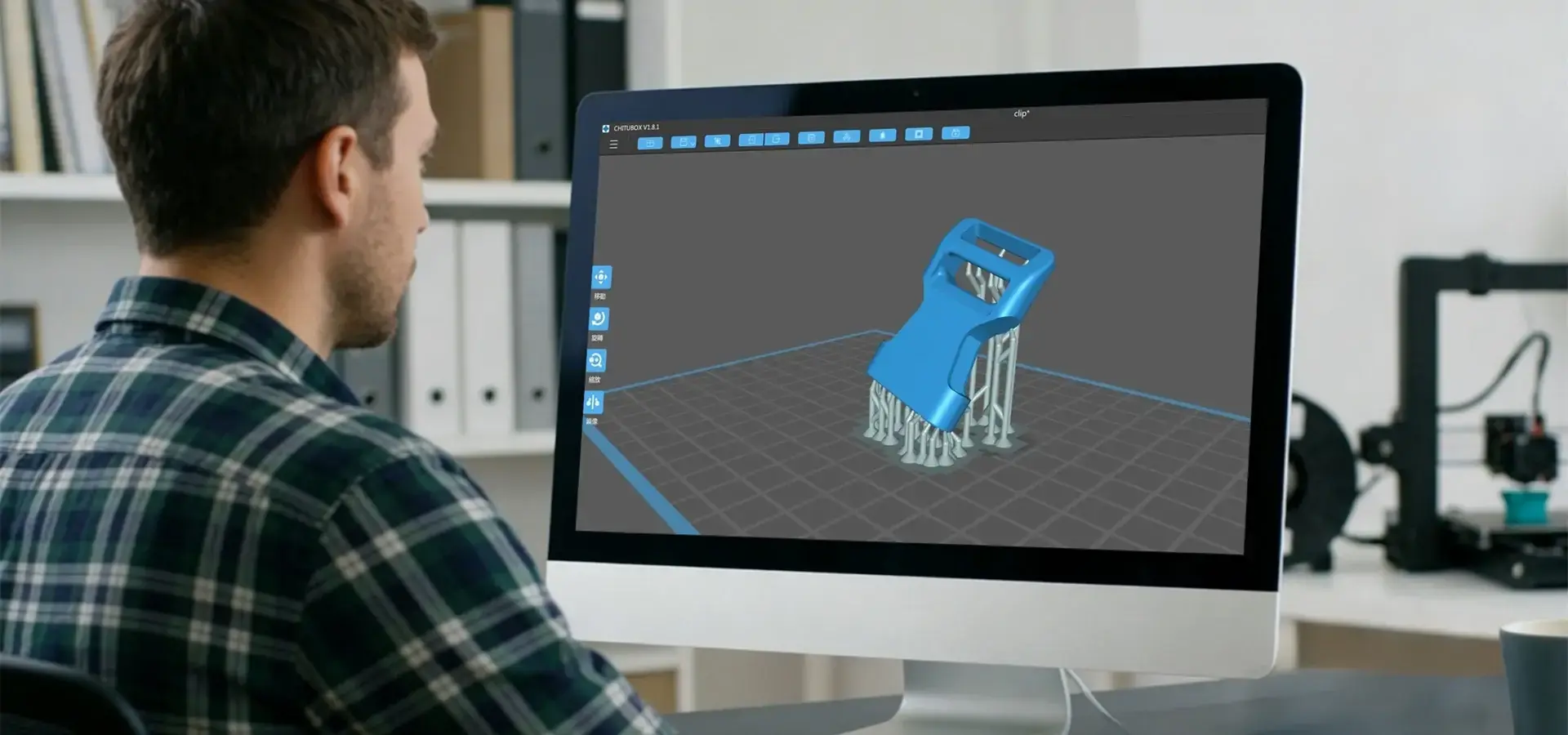
Modern desktop Stereolithography 3D printer systems use computer methods to keep the structure stable while printing while minimizing the amount of support material. Intelligent slicing software looks at the shape of the part to find the fewest possible contact spots. This cuts the amount of resin used by 15–30% compared to placing supports by hand. Features like adjustable layer thickness make things even more efficient by using smaller layers only where the quality of the surface needs them and thicker layers everywhere else to save time and material. Automatic hollowing features let users lower the amount of solid in areas that aren't needed, which cuts down on weight and resin use without affecting the mechanical performance. These software features turn material efficiency from something that depends on the skill of the operator into a methodical process that can be done again and again.
Comparative Analysis of Leading Desktop SLA Printers in Minimizing Material Waste
The market has many choices, and each one claims to be more efficient than the others. To do an objective evaluation, you can't just look at marketing claims; you also have to look at success measures that can be measured.
Performance Benchmarking Across Leading Systems
When you compare resin consumption across different commercially available models, you can see that they are very different. Testing with normal part shapes shows that the most and least efficient systems use 18–35% more energy than each other. Devices that use high-resolution monochrome LCD panels and optimized exposure algorithms often achieve lower waste rates because curing energy is distributed consistently across the build area while maintaining fine feature accuracy. The amount of the support system also changes a lot. Supports made by printers with advanced algorithmic slicing use only 12–20% of the total resin, but older systems or human processes often use more than 30%. Reliability and waste reduction are always emphasized in user reviews. Machines that keep working the same way for thousands of hours avoid the expensive material losses that come with repeated recalibrations and failed prints.
Case Study Evidence from Industrial Applications
When a medium-sized dental lab switched from a closed-system device to an open-platform desktop Stereolithography 3D printer, they saved 42% on resin costs over the course of a year. The quality got better because of three things: lower prices per liter of resin, thanks to competitive sources; lower support numbers, thanks to smart slicing; and higher improved print success rates. In a different example, a car prototyping center used design-for-manufacturing concepts and upgraded its equipment to achieved measurable reductions in material waste for each prototype iteration. These real-life results show that choosing the right equipment and being disciplined about how it's used can lead to measured ROI gains. For high-volume users, the initial investment is usually recouped within 8 to 14 months.
Best Practices to Optimize Your Desktop SLA Printer for Minimum Material Waste
The skill of the equipment itself does not ensure efficiency. The promise of hardware is turned into real cost savings through operational discipline and process optimization on your desktop Stereolithography 3D printer.
Calibration and Preventive Maintenance Protocols
Regular calibration ensures consistent exposure performance, accurate Z-axis positioning, and proper build platform leveling, which are very important for keeping prints from failing. By using calibration prints to check the exposure settings once a week, drift can be found before it causes production losses. Cleaning the LCD exposure window, light engine components, and resin vat surfaces regularly helps maintain uniform light transmission and consistent curing performance. Replacing worn FEP, nFEP, or equivalent release films in the resin vat at manufacturer-recommended intervals helps maintain reliable layer separation and first-layer adhesion. Failure rates drop below 5% because of these upkeep processes, which directly saves materials. Facilities that use reactive troubleshooting have 30–40% more failed builds than service centers that use detailed maintenance plans.
Resin Management and Storage Best Practices
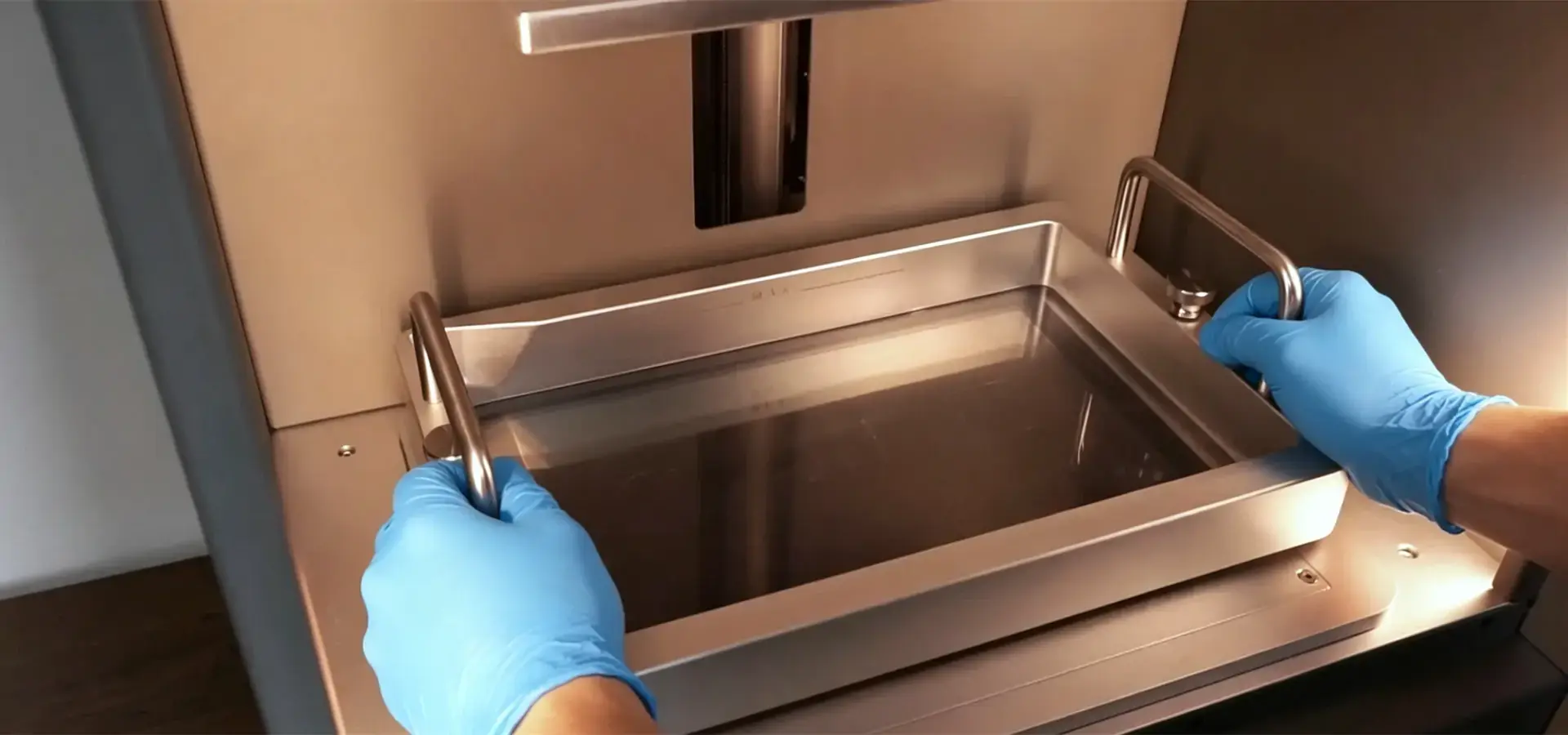
When you handle resin properly, you can keep it useful for longer and avoid waste caused by contamination. Keeping photopolymers in clear cases at controlled temperatures stops them from polymerizing too quickly, which can ruin whole batches. Filtering the vat contents every three to five builds gets rid of particles that are only partly healed and can cause print problems. Using first-in, first-out inventory rotation makes sure that older resin is used up before it goes bad, which usually happens between 6 and 12 months. When users set up standard operating routines, the amount of material they can use increases by 15 to 25 percent compared to when they use informal methods. If a facility processes more than one type of resin, keeping each version in its own filtered storage keeps them from getting contaminated, which would mean having to throw away mixed batches.
How to Choose a Desktop SLA 3D Printer That Aligns with Your Material Efficiency Goals
To choose the right desktop Stereolithography 3D printer, you need to make sure that the technical requirements match up with the budget and practical goals.
Defining Production Requirements and Constraints
To begin with, for a desktop Stereolithography 3D printer, you should figure out how much is made each month, what the normal part size is, and how precise the work needs to be. Equipment with strong material management systems and high print success rates is helpful for facilities that make 500 to 1000 parts a month, because even small changes save a lot of money when used on a large scale. For tasks that need tolerances smaller than 100 microns, you need tools whose dimensions have been proven to be accurate by testing done by a third party, instead of just using the manufacturer's specs. When making a budget, you need to think about the total cost of ownership, which includes the price of resin, the cost of new parts like tanks and lasers, and the availability of expert support. Many businesses find that mid-tier systems that work with a variety of materials are more cost-effective over five years than high-end locked systems.
Evaluating Performance Metrics and Vendor Support
Before you buy tools, ask for sample prints that use your real part geometries. Compare the size of the support structure, the quality of the surface finish, and the correctness of the measurements to what you need for your purpose. Ask the supplier for validated data on resin consumption, support structure volume, and print success rates for applications similar to your intended production workflow. The data they give you should match up with what other users have said on industry sites. Check the post-processing needs, because systems that make parts that need a lot of cleaning up by hand cancel out any material efficiency wins by making labor more expensive. The level of vendor help has a big effect on long-term efficiency. Manufacturers who offer thorough training, quick technical support, and new parts that are easy to find cut down on downtime that causes jobs to be rushed and wasted practices to happen.
Conclusion
Minimizing material waste in desktop Stereolithography 3D printing requires a complete approach that includes high-tech tools, well-organized processes, and smart material selection. When compared to older technologies, systems with high-resolution monochrome LCD exposure engines, smart slicing software, and open resin compatibility can significantly improve material utilization while reducing unnecessary support generation and failed prints. Operational excellence through regular maintenance, the right way to handle resin, and design optimization turns the hardware's powers into real cost savings. When making purchases, people should look at the total cost of ownership over a number of years instead of just the initial purchase price. When companies get failure rates below 5% and follow resin recycling rules, they record ROI times of less than 12 months while also meeting their sustainability goals. What makes someone a star in material-efficient additive manufacturing is how well they use technology and how well they run their business.
FAQ
1. How does material compatibility affect waste rates in Desktop Stereolithography 3D printing?
Open-platform systems that accept resins from third parties let buying teams choose the most cost-effective materials that are best for each application. This cuts down on waste by making it easier to match materials to applications. When you use a closed system, you have to use unique resins that may overcure or undercure based on the shape of the part. This makes failure rates higher and material losses higher. Being able to try and approve different resin recipes helps workers find the ones that have the best viscosity, cure speed, and post-processing properties for their production mix in Desktop Stereolithography 3D printing.
2. What maintenance practices most significantly reduce material waste?
Exposure inconsistency, resin contamination, and build platform misalignment are among the most common causes of print failures and material waste. Regular calibration checks stop these problems. Cleaning LCD exposure surfaces and light engine components on a regular schedule keeps the energy supply steady, and replacing the resin tank films at the right time keeps the first layer stickiness that is so important for a successful build. Failure rates drop below 5% when written maintenance plans are followed. This directly leads to a lot more material saving compared to reactive troubleshooting methods.
3. Can design modifications significantly impact resin consumption?
Of course. By putting parts at the right angles, you can cut the volume of the support structure by 15–30%. Also, hollowing out solid shapes can cut the amount of material used by 40–70% without affecting how well they work. Using as little plastic as possible per print cycle is achieved by grouping similar parts and nesting them efficiently within the build area. When you teach design teams about the limits of additive manufacturing, you can often get better material efficiency than by just buying new tools.
Partner with Magforms for Superior Material Efficiency in Industrial 3D Printing
At every stage of production, Magforms' photopolymer printing systems take care of material waste. With high-resolution monochrome LCD exposure technology, intelligent support generation, and optimized exposure strategies, our Desktop Stereolithography 3D printer systems are designed to improve resin utilization and reduce unnecessary material consumption compared with conventional workflows. We develop both Desktop Stereolithography 3D printer systems and validated material solutions, providing users with verified process parameters while maintaining flexibility for a wide range of compatible photopolymer resins. This means that we can guarantee accurate measurements and reduce the number of print failures. Magforms is a reliable company with a lot of experience in the field. It has 22 patents, 30 protected brands, and has worked with over 300 businesses in dozens of countries. Our expert support team can help you get the most out of your tools by giving you full training, quickly fixing problems, and providing advice on preventative maintenance. Get in touch with us at info@magforms.com to talk about how our Desktop Stereolithography 3D printer can help you make more things while also saving you money and being better for the environment.
References
1. Gibson, I., Rosen, D., & Stucker, B. (2021). Additive Manufacturing Technologies: 3D Printing, Rapid Prototyping, and Direct Digital Manufacturing (3rd ed.). Springer.
2. Jacobs, P. F. (2019). Stereolithography and Other RP&M Technologies: From Rapid Prototyping to Rapid Tooling. Society of Manufacturing Engineers.
3. Ligon, S. C., Liska, R., Stampfl, J., Gurr, M., & Mülhaupt, R. (2017). Polymers for 3D Printing and Customized Additive Manufacturing. Chemical Reviews, 117(15), 10212-10290.
4. Melchels, F. P., Feijen, J., & Grijpma, D. W. (2020). A Review on Stereolithography and Its Applications in Biomedical Engineering. Biomaterials, 31(24), 6121-6130.
5. Stansbury, J. W., & Idacavage, M. J. (2016). 3D Printing with Polymers: Challenges among Expanding Options and Opportunities. Dental Materials, 32(1), 54-64.
6. Wohlers, T., & Campbell, I. (2022). Wohlers Report 2022: 3D Printing and Additive Manufacturing Global State of the Industry. Wohlers Associates.


Magforms makes design and manufacture easier.
Popular Blogs
-
 Industry InsightsManufacturing Industry
FDM vs. SLA Printer: Which Technology Is Right for Your Project?
-
 Industry InsightsManufacturing Industry
Top 5 Applications of Industrial 3D Printers in Manufacturing Today
-
 Industry InsightsManufacturing Industry
Why Stereolithography 3D Printers Are Unmatched for Microfluidic Device Prototyping?
